If you are an Account Owner or an Administrator, navigate to the Accounts tab, then click into the Rewards account. Click the Redeem button. Any custom roles that can view the Accounts tab and have the Redeem rewards permission enabled can also redeem rewards.
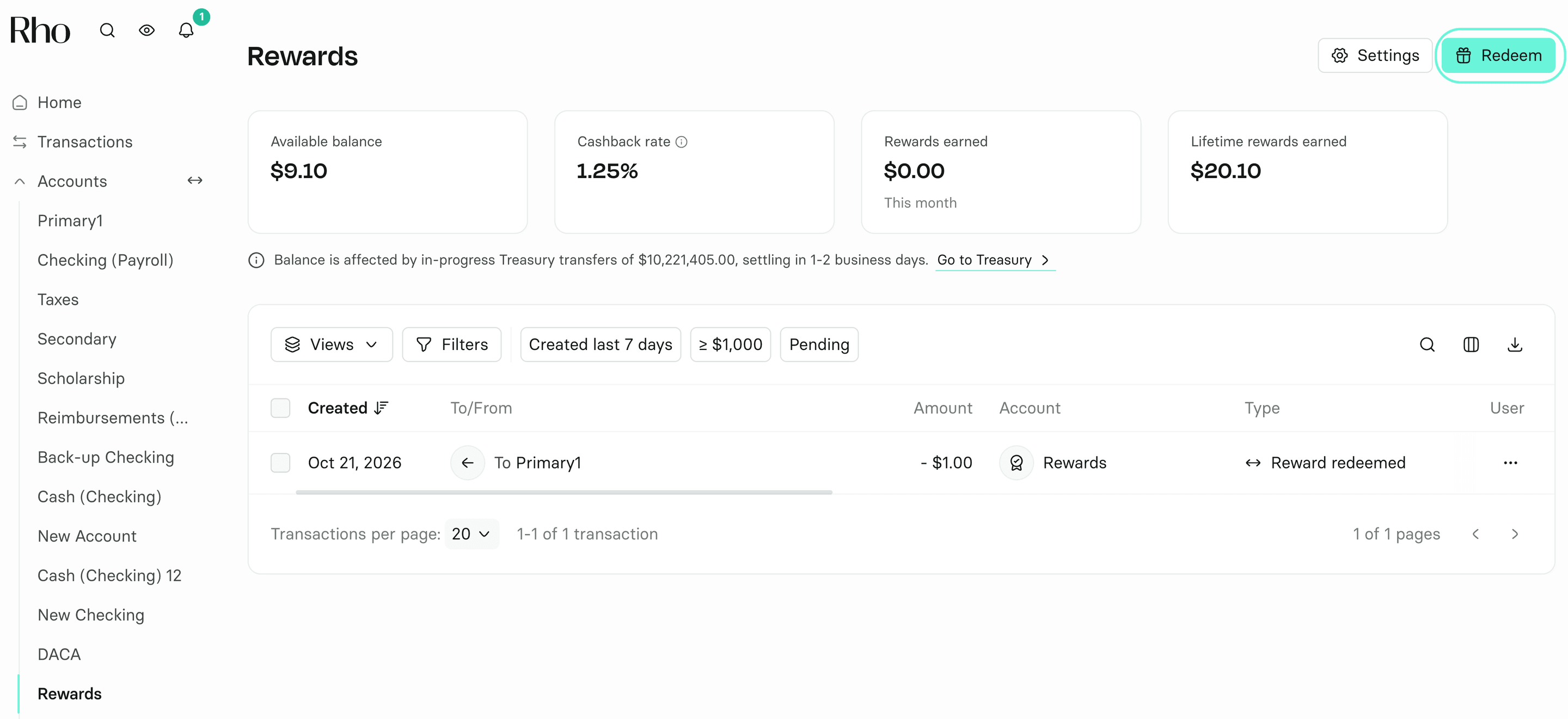
From there, you can transfer a specified dollar amount, or the full reward balance, from your Rewards account into your Primary Checking Account. Accrued Cashback for the Rho Card with Monthly Terms is automatically deposited into your Rewards account, typically 6 business days following full repayment of the statement balance.
Rewards redemptions are deposited into your Primary Checking Account instantly.
Please note that any charges made outside the United States will not receive cashback. For more information about our cashback program, please click here. Please also note that only users with an Account Owner or Administrator role can perform this task. If you are an Employee, Bookkeeper, or Investor, you will not be able to redeem rewards.
Note: Rewards cannot be redeemed in the Rho mobile app.