Corporate cards with receipt capture, spend controls, and accounting sync, at no software cost.
Rho is a fintech company, not a bank. Checking and card services provided by Webster Bank, a division of Santander Bank, N.A., member FDIC, and by Lead Bank, Member FDIC; savings account services provided by American Deposit Management Co. and its partner banks.

Your team moves. You don't slow it down
Create team and vendor cards from the dashboard or the mobile app, and approve expenses in the Rho mobile app.

The rules apply before the money leaves
Restrict a card to specific merchants or categories. A purchase outside them is declined at point of sale.

Stop being the receipt cop
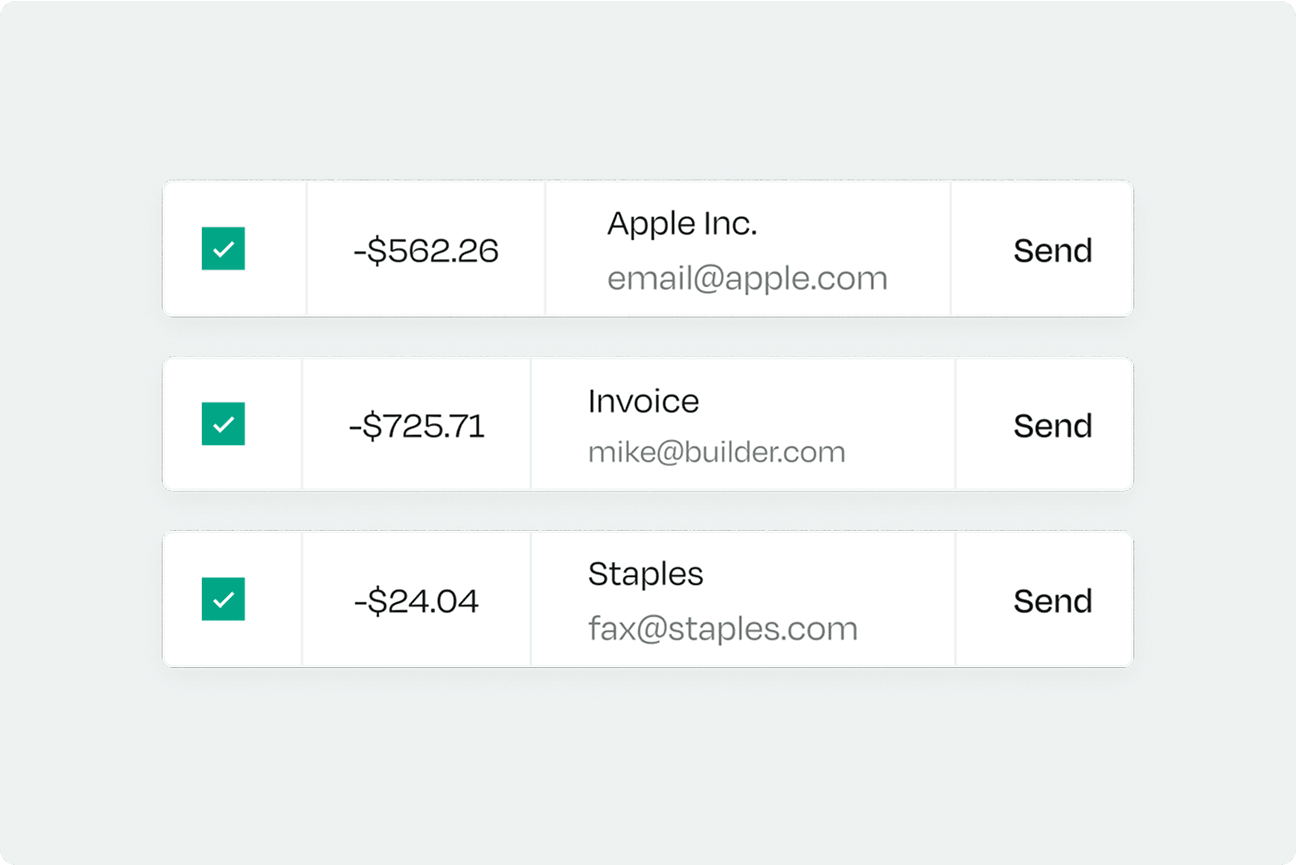
Cardholders get a text or email when a receipt is needed, plus a daily reminder. Text and email receipts match the transaction automatically.

A corporate card program, like Rho Corporate Cards, moves expense management from after-the-fact cleanup to controls set before the purchase and receipt prompts when your expense policy requires a receipt. A corporate card expense program only works when the controls and receipt requirements are set on the card itself. Six mechanisms do the work.
- Control spend before it happens. Rho Corporate Cards let admins set a limit type per card (no limit, recurring, fixed, or single-use) and restrict cards to specific merchants or merchant categories. A purchase outside the permitted list is declined at point of sale.
- Attach receipts from the channel you prefer. Rho matches receipts sent by text or email to the transaction automatically. Cardholders can also reply to a transaction alert or upload from the mobile app or desktop dashboard.
- See card spend in one place. Every Rho card transaction flows into the Expenses tab automatically. Admins see company-wide card spend, department owners see their departments, and each cardholder sees their own expenses and status.
- Enforce the expense policy. Admins set rules that process card transactions automatically, such as requiring a receipt and a reason above a dollar threshold. Cardholders get a text after an in-person purchase or an email after an online one when a receipt is needed.
- Sync card spend to your books. Rho syncs card transactions to NetSuite, QuickBooks Online, Sage Intacct, and Puzzle. With the QuickBooks Online direct integration, transactions are categorized and reconciled from your Rho settings.
- Export for review. Card transactions can be exported as a CSV from the Cards tab, for all cards or for one card, over a date range you choose.
- 01
Issue cards to your team
Create team and vendor cards from the dashboard or the mobile app, each with a limit type: no limit, recurring, fixed, or single-use.
- 02
Set spend controls and rules
Restrict a card to specific merchants or categories, and set rules that require a receipt and a reason above a dollar threshold.
- 03
Capture receipts as you spend
Text a photo, forward to receipts@rho.co, reply to an alert, or upload in the app. Text and email receipts match automatically.
- 04
Sync to your accounting software
Card transactions flow into the Expenses tab, then sync to NetSuite, QuickBooks Online, Sage Intacct, or Puzzle. Xero connects by bank feed or direct integration.
Use this checklist when you compare programs and choose an expense management program. Here is how Rho Corporate Cards handle each item.
- Spending limits: limit types per card are no limit, recurring, fixed, or single-use.
- Merchant and category controls: up to 20 specific merchants per card, plus merchant category controls. Purchases outside them are declined. Company-wide merchant restrictions are available in settings.
- Virtual and physical cards: both are available for team and vendor spend.
- Receipt capture and reminders: five ways to attach a receipt, a text or email prompt when a receipt is needed, and a daily reminder for missing ones.
- Approval workflows: expense approval in the Rho mobile app, plus admin rules that process transactions automatically.
- Accounting integrations: native NetSuite, QuickBooks Online, Sage Intacct, and Puzzle integrations. Xero connects through a bank feed or a direct integration.
- Alerts and exports: email alerts for all alert types, SMS for most, and mobile push for card transactions. Card activity alerts arrive in real time. Card transactions export as CSV.
- Cost: $0 in subscription, per-user, and platform fees for expense management, with no annual fee and no per-card fee on Rho Corporate Cards.
A corporate card program is a set of company-issued cards that the business administers: who gets a card, how much each card can spend, where it can be used, and how every purchase is documented and recorded. The company holds the account, not the employee. Rho Corporate Cards need no personal guarantee and involve no personal credit score pull. A corporate card is not expense management by itself. The value comes when cards are paired with spend controls, receipt capture, and accounting sync, and when someone owns the policy. Receipts still have to be submitted and exceptions still have to be reviewed. Rho provides the controls and the records; the finance team sets the rules.
- Who gets a card, and how much each card can spend
- Where each card can be used
- How every purchase is documented and recorded
- Who owns the policy: the finance team
Frequently asked questions
US-incorporated businesses only, subject to approval. Have your EIN ready.