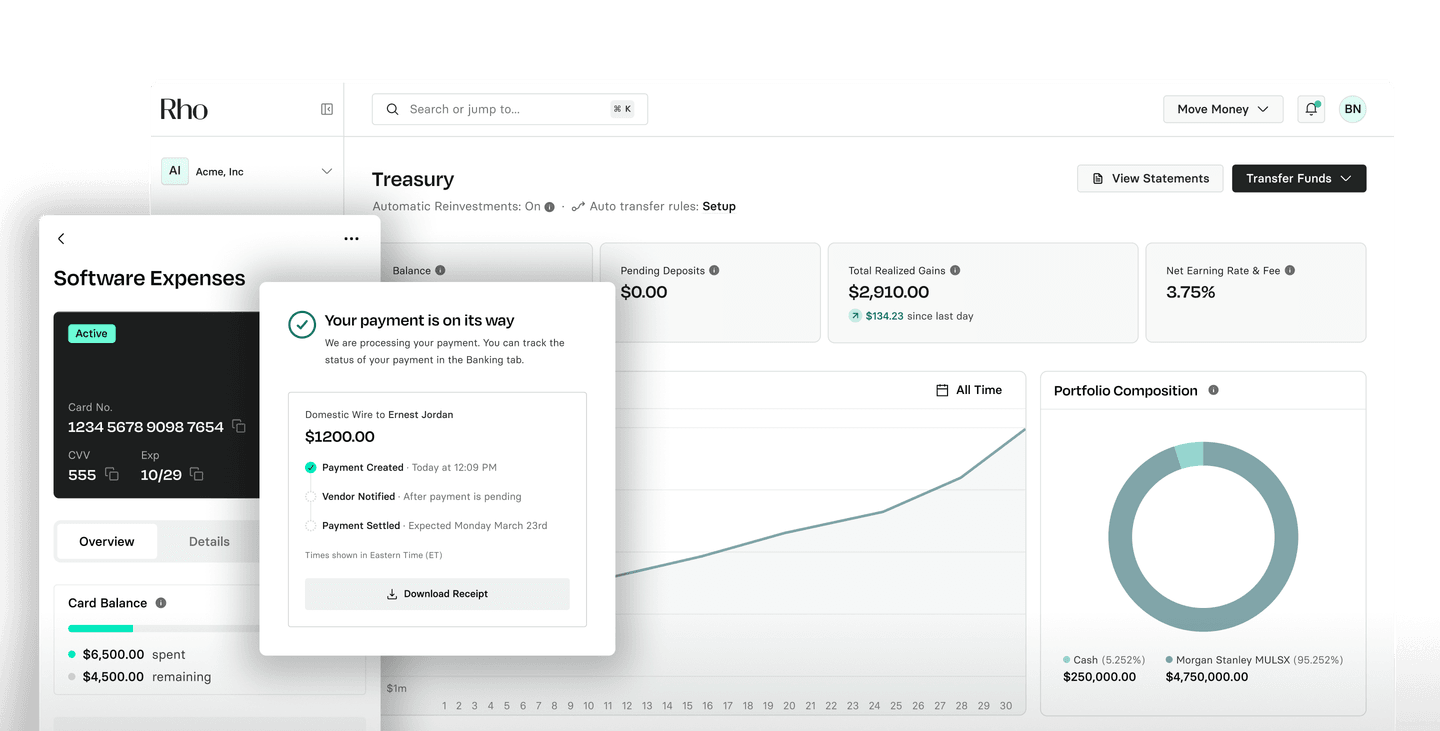
Connect in minutes
Settings, then Configurations, then Access Tokens. Create an access token. Start pulling.

Connect once. Your accounts and transactions live in the tools you already use.
Settings, then Configurations, then Access Tokens. Create an access token. Start pulling.
Connect Rho to Claude. Ask what you spent. The answer is just there.

Balance alerts. Burn dashboards. Transaction categorizers. Your data, your tools.
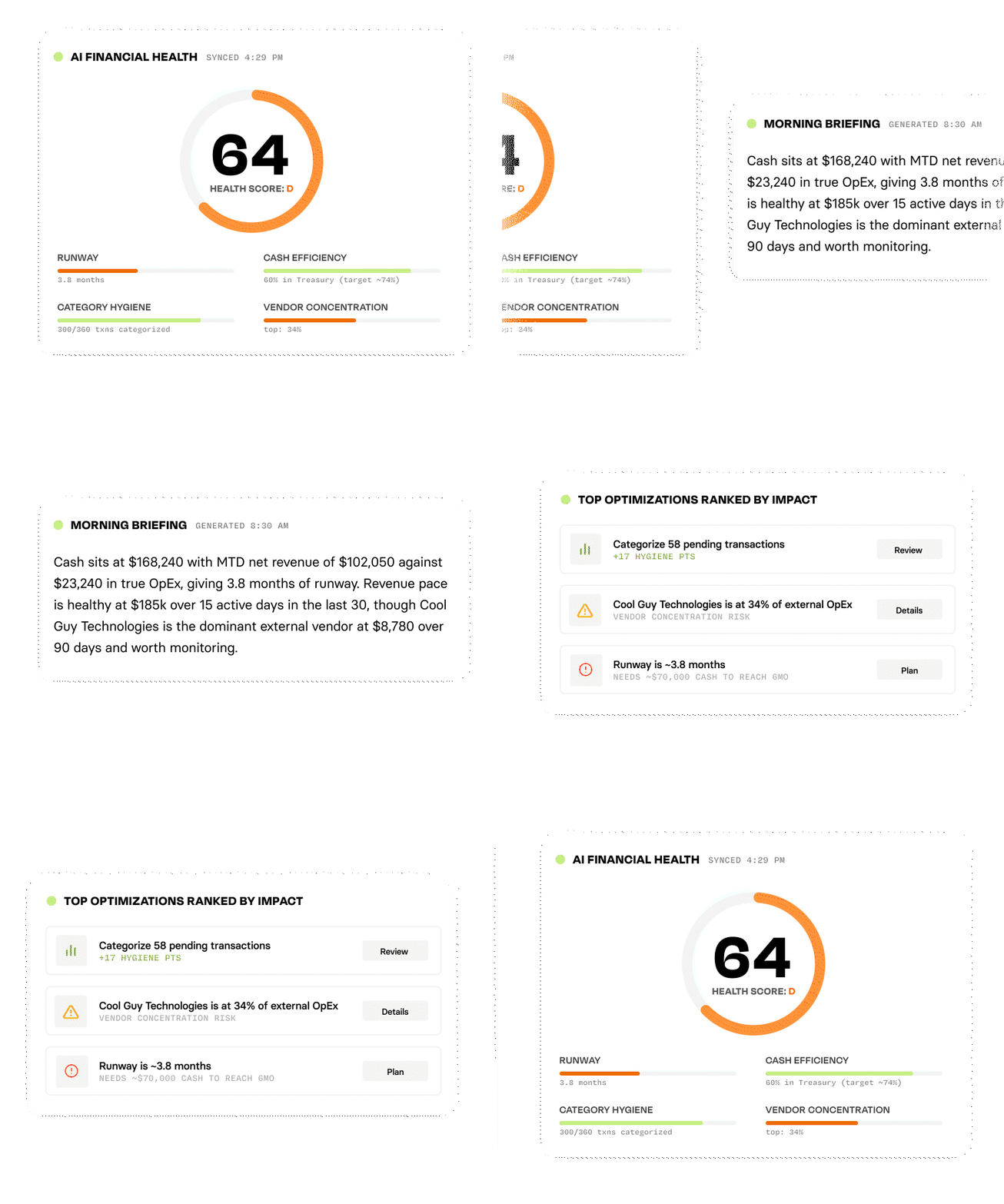
Break down spend by card, vendor, and month, visualized the way you want to see it.
Live transactions flowing into the model you already run. No CSV exports.
Top expenses, vendor totals, and what came in this week are all answered in plain English.
Yesterday's activity, summarized on your schedule, delivered wherever your day starts.
Blend transactions with your CRM, billing, or ops data to build views your team needs.
"What did we spend on the conference?" Tallied against your budget and formatted your way.
One token, full access to accounts and transactions across every Rho account
No aggregator in the chain
Plugs straight into Claude, Cursor, Goose, or any agent you run
REST API for custom builds
Read-only and scoped. Revoke tokens anytime from settings
A feed delivers a thin slice of posted transactions to one destination, through an aggregator, on the feed's schedule. The API is a direct connection: full transaction detail across all your Rho accounts, on demand, into any system you choose.
A feed answers "what cleared?" The API answers "what's happening across my Rho accounts?"
Yes. Different tools for different jobs. Ledger sync is the accounting integration (QuickBooks, NetSuite, others). Raw data, or a platform we don't integrate with, is the API. It doesn't affect your existing sync.
Yes. Tokens are read-only and scoped to transaction and account data. They can't initiate payments or modify your account, and you can revoke them anytime in settings.
Read-only access to accounts (balances, details) and transactions: card, ACH, wire, check, internal transfers, savings, treasury, and rewards activity.
Account Owners and Admins only.
Acting on Rho, not just reading it: write access, webhooks, more endpoints. If you want your use case supported, tell us. Current coverage: docs.rho.co