


Payroll systems for startups automate employee payments, compliance, and tax filings so founders can focus on growth.
The best payroll software depends on your company’s size, workforce (domestic or international), and existing finance stack.
Key features to prioritize include automation, tax compliance, benefits management, and accounting integrations.
Even small startups should follow core payroll setup best practices, from classifying employees correctly to setting up direct deposit.
Startups get the most from a payroll system when it reports into the same place as banking and expense data.
Payroll is a recurring responsibility startups can’t afford to overlook. When your team is small, mistakes are obvious. When you’re growing fast, they’re expensive. Setting up the right payroll system early saves time, preserves compliance, and ensures employees are paid accurately and on time, every time.
In this article, we explain how to set up payroll for a startup. We also discuss what software options to consider and which features actually matter for small but growing teams. We’ll review key payroll options and the setup steps that come first.
What is a payroll system, and why do startups need one from the start?
A strong payroll foundation gives your business structure from the start. A payroll system automates the process of compensating employees and contractors. It calculates wages, deducts taxes, manages benefits, and handles federal and state compliance. This eliminates the need for manual spreadsheets and reduces payment errors.
Payroll software also generates pay stubs, manages direct deposits, and files payroll taxes automatically. For early-stage founders, this means fewer manual calculations and fewer compliance risks.
At the seed or Series A stage, startups often mix contractors, part-time hires, and full-time employees across states. Handling payroll by hand can lead to errors and extra work. Using a proper system instead keeps things accurate, compliant, and consistent for a growing team.
A well-chosen payroll provider also helps you manage employee benefits, PTO, and tax filings in one place. This structure is particularly important, especially when hiring across multiple states or countries.
How to set up payroll for a startup
Setting up payroll for the first time can feel complex, but you can follow these simple steps:
1. Register your business for tax purposes
Before running payroll, your company needs:
A federal Employer Identification Number (EIN)
State and local tax registrations
Workers’ compensation and unemployment insurance accounts
They allow your business to file payroll taxes and stay compliant with both state and federal requirements. Without them, you cannot legally pay employees or withhold taxes.
2. Classify workers correctly
Misclassification can lead to fines or back taxes. Use IRS guidelines to distinguish between W-2 employees and 1099 contractors, especially across multiple states or global hires.
If you hire through a professional employer organization (PEO) or an employer of record (EOR), check how they handle worker classification and local tax compliance.
3. Choose a pay schedule
Most small businesses pay biweekly or semi-monthly. However, some payroll tools accommodate flexible schedules or off-cycle payments. Nonetheless, consistency helps employees plan and simplifies accounting.
4. Collect employee information
Modern payroll software typically includes self-service portals where employees can upload tax forms and update personal information securely. This helps you store each employee’s Form W-4, I-9, and direct deposit details.
5. Select payroll software
The right payroll software automates wage calculations, tax withholdings, benefits deductions, and compliance filings. The next section compares startup-friendly options.
6. Sync payroll with accounting
Integrating payroll with your financial systems avoids duplicate data entry and simplifies the month-end close. Check whether transactions, spend, and reimbursements sync automatically or need a manual export each cycle.
Best payroll software for startups and small businesses
Startups need software that’s affordable, simple to implement, and built to scale. Below are the most commonly used payroll platforms among early-stage companies. Pricing reflects typical ranges as of 2025 and may vary by plan.
1. Gusto
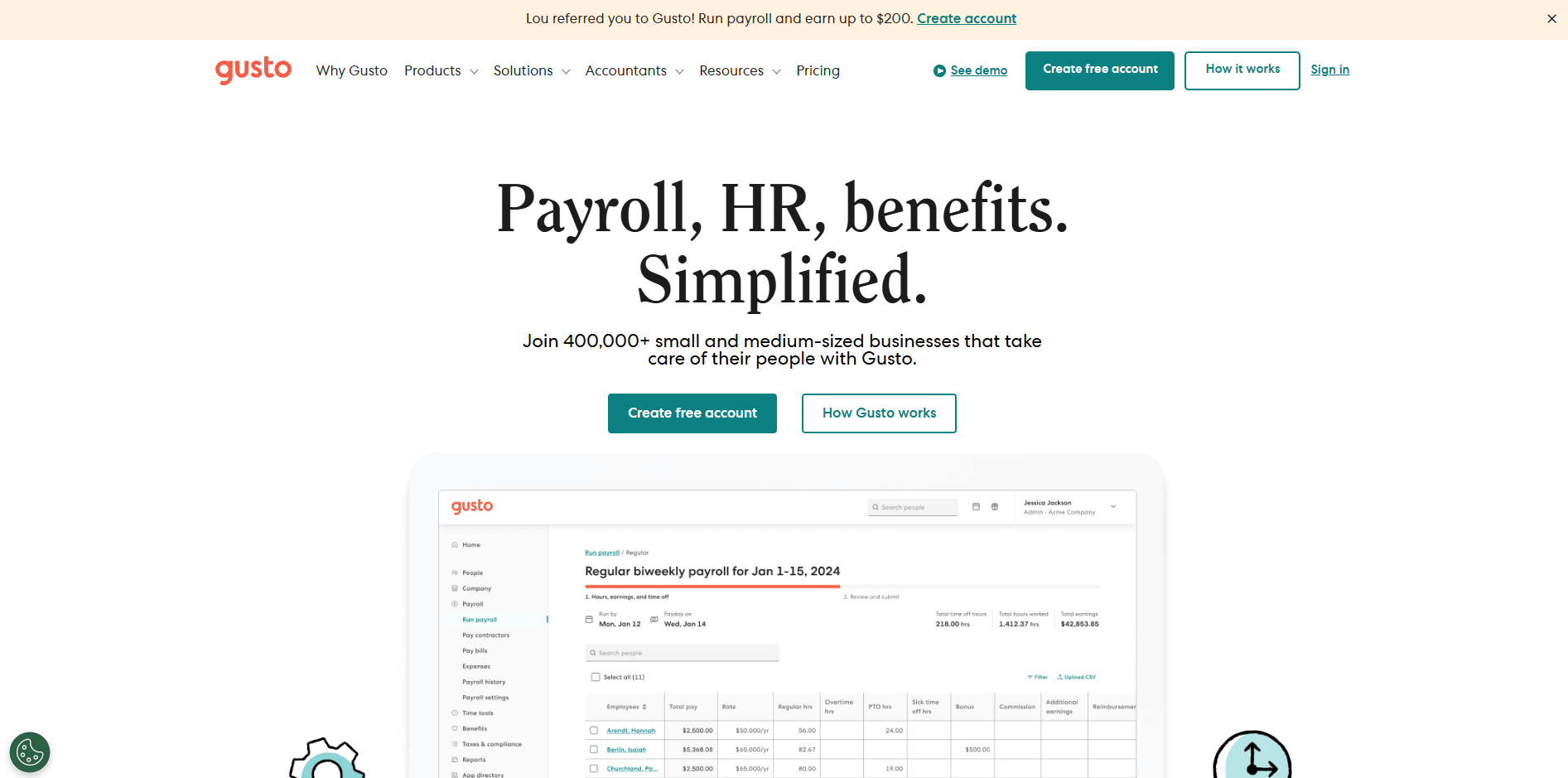
If you need simplicity and an all‑in‑one experience, Gusto offers automation and benefits in one intuitive platform.
Gusto is best for startups that want an all‑in‑one payroll and HR platform.
Pricing starts at $49/month plus $6/employee and includes full‑service payroll, W‑2, and 1099 management, benefits administration, automated state registration, and built‑in time tracking depending on the plan selected.
The platform is easy to set up. Plus, its automated payroll runs, direct deposit, and integrated health insurance features make it popular with teams under 100 employees
Gusto is easy to set up and particularly popular with startups under 100 employees. It supports automated payroll runs, direct deposit, and health insurance management.
2. QuickBooks Payroll
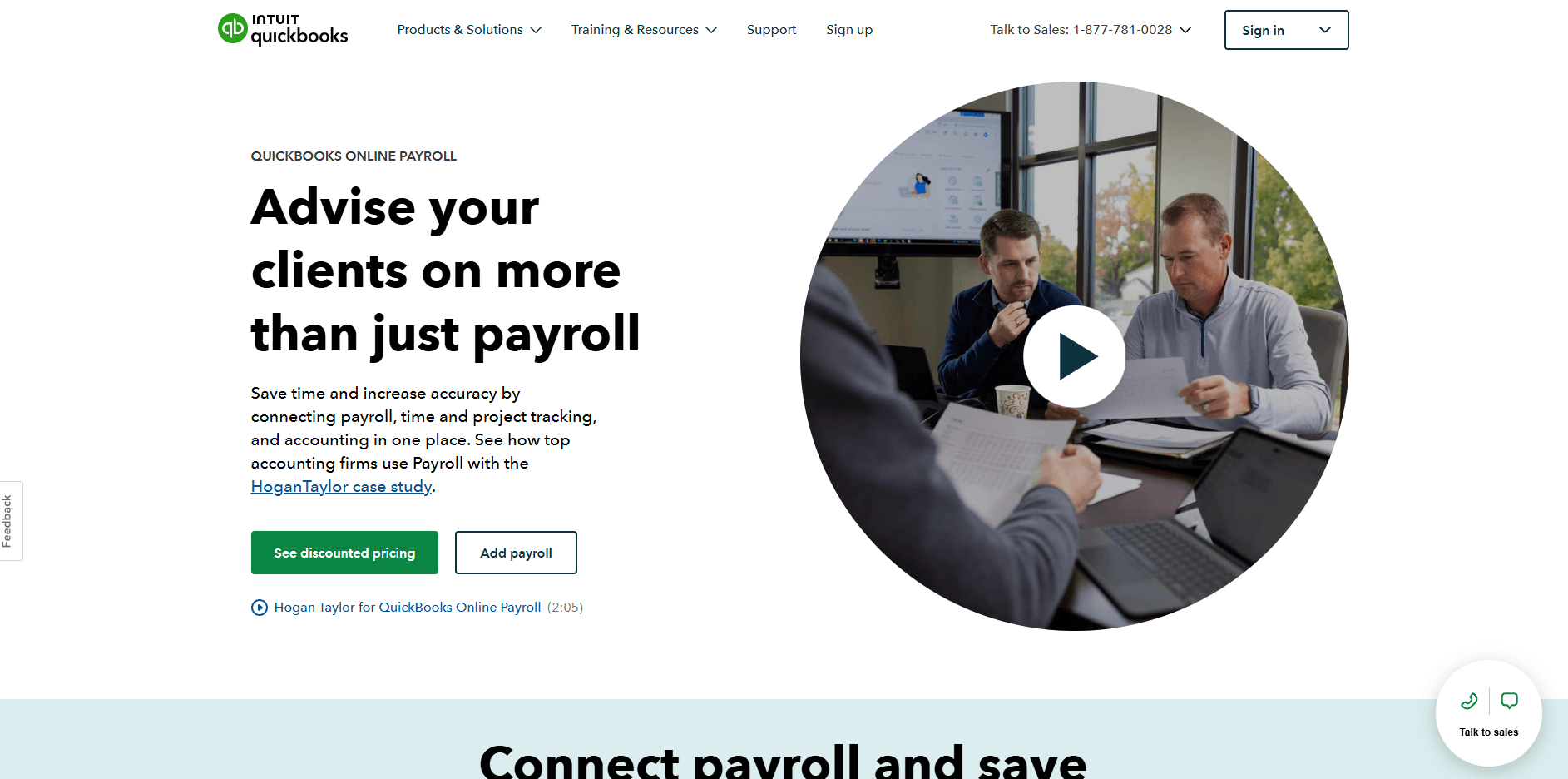
For teams that already use QuickBooks, this option keeps accounting and payroll under one login, reducing manual reconciliation work.
QuickBooks Payroll suits companies already using QuickBooks Online for accounting. Pricing starts at $50/month plus $6.50/employee.
It offers same‑day direct deposit, automated federal and state tax filing, and seamless integration with the accounting system. It also gives finance teams one login for both bookkeeping and payroll.
Ideal for small teams that prefer a single login for accounting and payroll. QuickBooks Payroll also supports automatic tax calculations and filings at both the federal and state levels.
3. Square Payroll
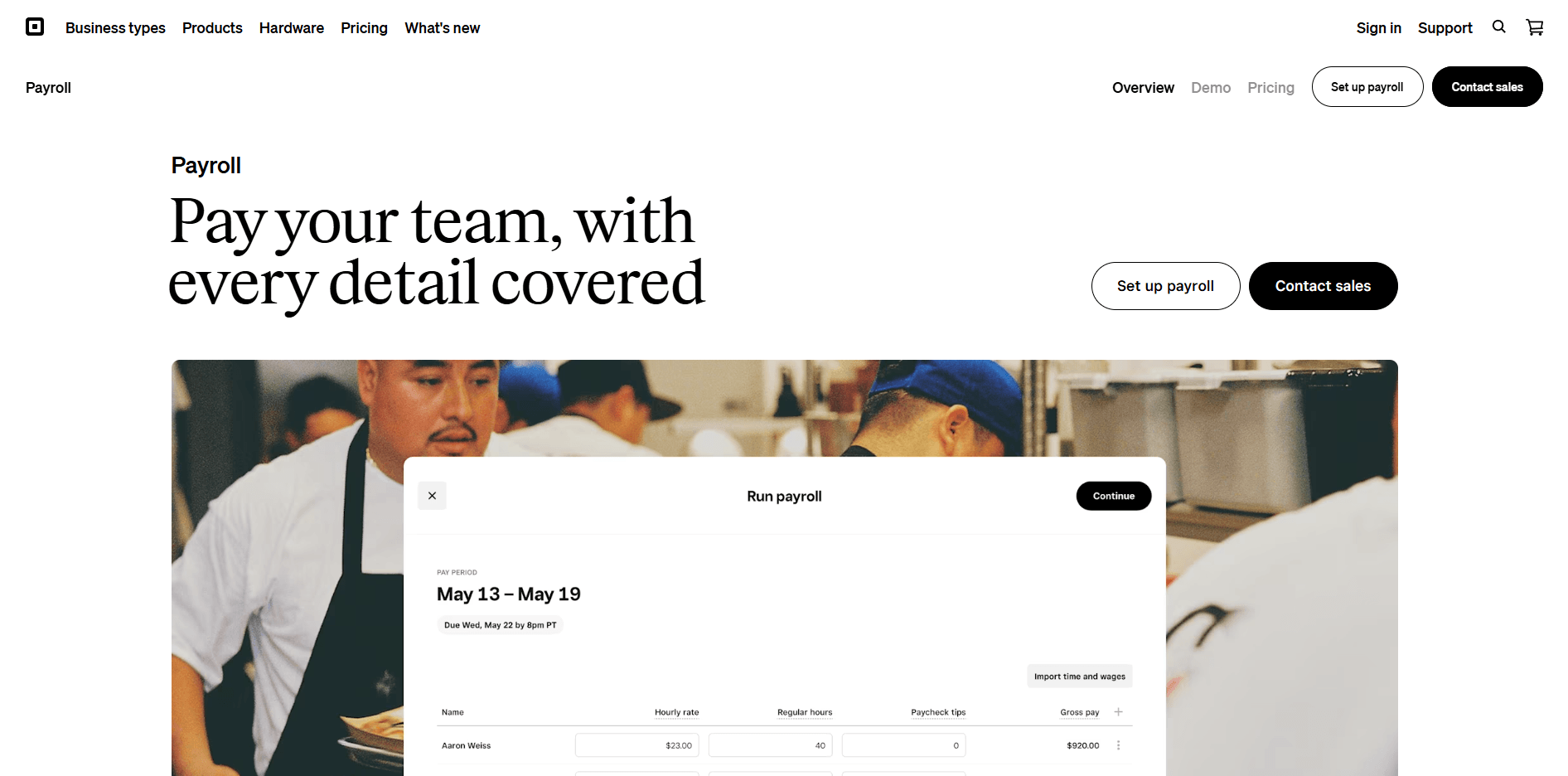
Startups paying hourly or shift‑based employees may prefer Square Payroll for its timecard features and seamless mobile experience.
Square Payroll works well for startups that already use Square POS or pay hourly employees.
Plans begin around $35 /month plus $6/person. It includes automatic tax filing, integrated timecards, direct deposit, and multi‑state support. The mobile app also allows founders to run payroll from anywhere, making it convenient for retail and service teams.
Especially valuable for startups with hourly or retail operations, Square’s mobile app makes it easy to run payroll on the go.
4. Rippling
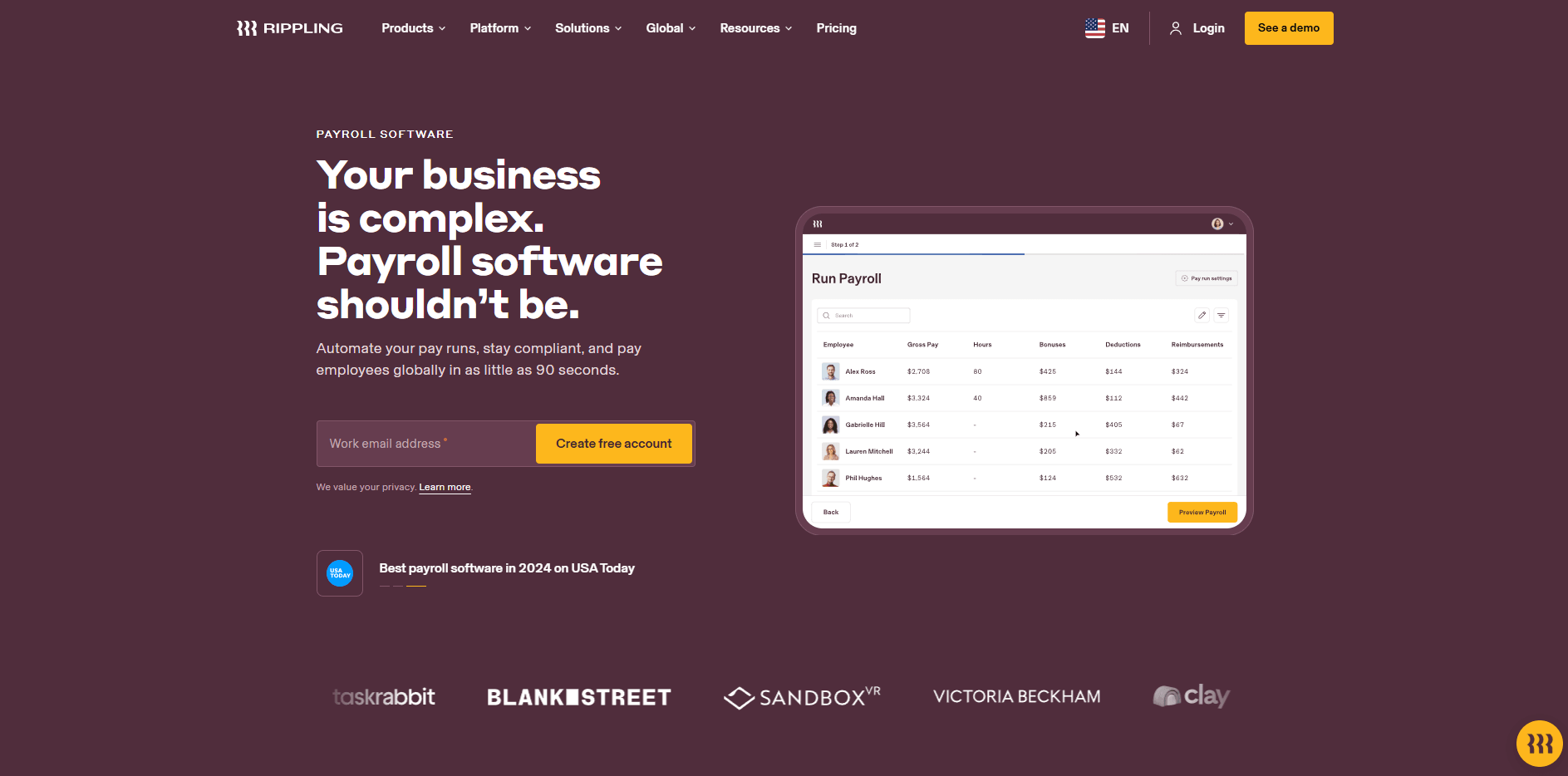
When integrations become a priority, Rippling centralizes payroll, benefits, and HR automation under one unified system.
Rippling is designed for fast‑growing startups that need deep integrations and HR automation. Pricing generally includes a $35 base fee plus $8/employee.
The platform combines payroll, benefits, and workforce management while connecting to hundreds of third‑party apps. It also links HR and IT functions, so new hires can be onboarded automatically with full compliance controls.
Rippling is ideal for startups scaling quickly across tools and teams. It connects payroll with IT provisioning, benefits administration, and compliance tracking.
5. Deel or Remote
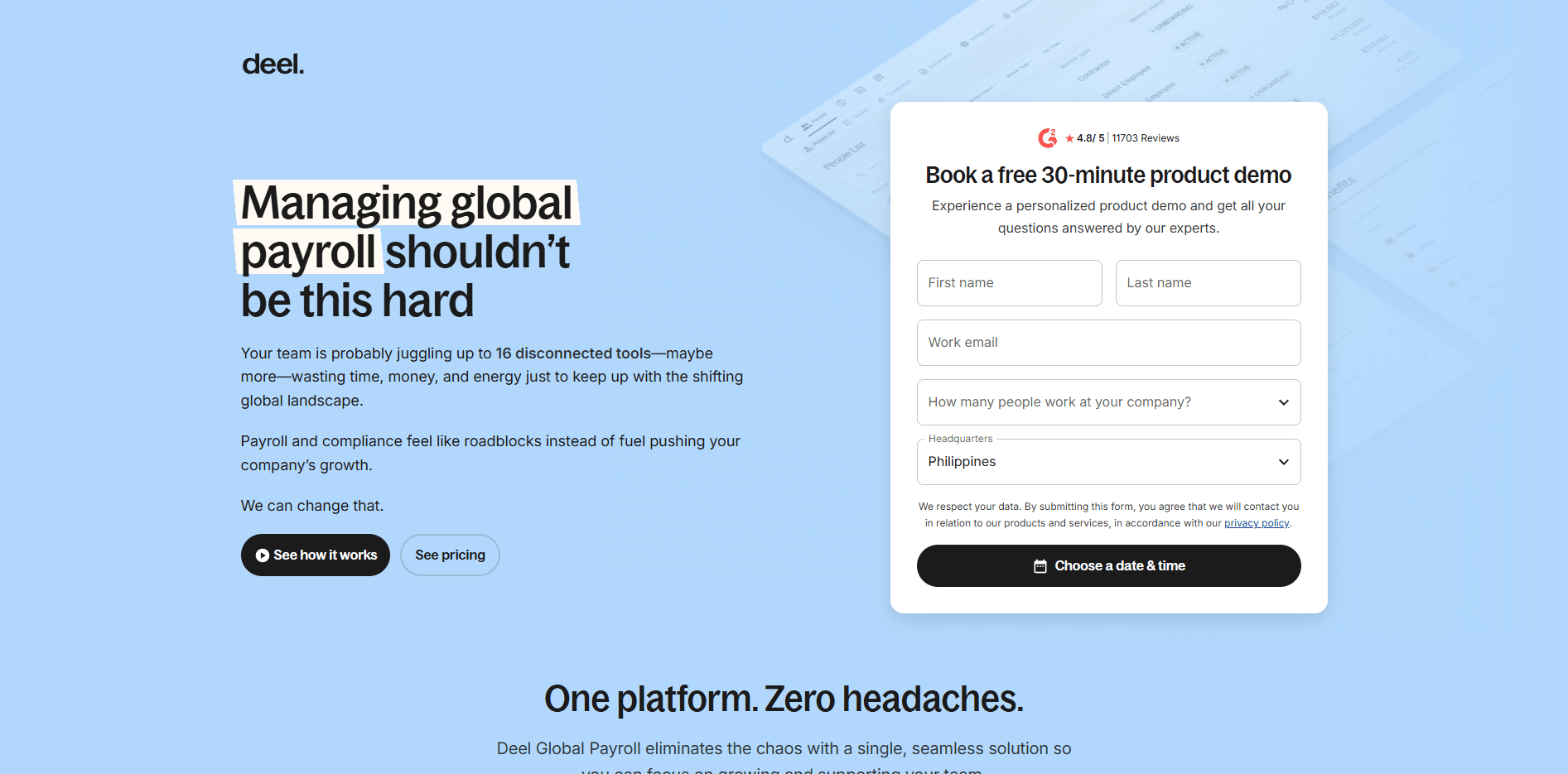
Global startups can turn to Deel or Remote to pay teams across borders and manage international compliance automatically.
Deel and Remote are strong options for global or remote‑first startups. Their pricing typically ranges from $29 -$49/employee, depending on location and services.
Both platforms handle payroll, tax compliance, and benefits administration across more than 100 countries. This provides employer‑of‑record support and manages contractor payments in multiple currencies.
These platforms are key for startups with cross-border or hybrid teams. They handle local tax filings, exchange rates, and benefits compliance automatically.
6. Patriot Payroll
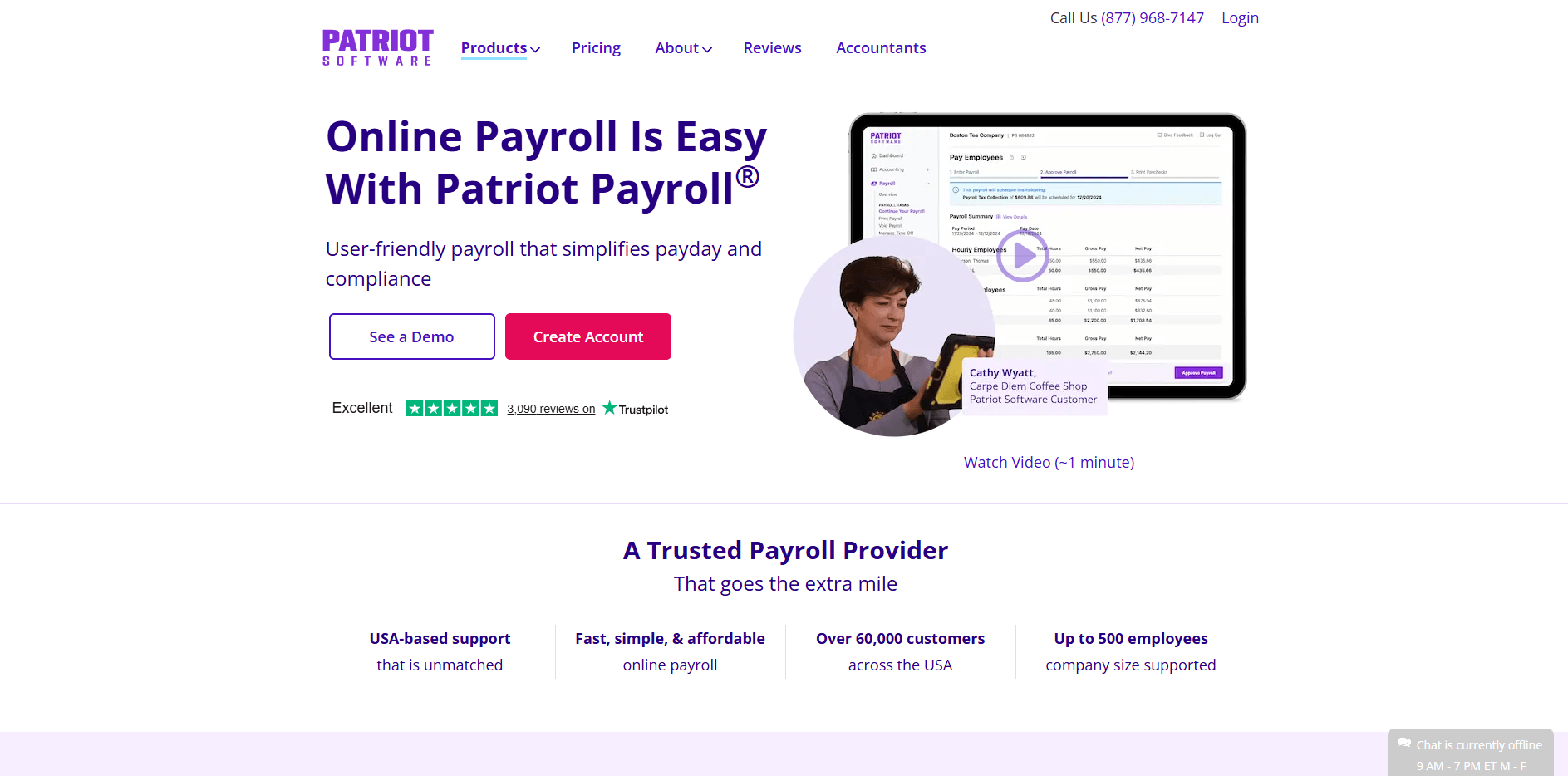
Founders seeking an affordable, domestic solution can use Patriot Payroll for simple automation without unnecessary features.
Patriot Payroll is ideal for early‑stage or budget‑conscious founders. Plans start at $17/month plus $4/employee.
It offers full‑service payroll combined with a simple accounting module, unlimited payroll runs, and straightforward U.S. coverage. This makes it practical for small domestic teams that need affordable automation without complex HR features.
Patriot is a good fit for small domestic teams needing affordable automation without advanced HR features.
Key features to look for in payroll software
Startups should choose software that removes manual friction instead of adding new complexity. Look for these baseline capabilities.
1. Automation
Automatic payroll runs, scheduled direct deposits, and auto-tax filing reduce manual work and eliminate payroll delays. Some systems even allow you to run payroll on autopilot once approvals are set.
2. Compliance
Automatic federal, state, and local tax filing prevents costly penalties. Multi-state or remote compliance support is critical for distributed teams.
If you employ workers across multiple states, confirm that your payroll provider handles local tax accounts and filings automatically.
3. Benefits management
Choose a provider that supports benefits administration, especially health insurance and 401(k) setup. As your business matures, this becomes essential for retention.
Platforms like Gusto and Rippling integrate benefits directly into payroll, simplifying deductions and reporting.
4. Integrations
Your payroll software should connect to your accounting system, HRIS, and expense platform. Integrations with Rho’s corporate cards and automation tools allow payroll expenses, reimbursements, and benefits payments to flow into a single finance dashboard.
5. Employee self-service
Self-service portals let team members view pay stubs, tax forms, and benefits without HR involvement, saving countless support hours.
This feature also improves accuracy since employees can update their own banking and tax information.
6. Reporting and analytics
Accurate reports on labor cost, taxes, and benefits help finance leaders plan, forecast, and support audits or fundraising diligence.
Detailed reporting also helps you model payroll’s impact on cash flow, which ties directly into cash flow forecasting.
Best practices for managing startup payroll
Even the best software fails without proper setup and policy discipline. Use these practices to stay compliant and organized.
Use direct deposit
Avoid manual checks by setting up direct deposits during onboarding. This improves employee experience and removes the need to reconcile payments by hand.
Budget payroll realistically
Payroll is typically your largest expense. Map payroll forecasts into your burn-rate model to maintain runway visibility. Learn how to monitor burn rate effectively here.
Classify employees correctly
Distinguish between employees, freelancers, and international contractors. Misclassification across states or countries can lead to penalties or lost deductions.
Track and store compliance documents
Payroll records and tax forms (W-2, 1099, I-9) must be kept for several years. Store these records securely within your payroll platform or in a trusted, encrypted cloud system.
Sync with accounting
Automated reconciliation between payroll and accounting keeps your financial records consistent.
Every time you run payroll, the system records payments, taxes, and deductions directly in your accounting platform. That means salaries, benefits, and withholdings instantly appear in the right expense and liability accounts.
This process eliminates manual data entry, reduces the risk of mismatched records, and helps your team close the books faster with clean, audit‑ready data.
How to choose the right payroll software for your startup
Choosing the right payroll software comes down to four main factors:
Consider your team size and structure. Small hybrid teams may use domestic payroll, while remote-first companies likely need global options.
Think about your startup’s budget and frequency. Compare total per-employee cost and how often you’ll run payroll.
Integration and scalability are also important. Systems should connect easily to your existing stack, such as QuickBooks, NetSuite, or Sage Intacct.
Explore support and compliance needs. Responsive support and built-in tax compliance are invaluable for young companies without HR departments.
If you’re an early-stage company, Gusto, Patriot, or QuickBooks Payroll offers quick deployment. For multi-entity organizations, consider Rippling or Remote Payroll.
Building payroll discipline that scales
A reliable payroll system builds trust with your team, keeps compliance in order, and creates financial stability as you grow.
Choosing software that automates taxes, benefits, and accounting connections helps you spend less time on busywork and more time running the business.
Thoughtful setup prevents errors, late filings, or cash flow surprises.
Whether you start with a simple solution like Gusto or QuickBooks Payroll, or expand with Rippling or Deel, you should connect every piece of financial activity into one system.
The goal is a single, accurate view of spend, compliance, and cash runway — so that payroll transactions, reimbursements, and banking activity can be read together instead of stitched up at month end.
How payroll connects to the rest of your financial operations
Payroll affects cash flow, expense tracking, and financial reporting. Early-stage teams benefit most from visibility into all outgoing funds together: payroll runs, contractor payments, and benefits disbursements.
In practice, that means you can:
View all outgoing payroll transactions alongside other operating expenses.
Manage reimbursements, benefits, and vendor payments in a single dashboard.
Maintain compliance and accuracy with automated categorization and integration into your accounting tools.
Keep payroll-related spending synced across cards, bill pay, and treasury for real-time visibility into burn.
Using one platform reduces fragmentation and simplifies how founders, controllers, and finance teams manage company cash.
Next steps to make every part of your finance workflow, from payroll to spend management, frictionless.
This material is for informational purposes only and should not be construed as legal, tax, or accounting advice. For guidance specific to your business, consult a qualified professional.
FAQs about payroll for startups
What is the best payroll software for startups?
It depends on your team size and complexity. Gusto, QuickBooks Payroll, and Rippling are leading choices for U.S.-based startups. Deel or Remote are top global options.
How do I set up payroll for the first time?
Obtain an EIN, register for state taxes, classify workers, collect W-4s and I-9s, choose a pay schedule, and set up payroll software to automate runs and filings.
Can startups run payroll themselves?
Yes. Small teams often start with self-service platforms like Gusto or Patriot, which automate most tasks without a full HR staff.
How much does payroll software cost?
Expect to pay between $20 and $80 per month plus $4–$10 per employee, depending on features, volume, and tax services.