

Key takeaways
In 2026, finance software unifies accounting, payments, expenses, and cash flow into one platform.
Fragmented stacks create data errors and reconciliation delays; unified systems add real‑time sync and audit trails.
The top tools pair AI categorization with mobile apps, role‑based controls, and multi‑entity, multi‑currency support.
Choose by stage: freelancers need simple online accounting; growth teams need automation; enterprises need ERP depth.
At Rho, we centralize banking, cards, bill pay, expenses, and treasury with real‑time dashboards and ERP integrations to help you scale.
Running a small business today means managing countless financial moving parts—from tracking expenses to paying vendors and forecasting cash flow. For many business owners, switching between multiple accounting apps or spreadsheets is both time‑consuming and risky.
Business finance software solves this by bringing banking, bookkeeping, and financial reporting into an all‑in‑one, real‑time platform. The best tools automate accounting tasks, centralize your financial data, and help small businesses make faster, more informed decisions based on clear dashboards and AI‑powered insights.
In this guide, we break down the best business finance software for 2026, comparing top options like QuickBooks Online, Xero, FreshBooks, and Zoho Books. You’ll learn how to choose the right solution for your business needs, from pricing and mobile app functionality to automation and forecasting. Industry estimates project cloud accounting to grow at an 8.8% compound annual growth rate from 2025 to 2034, as more firms adopt cloud-based tools to manage transactions and financial workflows.
What is business finance software?
Modern business finance platforms integrate core financial workflows into a single system. Unlike traditional accounting software that serves a single purpose, these tools are multi-functional systems designed to replace a handful of separate applications. They act as a central hub for your company’s financial data, providing a complete picture of cash flow, spending, and profitability.
These platforms typically include several core modules working together. You can expect to find tools for accounts payable, accounts receivable, expense management, and cash flow forecasting. They often feature financial reporting dashboards that pull data from all these areas, giving you a real-time view of your company's health.
By connecting previously siloed functions, this software helps you spend less time moving information around and more time making informed business decisions. For many companies, this means gaining a much clearer understanding of tracking business expenses as they occur.
Types of business finance software
The market for business finance tools is broad, with solutions tailored to various needs and company sizes. Understanding the main categories helps you identify which components are most critical for your operations.
1. Accounting and bookkeeping tools
This is the foundation of any financial stack. Small business accounting software, such as QuickBooks Online, Xero, and FreshBooks, manages your general ledger and keeps your books in order. These platforms are built around the principles of double-entry accounting, ensuring every transaction is properly recorded. They handle essential tasks like creating invoices, processing recurring payments, automating sales tax calculations, and preparing your records for tax time. For many small business owners and solopreneurs, a strong accounting tool is the first step toward organized finances.
2. Expense management systems
As teams grow, so does company spending. Expense management systems utilize AI-powered features to streamline the process of collecting, categorizing, and approving employee spending. Instead of chasing down paper receipts and manually filling out expense reports, employees can use a mobile app on iOS or Android to snap a photo of a receipt as soon as a purchase is made. The software automatically extracts the data, categorizes the expense, and routes it for approval based on your company’s policies. This level of automation provides finance teams with real-time visibility into spending and significantly accelerates the reimbursement process. These systems are a core part of any effective expense management software suite.
3. Accounts payable automation
Paying vendors is a time-consuming process filled with manual data entry, approvals, and payment processing. Accounts payable (AP) automation software digitizes this entire workflow. These solutions integrate with your accounting system to manage vendor payments, process multi-currency invoices, and reduce the manual work required to keep your payables current. Modern platforms incorporate AP automation directly, allowing you to handle invoice intake, approvals, and payments without switching between applications.
4. Treasury, forecasting, and cash flow tools
For growing businesses, understanding your cash position is critical. Treasury and forecasting tools provide visibility into your liquidity, enabling you to make informed decisions about hiring, investment, and expansion. These platforms often connect directly to your bank accounts, pulling in real-time data to create accurate cash flow forecasts. They help you model different financial scenarios, so you can anticipate future cash needs and manage your runway with confidence.
10 best business finance software platforms in 2026
Here is a comparison of the top business finance software solutions available, each suited for different business sizes and operational needs.
1. Rho
Rho landing page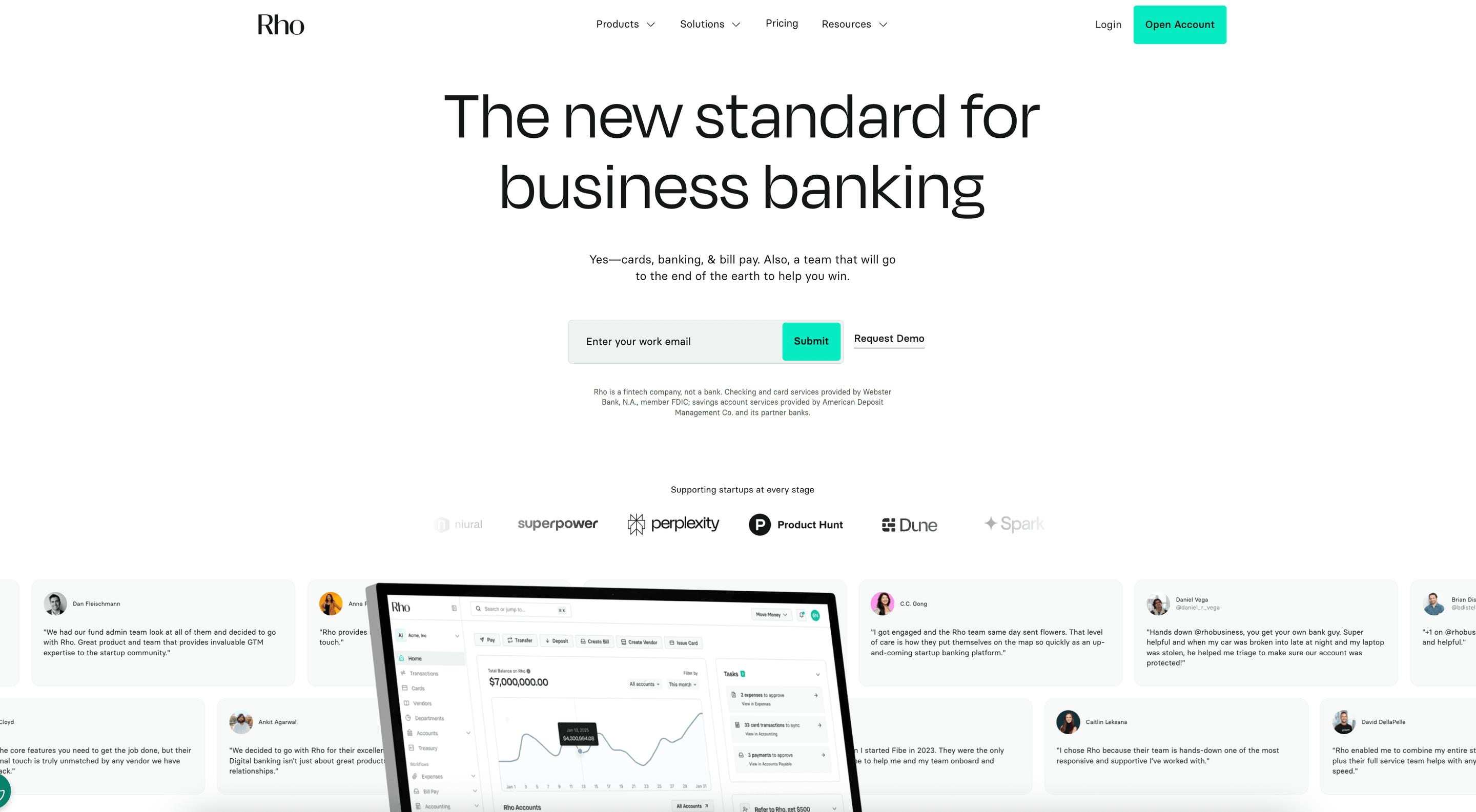
Rho brings cards, travel spending, expense management, and AP workflows into one system, giving finance teams real-time visibility across every trip, transaction, and policy. The platform helps companies control travel budgets with granular card rules, automated categorization, and accounting integrations that reduce manual reconciliation. Rho works well for teams that want a unified view of all travel and operating spend without switching between disconnected tools.
Key features of Rho:
Unlimited virtual and physical cards for travelers: Set merchant restrictions, per-trip budgets, daily caps, and category-based limits to control spend at the source.
Real-time expense management: Automated receipt capture, coding, and syncing keep travel expenses accurate and audit-ready as they occur.
Integrated AP for travel-related vendors: Upload invoices for hotels, events, or travel agencies and route them through structured approvals.
Centralized dashboard for all spend: Finance teams can review trip-level expenses, monitor trends, and enforce consistent policies across departments.
Treasury tools for unused travel budgets: Move excess cash into short-term yield products to keep funds productive between travel cycles.
Pros and cons of Rho
Pros | Cons |
|
|
2. QuickBooks Online (Intuit)
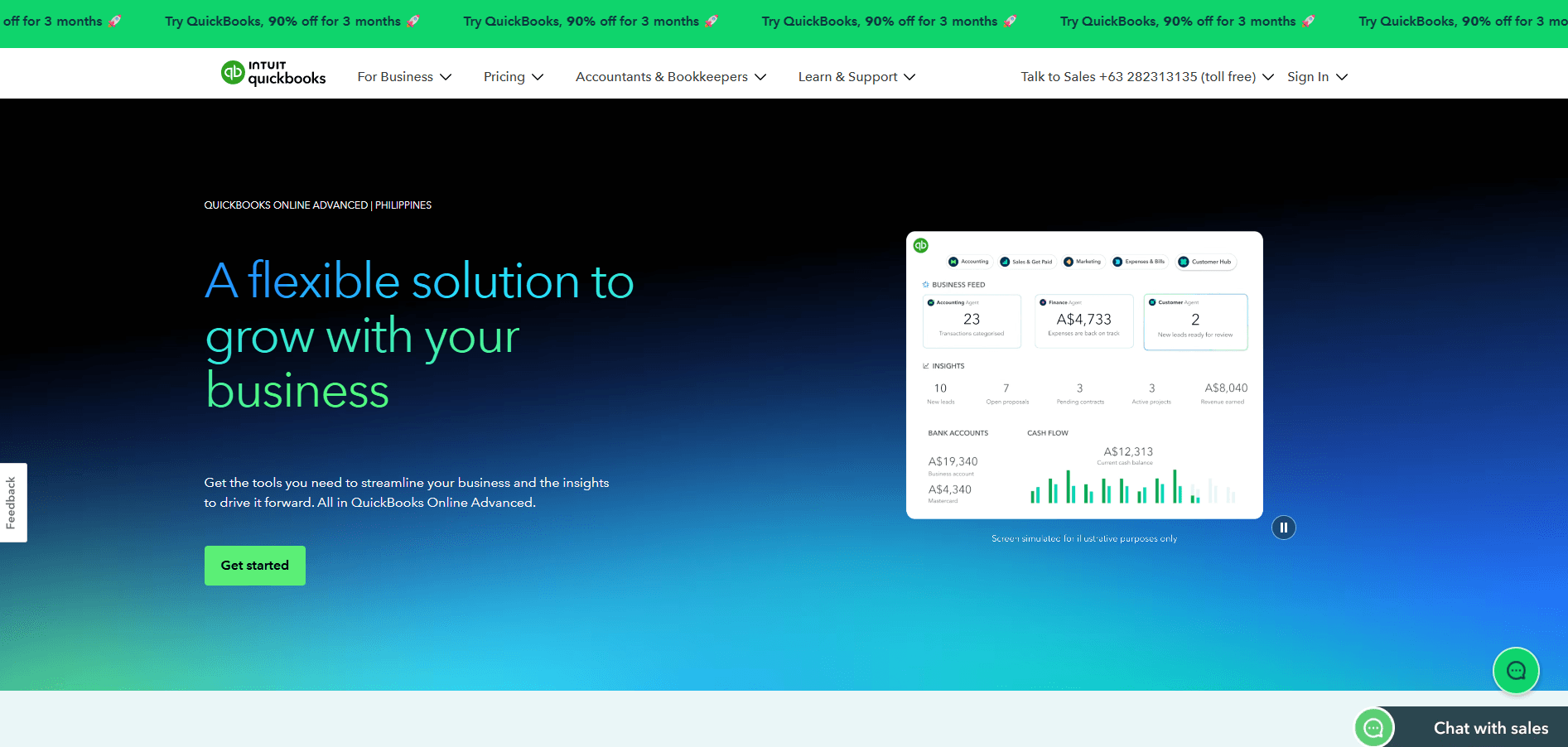 Best accounting software ecosystem for small business owners and growing teams
QuickBooks Online is a small business accounting application from Intuit. It centralizes bookkeeping, invoicing, and online payments, with automation for bank reconciliation and sales tax tracking. It also offers built-in payroll and a wide catalog of connected apps.
Key features of QuickBooks Online:
Comprehensive bookkeeping and accounting tools: Manage accounts receivable, accounts payable, and recurring invoices from one dashboard.
Automated bank reconciliation: Sync transactions across multiple bank accounts and credit cards in real time.
Customizable reporting and templates: Build profit‑and‑loss statements, cash flow forecasts, and balance sheets for tax time.
App marketplace and add‑ons: Connect inventory management, CRM, and project management tools to streamline operations.
Cloud‑based mobile access: iOS and Android mobile apps let small business owners approve invoices and track expenses anywhere.
Pros and cons of QuickBooks Online
Pros | Cons |
|
|
3. Xero
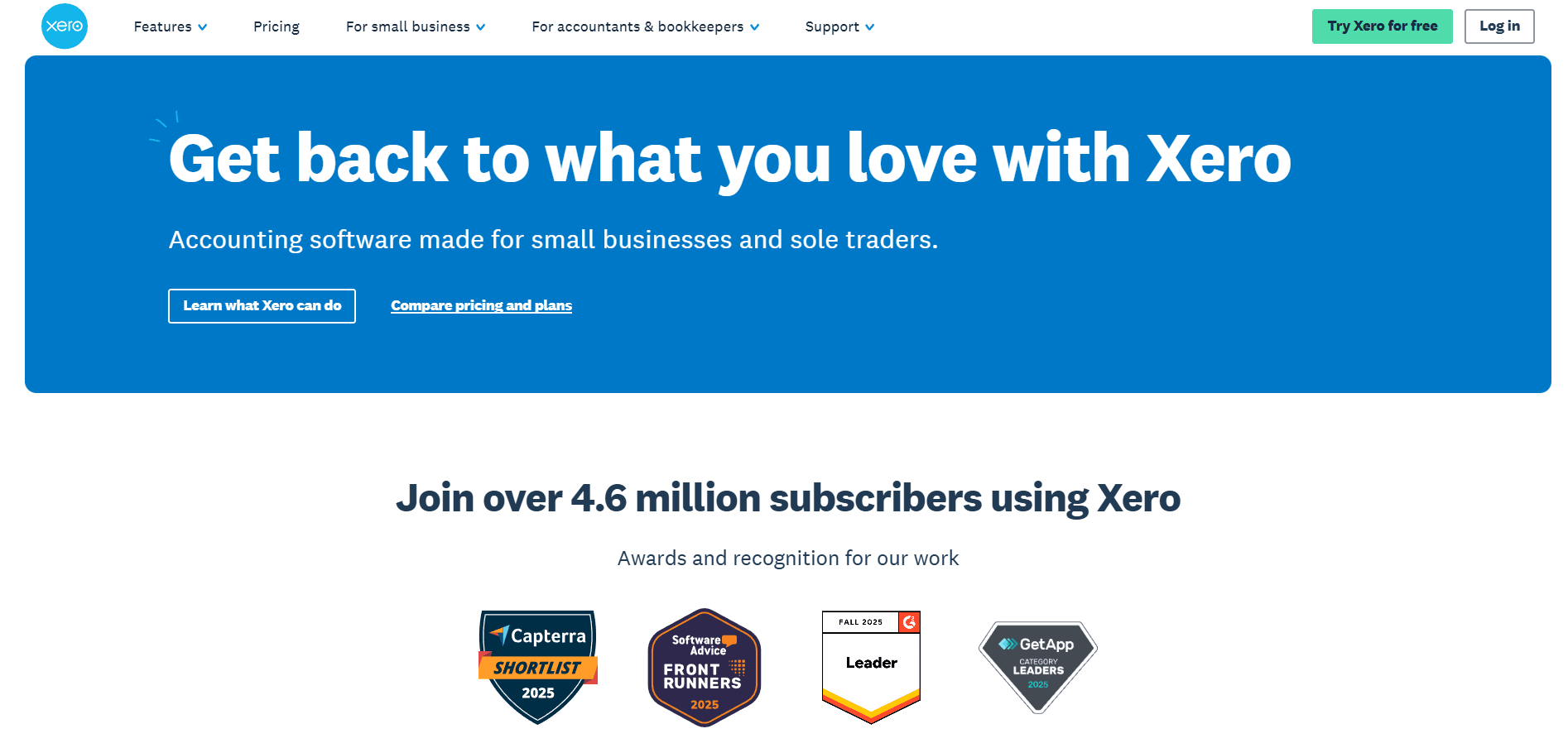 Best cloud‑based accounting solution for freelancers and small business accounting
Xero is an online accounting application used by small businesses and solo operators. It includes bank feeds, expense tracking, invoicing, and a mobile app. Automation features and real-time dashboards support cash flow monitoring and day-to-day bookkeeping.
Key features of Xero:
Streamlined bank reconciliation: Automate transaction matching and keep bank accounts accurate daily.
Project tracking and time tracking: Monitor profitability on individual jobs or clients.
Multi‑currency support and tax tools: Handle global payments while simplifying sales tax reporting.
App marketplace integrations: Connect CRM, inventory management, and forecasting modules with one click.
Cloud‑based access and mobile app: Manage accounts payable, invoices, and financial reporting on the go.
Pros and cons of Xero
Pros | Cons |
|
|
4. FreshBooks
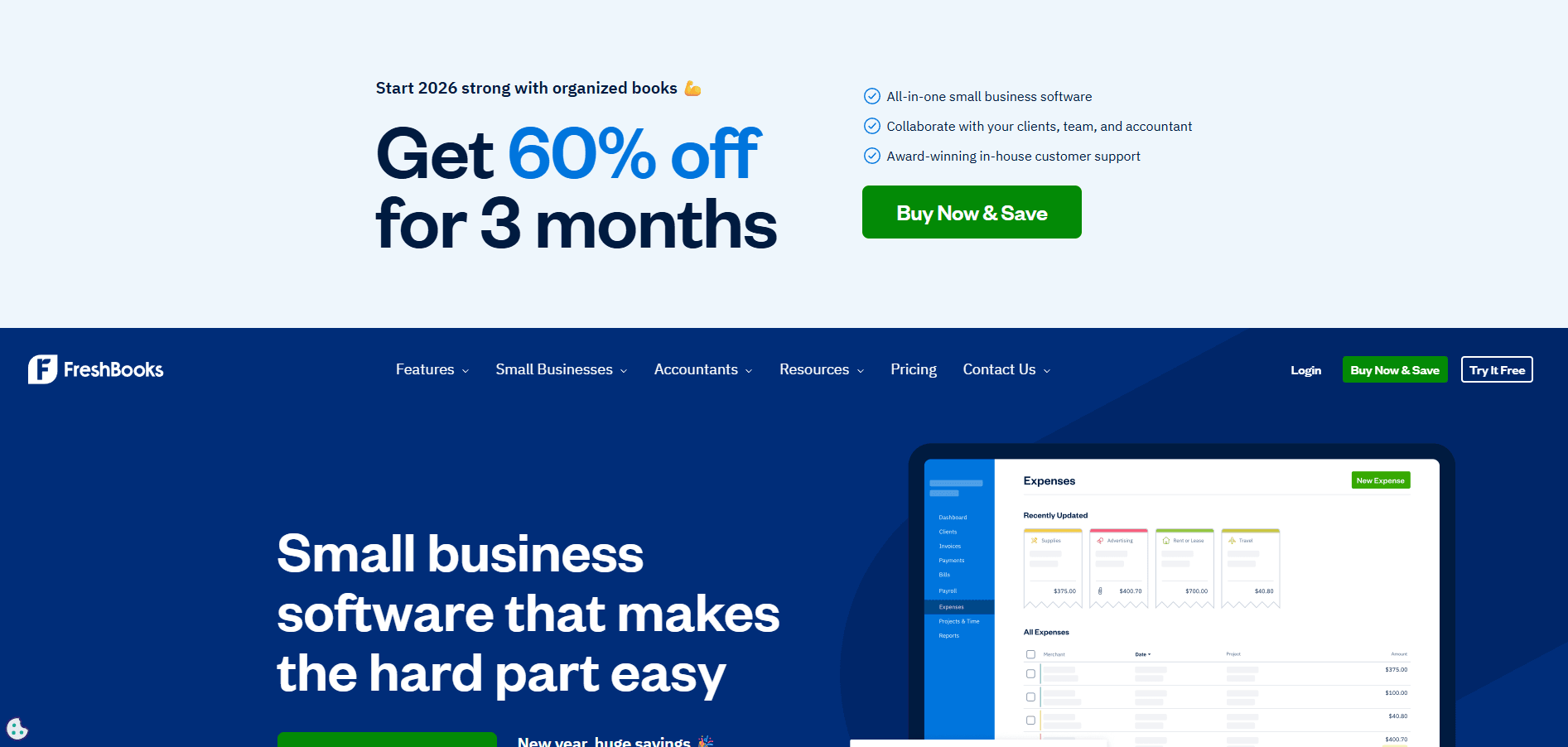 Best all‑in‑one online accounting app for solopreneurs and service‑based businesses
FreshBooks is an accounting and invoicing platform used by freelancers and small businesses. It includes time tracking, client billing, and expense management, and supports online payments through Stripe, PayPal, and credit cards. It is commonly used by service businesses for day-to-day bookkeeping and tax preparation.
Key features of FreshBooks:
Smart invoicing and automated reminders: Create branded invoices, schedule recurring payments, and track client retention.
Time tracking and project management integration: Bill accurately for every tracked hour.
Expense and receipt management: Capture receipts with the mobile app for real‑time bookkeeping.
Cash flow and profitability dashboard: Review key financial data at a glance.
Easy online setup: Connects seamlessly to bank accounts and payment processors.
Pros and cons of FreshBooks
Pros | Cons |
|
|
5. Zoho Books
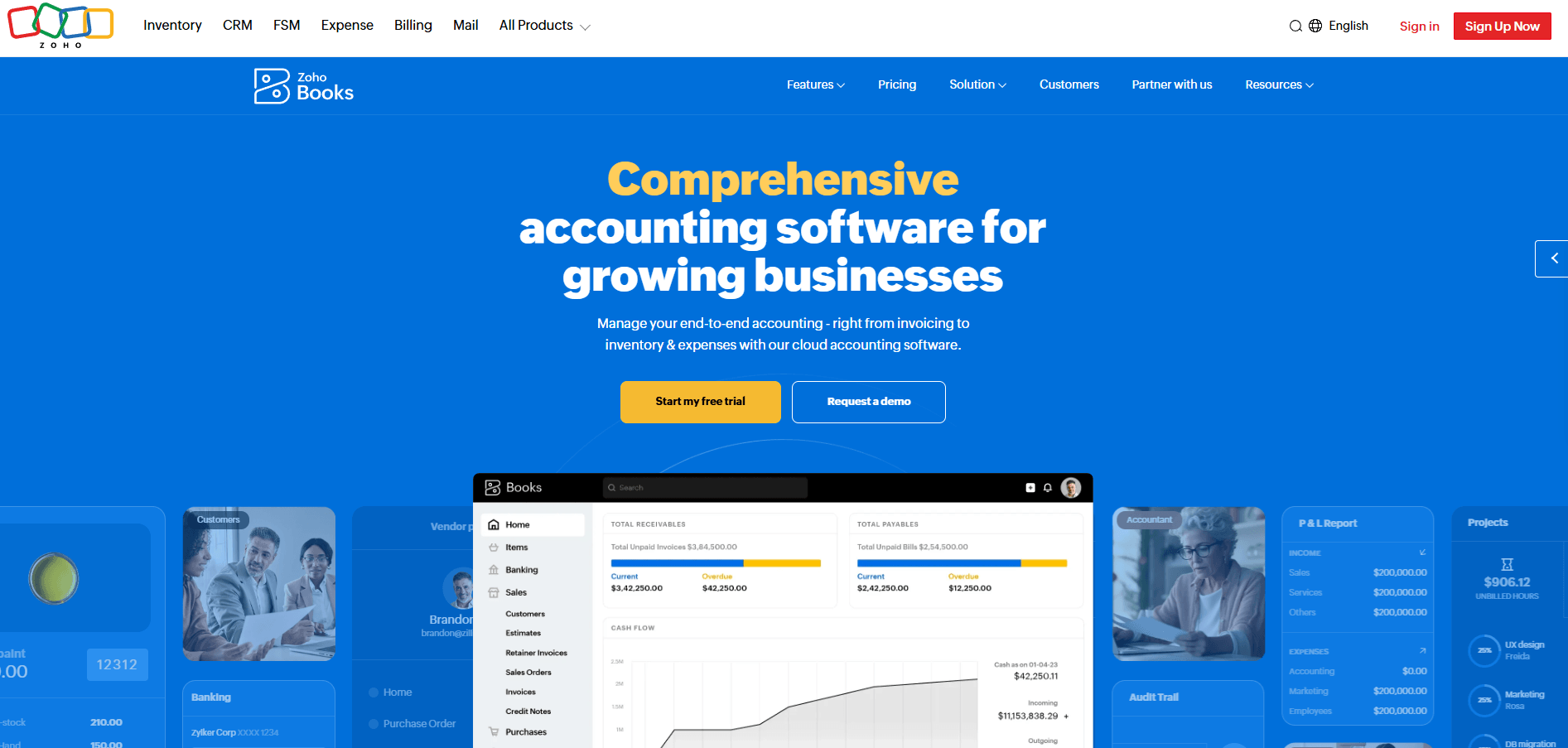 Best affordable cloud‑based accounting software with built‑in automation
Zoho Books is an accounting application in the Zoho ecosystem used by small and growing businesses. It includes invoicing, accounts receivable, accounts payable, and reporting, with automation features. It integrates with Zoho CRM and inventory modules to sync data and reduce manual entry.
Key features of Zoho Books:
Automated accounting tasks: Handle recurring invoices, categorization, and bank reconciliation automatically.
Integrated Zoho apps: Connect CRM, inventory management, and project management tools seamlessly.
Tax and audit‑friendly reporting: Manage sales tax, financial audits, and fixed asset tracking in one place.
Multi‑currency and approval workflows: Tailor automations to business needs and policies.
Mobile app and cloud dashboard: View balance sheets, accounts payable, and cash flow forecasts in real time.
Pros and cons of Zoho Books
Pros | Cons |
|
|
6. Wave Accounting
Wave landing page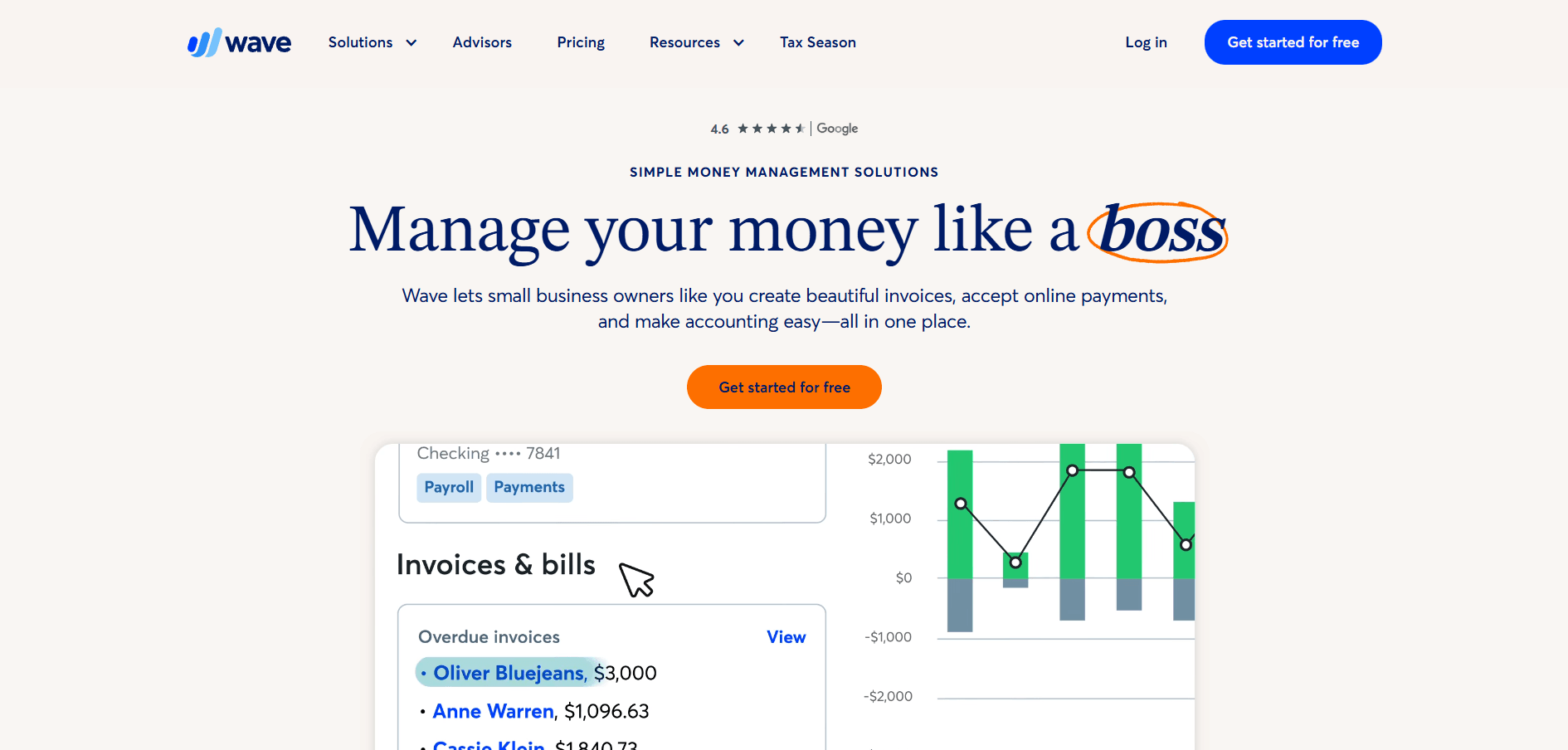
Best free accounting software for freelancers and startups
Wave Accounting is a free, cloud-based bookkeeping platform used by freelancers and early-stage small businesses. It includes invoicing, expense tracking, and online payment capabilities. It is commonly adopted by solopreneurs who want basic automation without a paid plan.
Key features of Wave Accounting:
Free core accounting tools: Manage invoices, accounts receivable, and expenses without paid tiers.
Automated expense categorization: Simplify bookkeeping with AI‑based sorting.
Mobile app for on‑the‑go tracking: Capture receipts and track expenses from iOS or Android.
Add‑ons for payroll and online payments: Enable paid modules as your business grows.
Intuitive dashboard: Track cash flow, profitability, and tax data in real time.
Pros and cons of Wave Accounting
Pros | Cons |
|
|
7. Sage Intacct
Sage landing page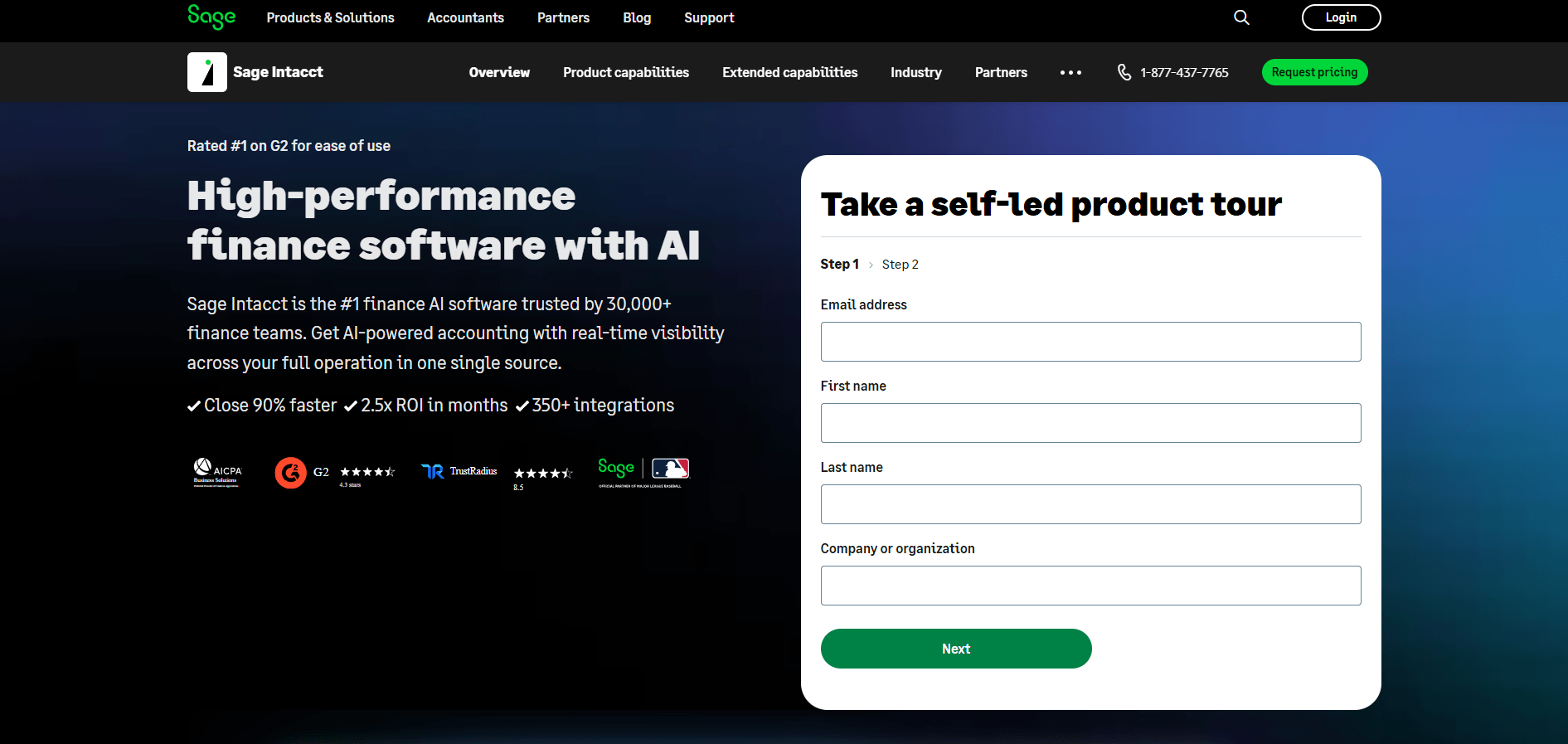
Sage Intacct is a cloud-based financial management system used by growing and mid-market companies. It includes financial reporting, multi-entity consolidation, and automation features for complex accounting workflows. Built-in controls and permissions support compliance and standardized processes across departments.
Key features of Sage Intacct:
Advanced reporting and forecasting: Real‑time multi‑entity dashboards show financial performance at scale.
Approval workflows and audit trails: Strengthen internal controls across AP and AR processes.
ERP‑level automation: Automate intercompany eliminations and double‑entry accounting tasks.
Integration flexibility: Connects with CRM, payroll, and fixed asset systems.
Security and compliance tools: Role‑based permissions maintain accountability.
Pros and cons of Sage Intacct
Pros | Cons |
|
|
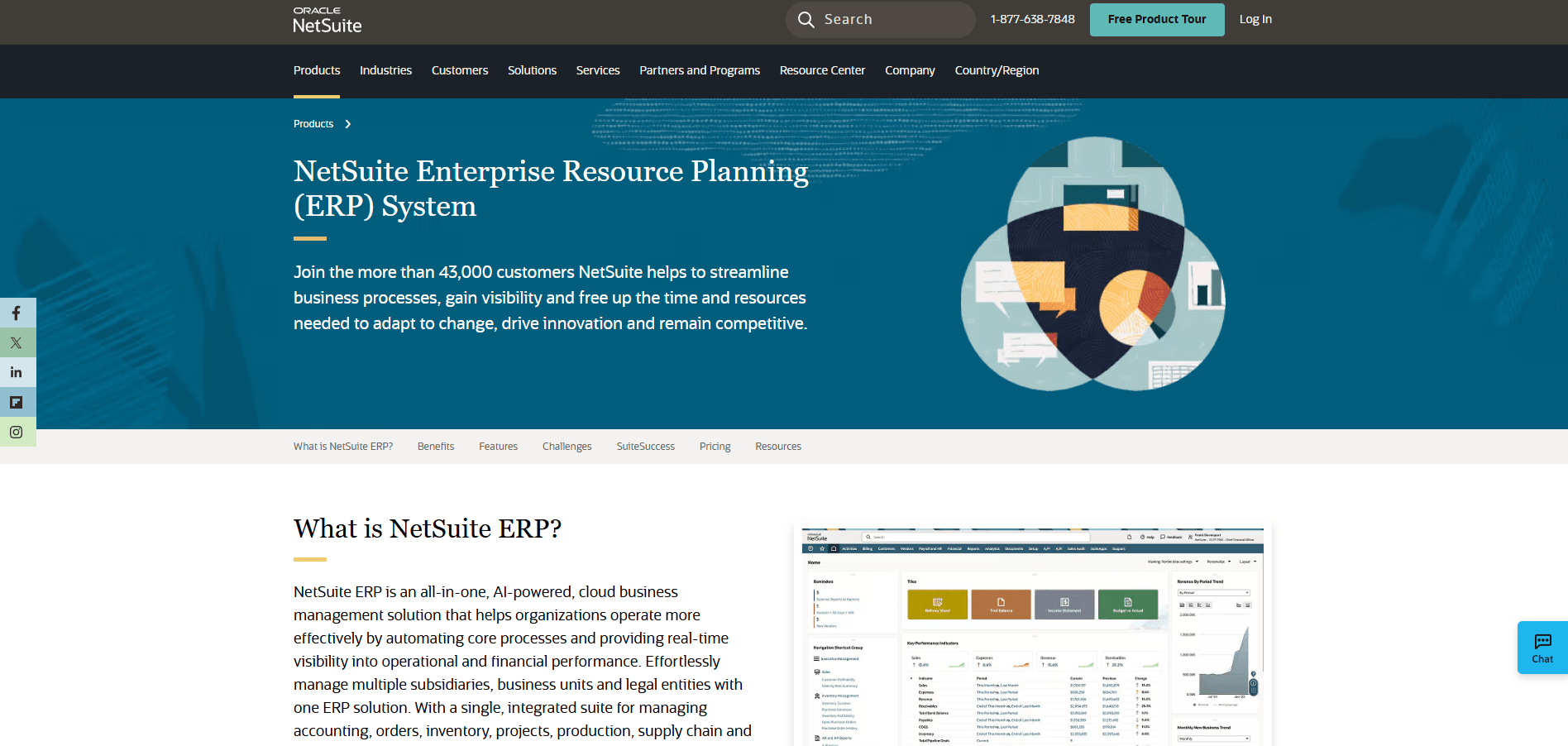
8. NetSuite ERP
 Best complete ERP platform for centralized business and financial management
NetSuite ERP is a cloud-based system used by mid-market and enterprise companies to manage accounting, inventory, and project workflows. It provides multi-entity consolidation and synchronizes financial data across subsidiaries for cash flow and balance sheet reporting. It also supports forecasting and multi-currency accounting.
Key features of NetSuite ERP:
Integrated ERP modules: Manage accounting, operations, and project management in one system.
Real‑time financial dashboards: Centralize reporting across entities and currencies.
Forecasting and budgeting tools: Gain visibility into profitability, expenses, and future cash flow.
Custom workflows and templates: Configure processes to your specific business needs.
Cloud‑based scalability: Ideal for enterprises handling global operations and subsidiaries.
Pros and cons of NetSuite ERP
Pros | Cons |
|
|
9. Bonsai
Bonsai landing page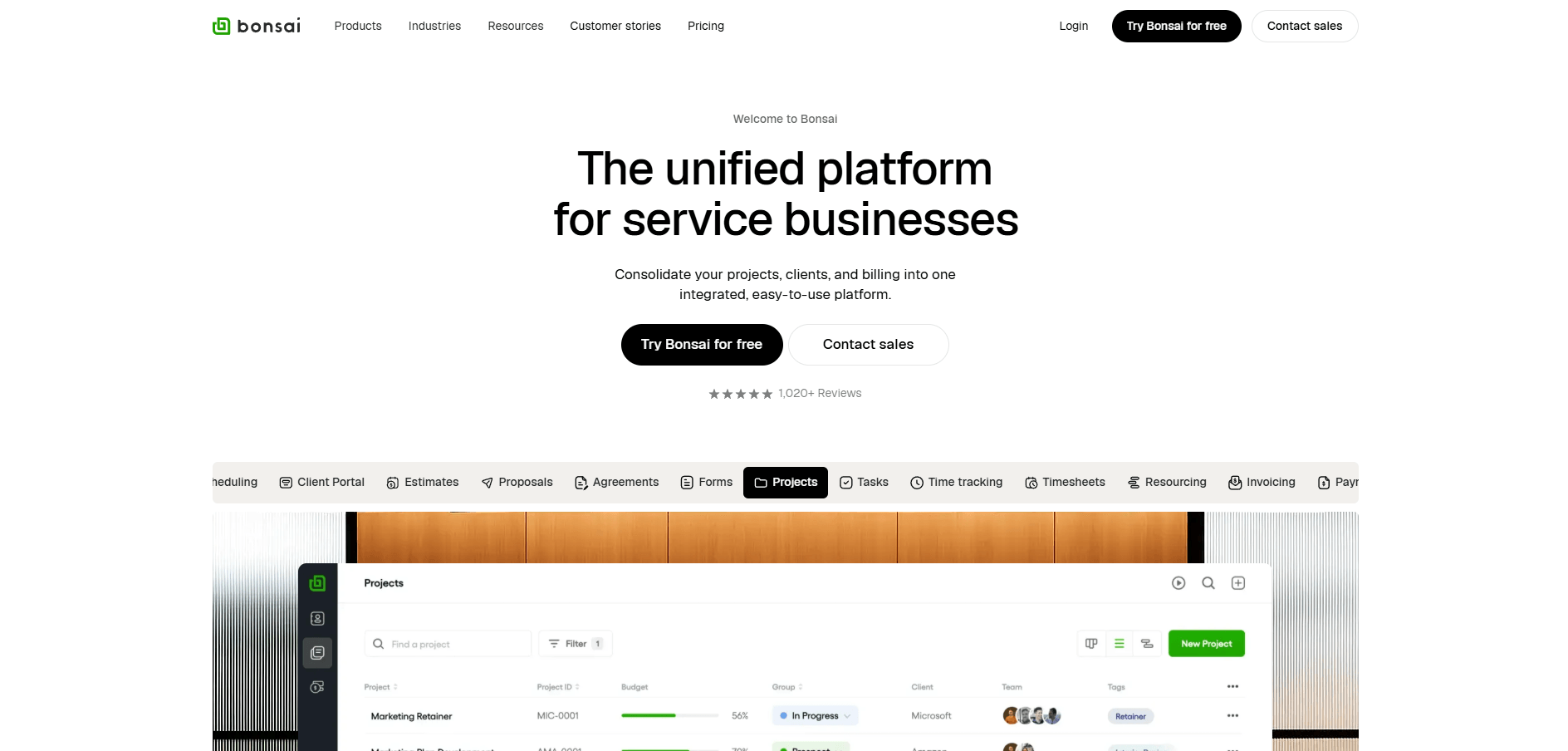
Bonsai is a software platform used by freelancers and solo operators for contracts, invoicing, and client management. It includes tools for proposals, billable time tracking, and online payment collection. The web dashboard and mobile app support bookkeeping and cash flow tracking for one-person businesses.
Key features of Bonsai:
All‑in‑one project management suite: Handle proposals, invoices, and contracts in one place.
Simple time tracking: Record billable hours and automate invoicing.
Integrated online payments: Accept PayPal or credit card payments with built‑in templates.
Expense management tools: Categorize costs and prepare reports for tax time.
Cloud‑based access: Sync your balance sheet and books across devices in real time.
Pros and cons of Bonsai
Pros | Cons |
|
|
10. Odoo
Odoo landing page
Odoo is an open source ERP with modules for accounting, CRM, and inventory management. It can be configured to integrate financial data and workflows across departments. It is commonly adopted by teams that prefer to manage and customize their own system.
Key features of Odoo:
Modular architecture: Select and integrate accounting, CRM, or project management apps.
Cloud‑based and open‑source: Choose hosted or self‑hosted deployment.
Accounting and reporting tools: Manage double‑entry bookkeeping, accounts payable, and receivables.
Customization options: Adapt workflows, templates, and approvals to your business needs.
Multi‑currency and forecasting support: View cash flow and profitability across global entities.
Pros and cons of Odoo
Pros | Cons |
|
|
How to choose the right business finance software for your company
Selecting the right software depends on your company’s stage, complexity, and future goals. Here are four factors to consider:
1. Match functionality to your business needs
Your company's size and industry will dictate the features you need most. Small businesses and freelancers should look for tools with an easy setup process, key integrations, and low-cost starter plans. Growth-stage startups need automation, real-time dashboards, and multi-user workflows to manage increasing complexity. Enterprises, on the other hand, prioritize deep ERP integration, compliance features, and API extensibility to connect with their existing systems.
2. Prioritize automation and integration
The value of modern finance software lies in its ability to reduce manual work. Look for AI-powered tools that automate data entry, transaction categorization, and bank reconciliation. These features save countless hours and reduce the risk of human error. Integrations are just as important. Your finance software should connect smoothly with other key systems, such as your CRM, payment platforms like PayPal and Stripe, and HR or payroll tools. This connectivity keeps your financial data accurate and up-to-date across your entire organization.
3. Evaluate user experience and customer support
Finance software is only effective if your team can use it easily. An intuitive dashboard, clean interface, and logical workflows will help your finance team quickly adopt the new system. Do not overlook customer support. When issues arise, having access to responsive help is critical. Check whether providers offer 24/7 live assistance, detailed training modules, or guided onboarding for a smooth transition.
4. Assess scalability and pricing
Your finance software should be able to grow with your business. Compare pricing tiers, transaction limits, and feature restrictions to understand how the cost might change as you scale. Some platforms offer free plans (Wave), while others have affordable entry-level options (Zoho, FreshBooks) or enterprise-level pricing (NetSuite). Make sure the plan you choose today will meet your needs tomorrow, so you are not forced into a costly migration down the road. This foresight is why we build Rho for enterprise-scale solutions from the ground up.
For a concise primer on budgeting, bookkeeping, cash flow, and accounting tools, see the SBA guide to managing your business finances.
Why unified platforms define the future of business finance in 2026
Fragmented financial stacks slow operations and create risk. When accounting software, payments, and expense apps operate separately, teams duplicate data, delay reconciliations, and lose visibility into cash flow. Disconnected systems make audits harder and weaken internal controls because policies differ across tools.
Unified finance platforms resolve this by centralizing banking, accounts payable, expense management, and corporate cards in one real-time system. By automating data sync and categorization, they reduce manual work, accelerate monthly close, and improve decision-making through accurate dashboards. This shift toward all-in-one, cloud-based finance workflows is already transforming how small businesses manage profitability, forecasting, and compliance.
Essential features to prioritize in 2026:
Unified dashboards for cash flow visibility and forecasting
AI-powered transaction categorization and automated reconciliation
Real-time data synchronization across all bank accounts
Mobile app access on iOS and Android for finance teams on the go
Built-in security, compliance, and audit trails
Cloud-based access with role-based permissions and approval workflows
Multi-entity and multi-currency support for growing businesses
Strengthen your business finances with one powerful platform
Managing multiple finance apps is time-consuming and error-prone. Unified software saves small business owners time, automates accounting tasks, and brings real-time visibility to every transaction.
Rho gives you the clarity and control modern finance teams need. Our all-in-one, modern system brings banking, corporate credit cards, accounts payable, and expense management into a single dashboard. Seamless integrations with QuickBooks Online, NetSuite, and Sage Intacct ensure your bookkeeping, forecasting, and reporting stay accurate as you scale.
Ready to simplify financial operations and focus on growth? Get started with Rho today and see how effortless managing your complete business finances can be.
FAQs
What is the best finance software for small businesses in 2026?
Rho, QuickBooks Online, and Xero are leading options for accounting and finance automation. They offer a good balance of usability for small teams and scalability for growing companies.
Is QuickBooks still the top accounting software?
QuickBooks remains a dominant player in small business accounting, but newer, all-in-one systems like ours offer end-to-end automation that extends beyond traditional bookkeeping to include spend management, payments, and treasury.
What’s the difference between accounting software and business finance software?
Accounting software primarily handles bookkeeping and financial recordkeeping. Business finance software unifies a broader set of functions, including spend management, payments, cash flow forecasting, and workflow automation.
Does Rho integrate with my existing accounting software?
Yes. We connect with QuickBooks Online, NetSuite, and Sage Intacct to facilitate smooth data synchronization for reconciliation and financial reporting.
What’s the most affordable option for freelancers?
Wave offers a free plan for basic needs, and FreshBooks has strong starter plans for service-based solopreneurs. As freelancer businesses grow into agencies, platforms like ours provide the advanced automation needed to manage teams and clients at scale.