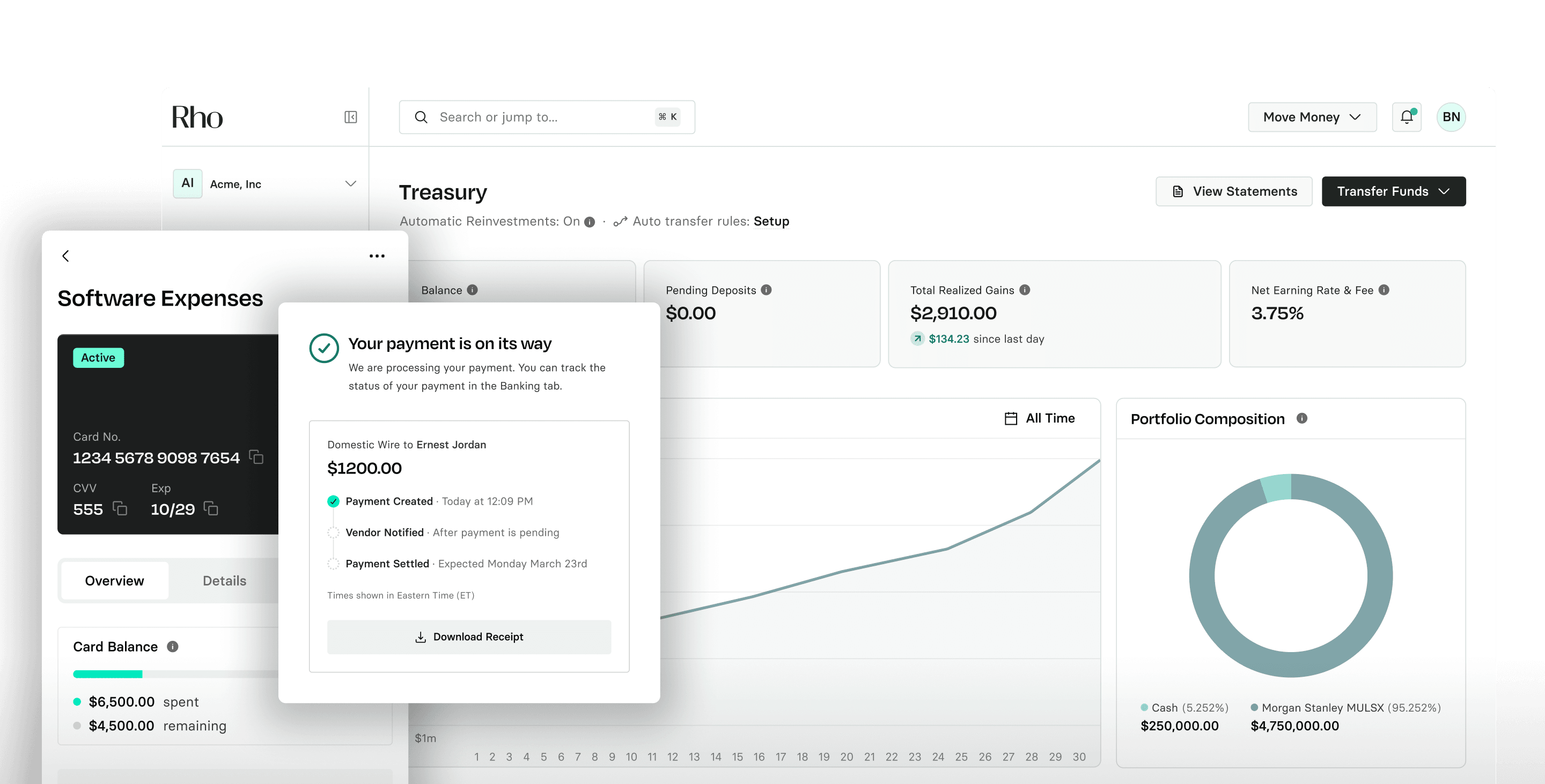
Connect Gmail to Rho
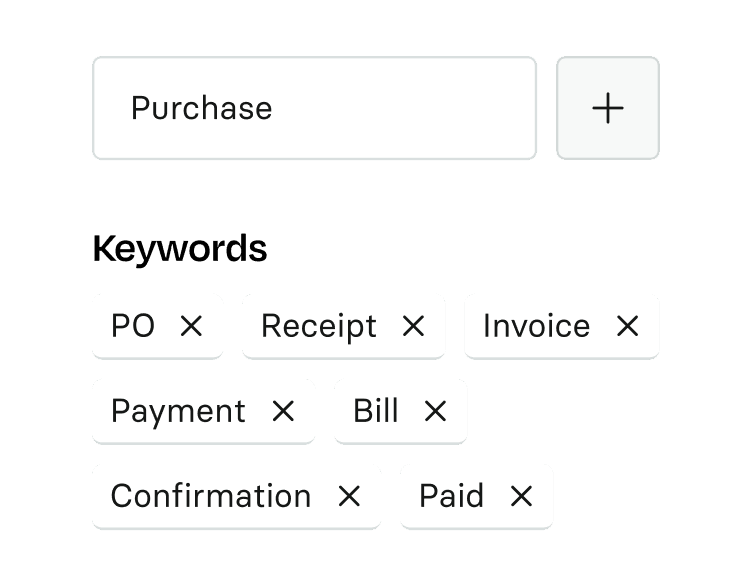
Authorize the connector and set your receipt criteria. Rho ships with sensible defaults -- edit your keywords anytime.
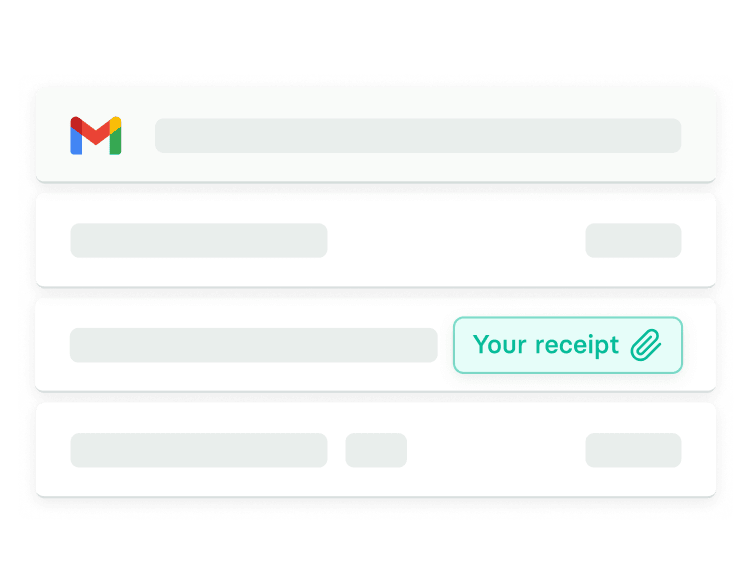
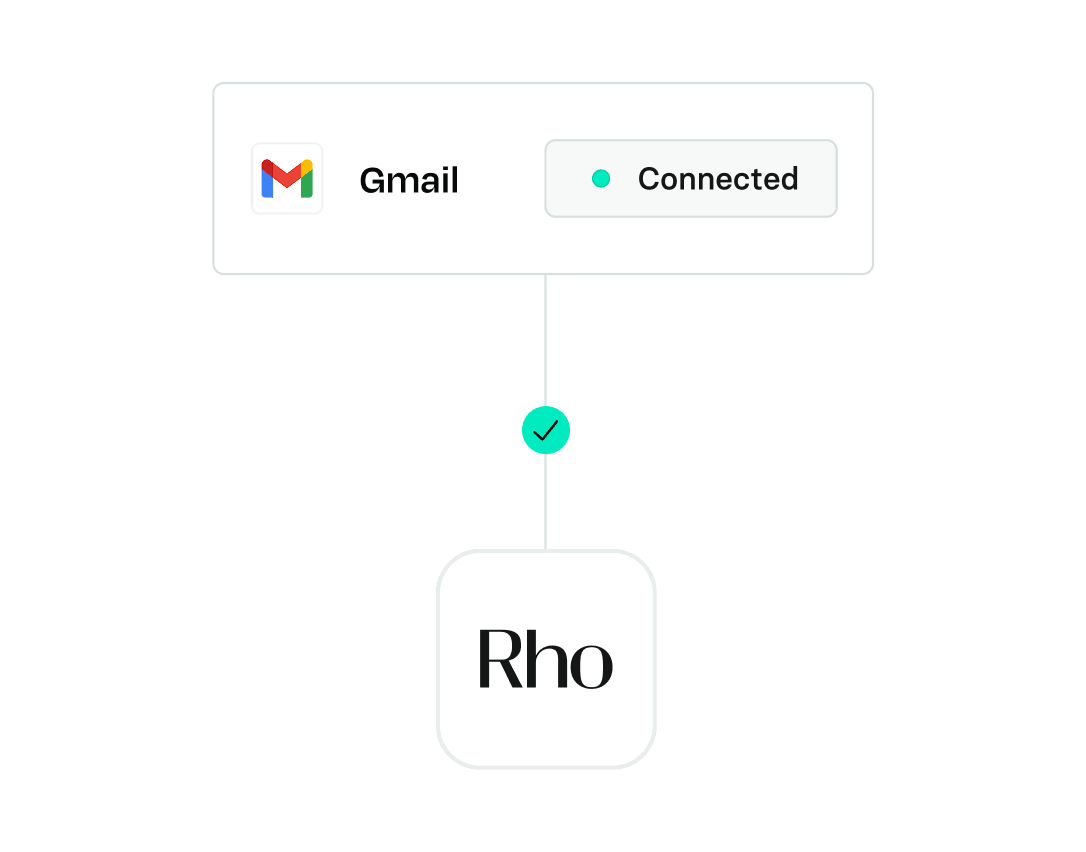
Connect your Gmail once. Rho finds your receipts and matches them to the right transaction. No forwarding rules, no manual uploads, no chasing teammates.
Authorize the connector and set your receipt criteria. Rho ships with sensible defaults -- edit your keywords anytime.
Using your receipt criteria, Rho finds matching emails and pulls them in. No forwarding rules. No manual uploads.
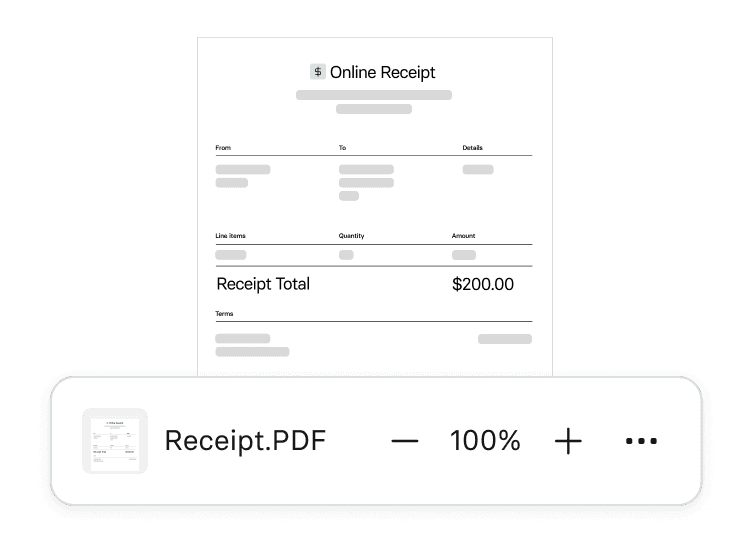
When Rho finds a receipt, it matches it to the right transaction. Every teammate can connect their own inbox. Disconnect anytime.
Connect once. Rho finds your receipts automatically from that point forward.
No more chasing teammates for missing receipts before close.
Every receipt matches to the right transaction. Nothing falls through.
Your books stay clean without anyone lifting a finger.
One admin action connects your whole team.
Enhance every finance process, unlocking time and value.
_
Connect Gmail once. Rho finds your receipts and matches them automatically. No one gets pinged. Nothing falls through.
_
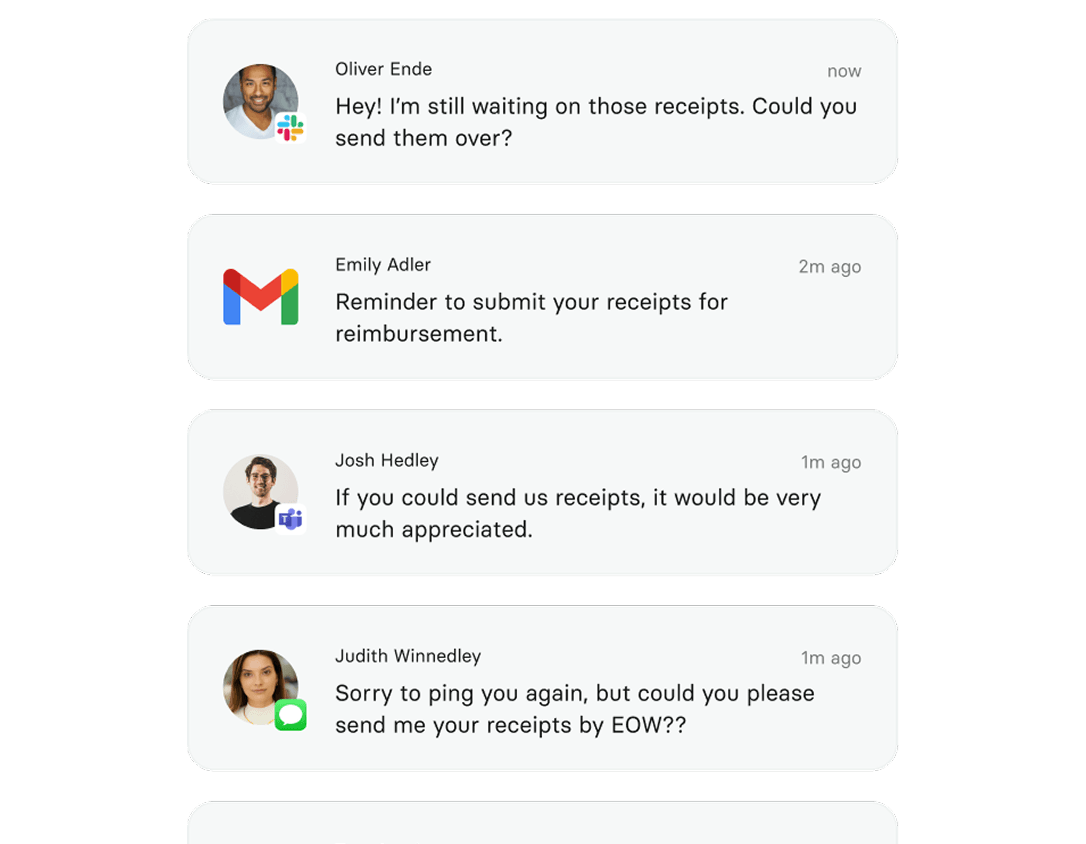
Missing receipts. Teammates getting pinged. Manual cleanup every month. Same problem, different close.
Receipts, and only receipts. The connector scans subject lines and attachments that look like purchase confirmations — nothing else is read, stored, or touched. You set the keywords before connecting, can edit them anytime, and can disconnect instantly.
The Gmail Connector captures receipts from the point of connection forward. For older receipts, you can still upload manually or bulk forward.
Yes. Each team member connects their own inbox. Their receipts route into the shared expense view automatically.
Anytime. Disconnect from Rho settings instantly. No inbox data is retained after disconnection.
The connector replaces it. Auto-forwarding breaks when card setups or email configurations change — the connector doesn't. Once you've connected, you can remove your forwarding rules.
In the pipeline. We will share timing when it is confirmed. The Gmail Connector is just the start.
Join the beta and get 25% off Google Workspace for 6 months. Terms and conditions apply.