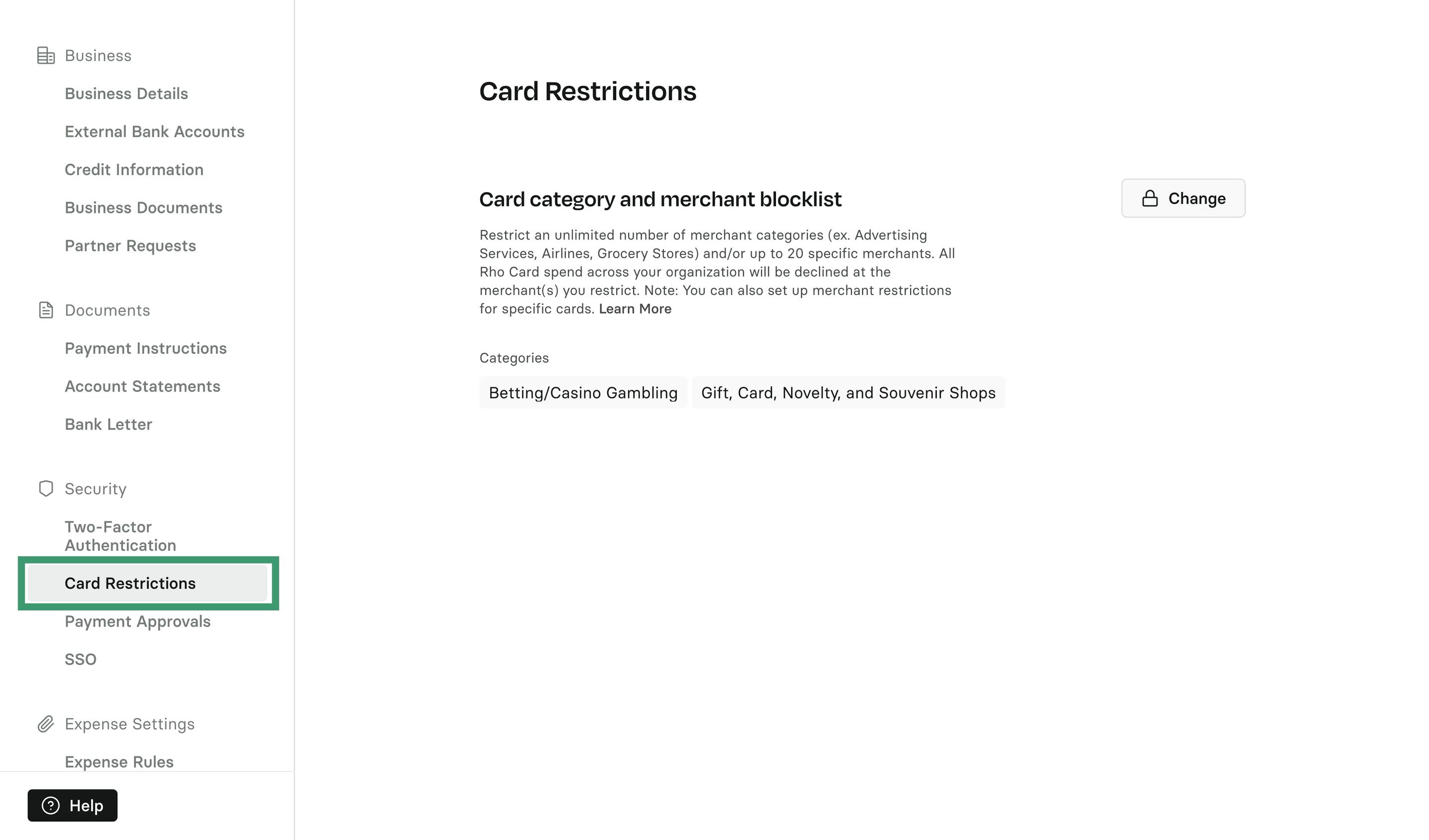
You can set up company-wide merchant restrictions, meaning all Rho Card spend across your organization will be declined at the merchant(s) you restrict.
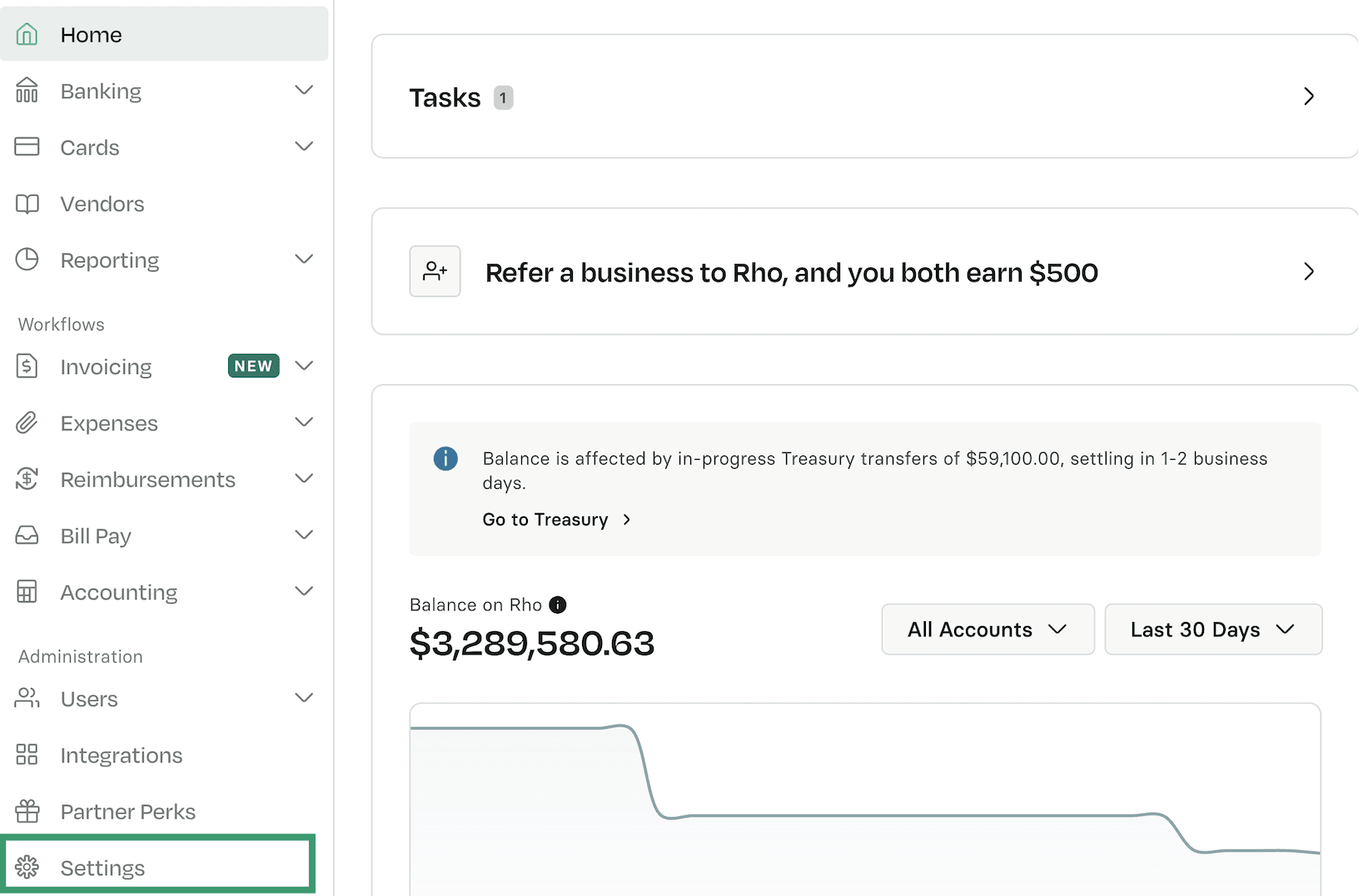
To set up, click on Settings at the bottom left of your Rho Dashboard:
From there, navigate to Security and select Card Restrictions. Click Change to update your preferences. You can restrict an unlimited number of merchant categories (e.g., Advertising Services, Airlines, Grocery Stores) and up to 20 specific merchants.
Once saved, all Rho Card transactions will be declined at these specific merchants or merchants that fall into the categories you choose.