


Key takeaways
Paper receipts create delays during tax season, increase data entry, and complicate expense reports for finance teams and small business owners.
Modern tools use optical character recognition (OCR) to extract key information like vendor, date, and total, improving categorization for business expenses.
The best receipt scanning app integrates directly with accounting software such as QuickBooks and Xero, keeping receipt tracking aligned with bookkeeping.
Some tools focus on reimbursement, while others support end-to-end expense management and expense tracking tied to a credit card or bank account.
Rho combines receipt management, expense tracking, and automated syncs to accounting software to automate reconciliation and streamline month-end close.
Finance teams waste hours each month chasing paper receipts, reconciling credit card transactions, and fixing data entry errors before expense reports are approved. Manual receipt tracking slows close timelines and creates gaps during tax season, especially when digital receipts from Amazon or emailed invoices are missing.
The best receipt scanner apps reduce this friction by capturing paper receipts and digital receipts, applying OCR, and syncing structured data to accounting software or expense records linked to bank transactions. Instead of static images, teams get searchable records stored in cloud storage that support bookkeeping and tax purposes.
This guide reviews the best receipt scanning app options for finance teams, freelancers, and small business owners, comparing functionality, pricing, and workflow fit.
What is a receipt scanner, and why does it matter?
A receipt scanner converts paper receipts and digital receipts into structured records using OCR. The goal is to achieve accurate categorization, minimize data entry, and ensure reliable receipt management for business expenses.
When teams fail to upload receipts on time, expense tracking breaks down. Missing documentation delays reimbursement, complicates tax deductions, and creates audit risk during tax season. Reliable receipt tracking ensures that records are tied to the correct credit card transaction or bank account entry.
How do modern receipt scanner apps support finance teams?
Modern platforms go beyond basic scanning. The best receipt scanner apps connect receipt management directly to expense management workflows, rather than treating scanning as a standalone task.
By capturing receipts close to the point of spend, these tools reduce manual data entry, improve categorization, and help enforce policy automatically across expense reports. This is especially important for teams managing credit card spend, bank account transactions, and reimbursement workflows during tax season.
Strong tools typically include these key features:
Real-time receipt capture: Receipts are attached to expenses as transactions occur, minimizing the risk of missing documentation.
Automated categorization: Expenses are coded by vendor, department, or GL account to reduce manual corrections.
Policy-aware workflows: Reminders and approvals ensure receipts meet internal guidelines before posting.
Centralized cloud storage: Receipts remain linked to transactions, creating continuous audit trails.
Accounting integrations: Structured data syncs directly with tools like QuickBooks, NetSuite, or Xero.
Common types of receipt scanner tools
Choosing the right receipt scanner depends on how your finance team manages receipt management, expense tracking, and bookkeeping day to day. Some tools focus solely on scanning, while others combine scanning with broader expense management functionality. Understanding the main types helps you decide which category fits your company’s size, complexity, and integration needs.
Standalone receipt scanners: These tools focus on OCR-based receipt tracking and basic document management. They convert paper receipts into digital files but usually require manual data entry, categorization, or CSV exports into accounting software.
Expense management platforms with built-in scanning: Tools like Expensify, Zoho Expense, and Dext combine receipt capture with expense reports, approvals, and reimbursement, making them useful for small business owners and freelancers.
Card-based spend platforms with embedded receipt capture: Receipt scanning is tied directly to a credit card transaction, improving receipt tracking, reducing follow-ups, and supporting automated expense management workflows.
Accounting-native receipt tools: Some accounting platforms include receipt scanning as a bookkeeping feature. These tools prioritize documentation and audit trails, but typically lack real-time controls or policy enforcement.
API-driven OCR infrastructure: These tools provide receipt extraction as a backend service rather than a full application. They’re often used by companies building custom finance workflows or embedding receipt capture into proprietary systems.
Unified finance platforms: These platforms integrate receipt capture with corporate cards, banking, and accounts payable workflows. By centralizing spend data in one system, they reduce tool sprawl and keep receipts consistently linked to transactions across the entire finance stack.
Top receipt scanner apps for 2026
The market for receipt tracking tools is crowded, but certain platforms consistently stand out for their accuracy, integrations, and ease of use. Whether your business needs simple scanning for reimbursements or a full‑scale system tied to credit cards and accounting, these top apps represent the best options available in 2026.
The table below summarizes their strengths and ideal use cases, allowing you to compare them at a glance.
Platform | Best for | Key strength | Accounting integrations |
Rho | Unified finance operations with automated receipt capture | Built‑in scanning, expense, AP, and treasury | QuickBooks, NetSuite |
Ramp | Corporate card automation and real‑time expense control | Automated matching and multi‑entity controls | QuickBooks, NetSuite, Xero |
Expensify | SMEs with mobile‑first reimbursement workflows | SmartScan OCR and app‑based approvals | QuickBooks, Xero |
Zoho Expense | Global teams needing multilingual support | Multi‑currency, customizable workflows | Zoho Books |
QuickBooks Online | Firms already in Intuit’s ecosystem | Native scanning inside the accounting suite | Native |
Wave | Freelancers and small businesses | Basic OCR and bookkeeping | QuickBooks CSV, Wave native |
Shoeboxed | Businesses digitizing paper receipts | Mail‑in paper scanning and OCR archiving | CSV, QuickBooks |
Veryfi | Regulated industries prioritizing compliance | Secure, high‑accuracy OCR (HIPAA/GDPR) | NetSuite, Xero |
Rho
Best unified platform for automated expense tracking and financial control
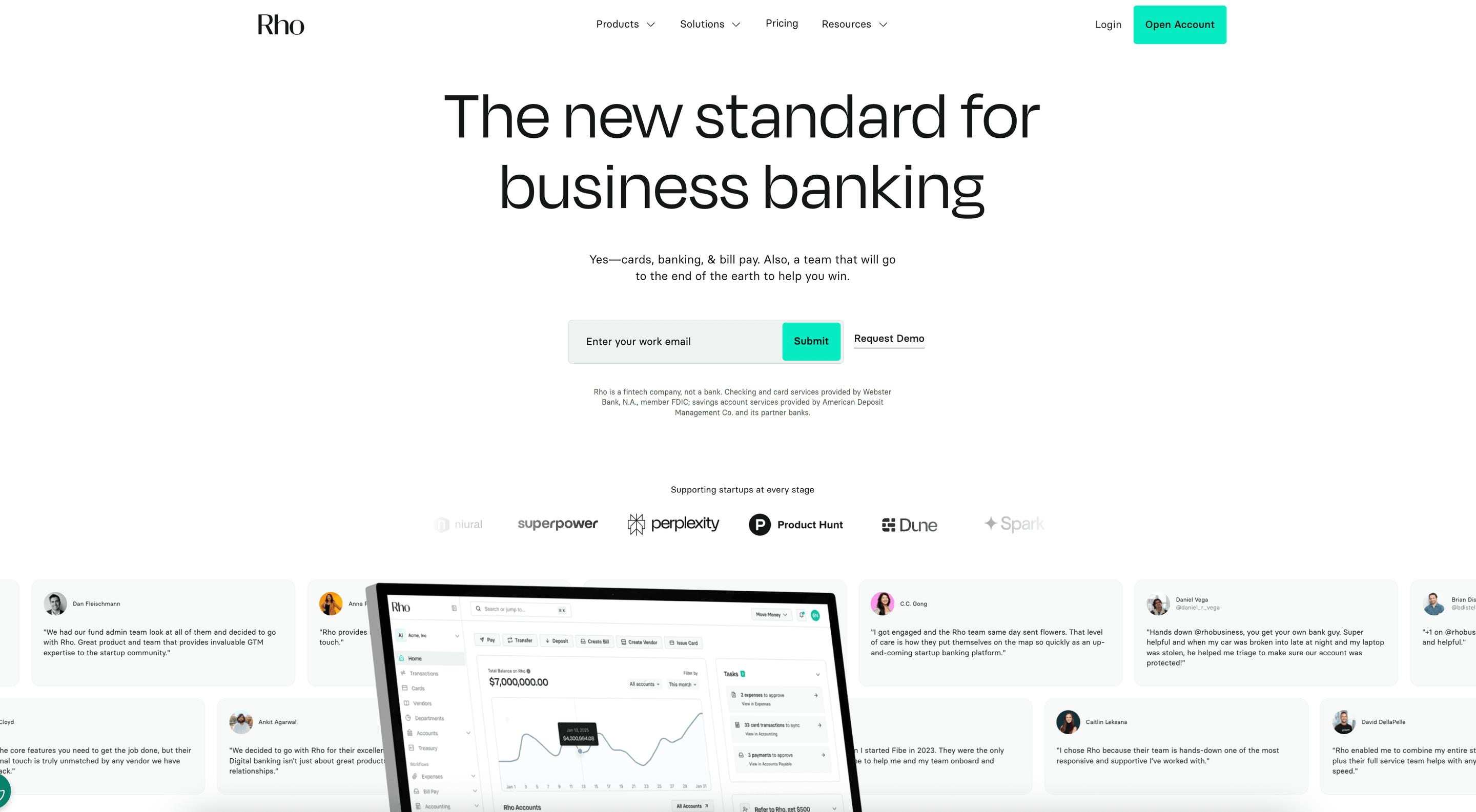 Rho is a user-friendly all-in-one financial platform that combines corporate cards, banking, bill pay, and expense management into a single system. Receipt scanning is embedded directly into the spend workflow, allowing receipts to be captured, matched, and coded at the transaction level. Rather than treating receipt scanning as a standalone task, Rho connects documentation to real-time spend controls and accounting data, helping finance teams close faster with fewer follow-ups.
Key features of Rho
Real-time receipt capture: Receipts can be submitted via the Rho mobile app, email, or text and attached immediately to credit card transactions, reducing delays from missing paper receipts or digital receipts.
Automatic receipt-to-transaction matching: Receipts sync directly to card spend, improving receipt tracking and reducing manual bookkeeping work.
Unified expense management: Receipt scanning is integrated into the same platform as cards, bill pay, and banking, eliminating the need for separate receipt management tools or CSV exports.
Policy enforcement at the point of spend: Merchant rules and limits reduce invalid business expenses before expense reports are submitted.
Accounting integrations: Receipts and coded transactions sync directly with QuickBooks and other accounting software, supporting audits, tax deductions, and tax purposes.
Pros and cons of Rho
Pros | Cons |
|
|
Ramp
Best free platform for corporate spend control
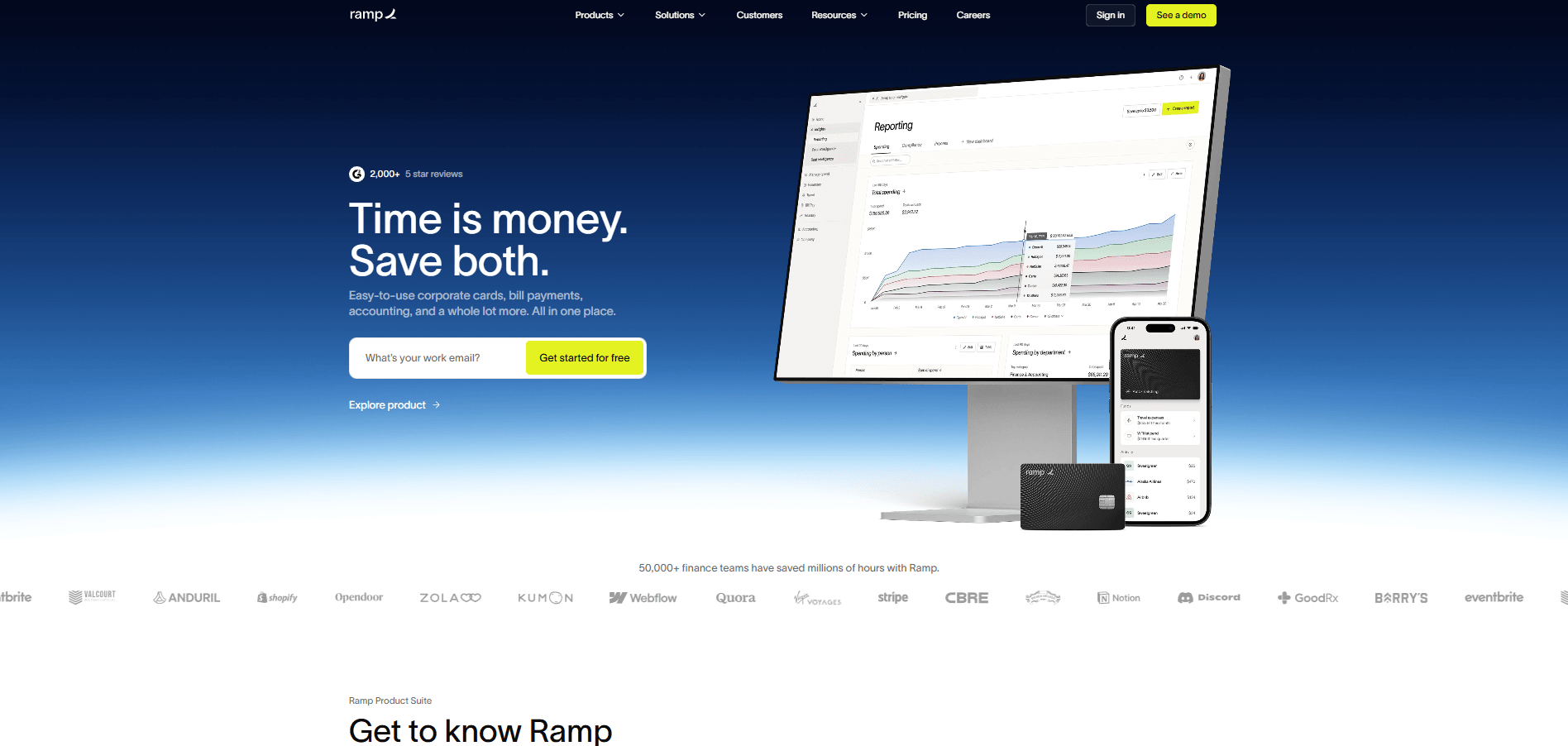 Ramp is a corporate card and spend management platform focused on cost visibility and automation. Its receipt scanner is designed to work tightly with Ramp-issued cards, automatically collecting receipts and linking them to transactions.
Key features of Ramp
AI-powered receipt matching: Automatically links uploaded receipts to card transactions using machine learning.
Automated receipt reminders: Prompts employees when transactions are missing required documentation.
Expense categorization: Uses merchant data and historical patterns to pre-code expenses.
Policy flagging: Highlights out-of-policy expenses for finance review.
Accounting exports: Syncs receipt data and expense details to supported accounting systems.
Pros and cons of Ramp
Pros | Cons |
|
|
Expensify
Best for small and midsize teams seeking mobile reimbursements
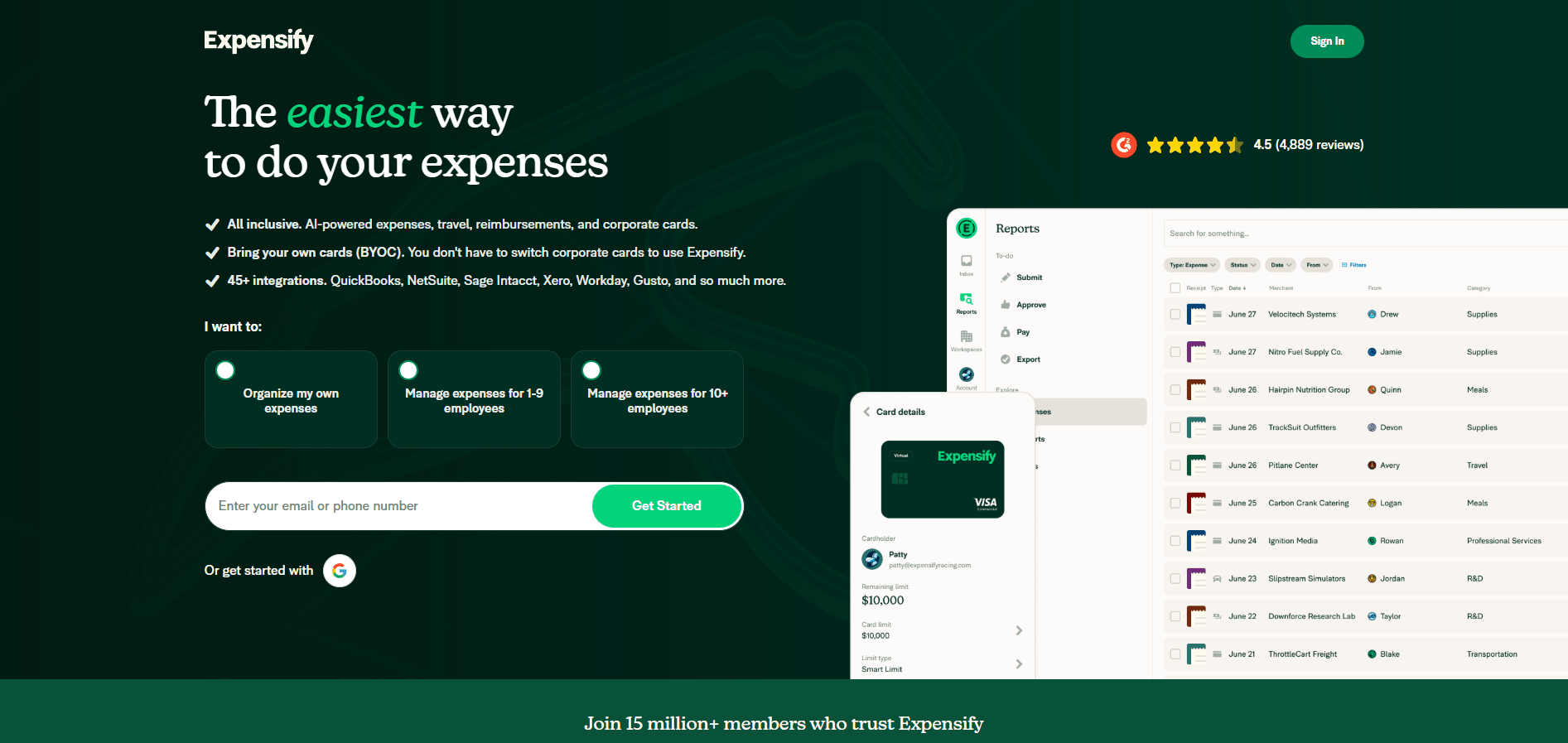 Expensify is an expense management platform recognized for its OCR-powered receipt scanning capabilities. It supports a wide range of submission methods and expense report workflows, making it popular with traveling teams and reimbursement-heavy organizations.
Key features of Expensify
SmartScan OCR: Extracts merchant, date, and amount data from receipt images.
Multiple submission options: Supports mobile scanning, email forwarding, and manual uploads.
Automated expense reports: Builds reports directly from scanned receipts.
Corporate card matching: Links receipts to supported card transactions.
Multi-currency support: Handles international receipts and global expense reporting.
Pros and cons of Expensify
Pros | Cons |
|
|
Zoho Expense
Best multilingual and multi‑currency expense tool
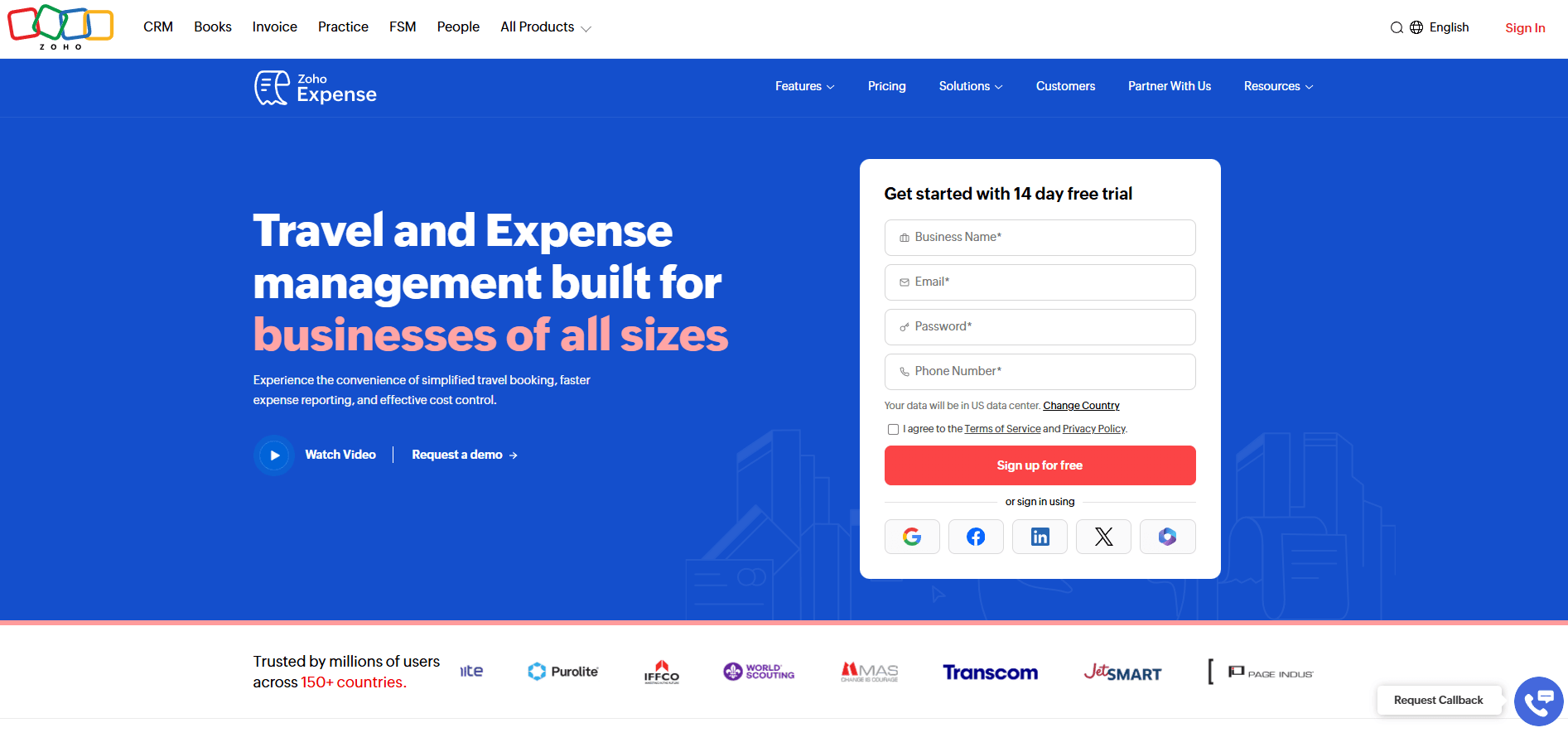 Zoho Expense is a configurable expense management tool designed for businesses that need detailed policy controls and approval workflows. Its receipt scanner captures expense data and feeds it into customizable reporting and approval structures.
Key features of Zoho Expense
OCR receipt scanning: Automatically extracts key data from uploaded receipts.
Policy-based approvals: Routes expenses based on predefined rules and thresholds.
Custom expense categories: Supports detailed chart-of-accounts mapping.
Zoho ecosystem integration: Connects natively with Zoho Books and other Zoho tools.
Mileage and per diem tracking: Supports expense types beyond receipts.
Pros and cons of Zoho Expense
Pros | Cons |
|
|
QuickBooks Online
Best accounting suite with built‑in scanning
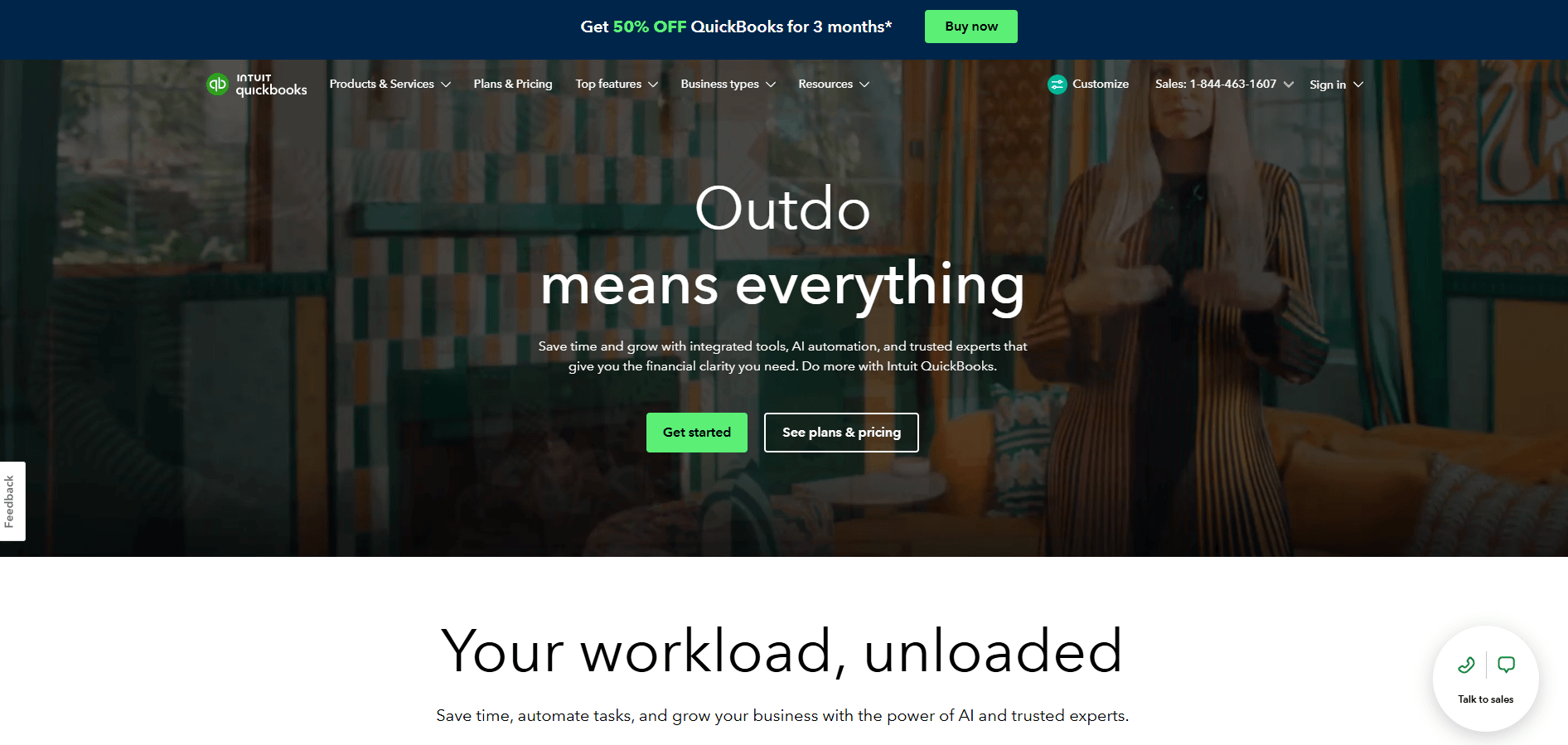 QuickBooks Online includes receipt scanning as part of its accounting platform, allowing users to attach receipts directly to expenses and transactions. The feature is designed to support bookkeeping accuracy rather than real-time spend control, making it a natural fit for small businesses already managing their books in QuickBooks.
Key features of QuickBooks Online
Mobile receipt capture: Upload receipts directly from the QuickBooks mobile app.
Transaction matching: Links receipts to bank feed or manually entered expenses.
Document storage: Stores receipts alongside accounting records for audit support.
Vendor recognition: Uses merchant data to speed up categorization.
Ledger-level attachment: Keeps receipts tied directly to general ledger entries.
Pros and cons of QuickBooks Online
Pros | Cons |
|
|
Wave
Best free starter tool for freelancers
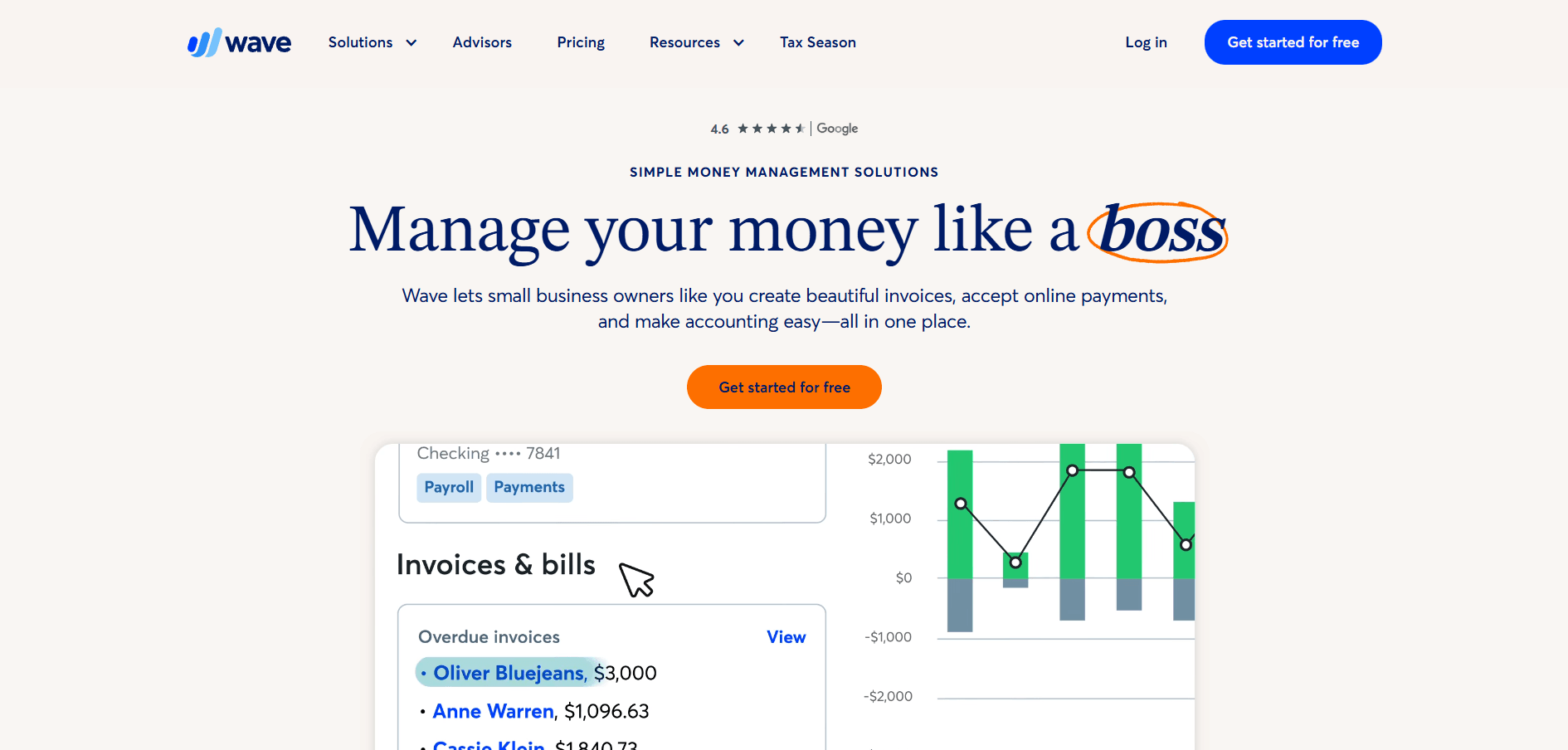 Wave is an accounting platform designed for freelancers and very small businesses. Its receipt scanning feature focuses on basic documentation and bookkeeping support rather than automation-heavy expense workflows. Receipts can be uploaded and attached to expenses to support record-keeping, making Wave a practical option for users who want simple digital storage without additional cost.
Key features of Wave
Basic receipt scanning: Users can upload receipt images and attach them to expense records for documentation.
Manual expense categorization: Expenses are coded manually, allowing users to control how costs are classified.
Cloud-based storage: Receipts are stored digitally and linked to transactions for future reference.
Accounting linkage: Scanned receipts attach directly to Wave expense entries and reports.
Free access: Receipt scanning is included at no cost within Wave’s core accounting product.
Pros and cons of Wave
Pros | Cons |
|
|
Shoeboxed
Best for bulk paper receipt digitization
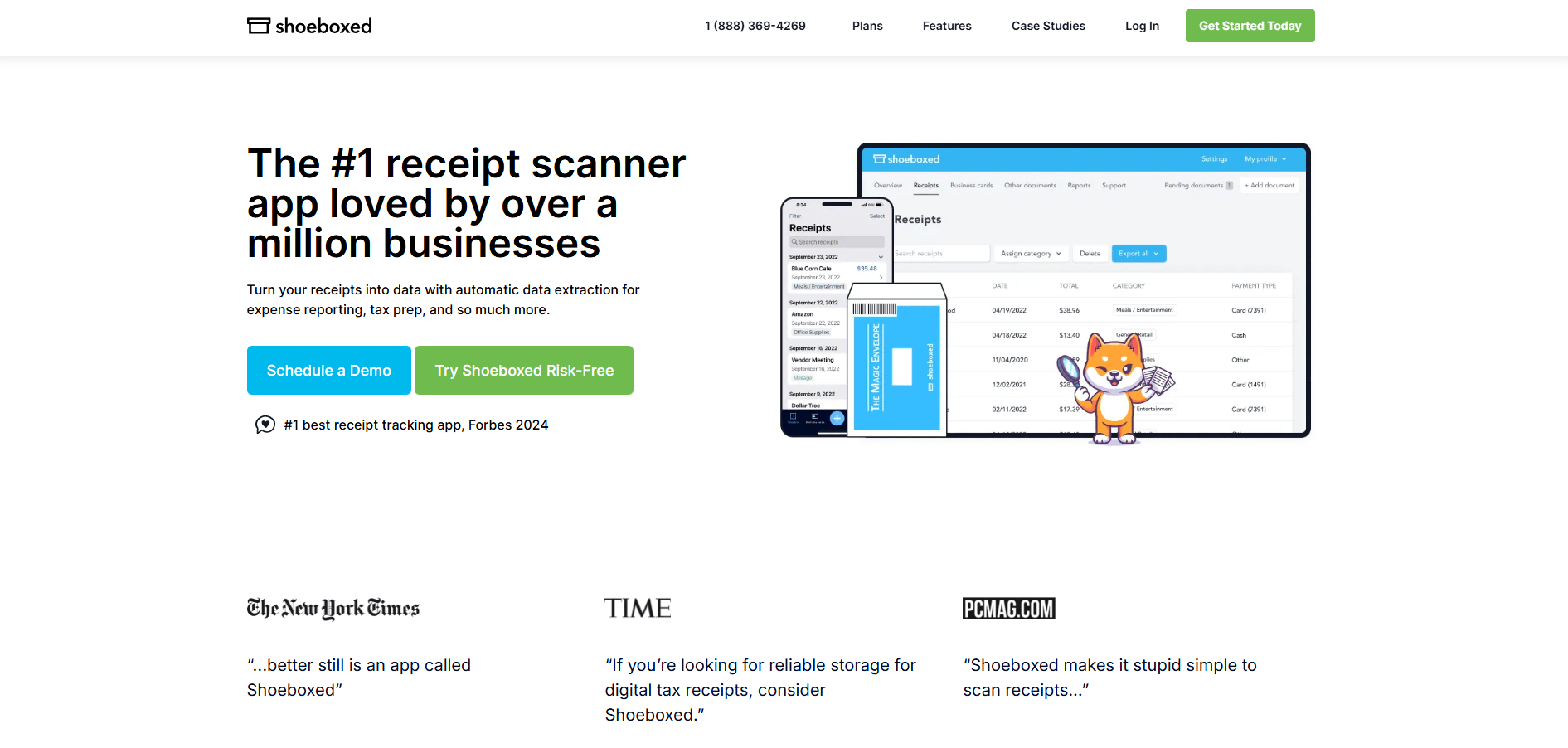 Shoeboxed is a receipt digitization and archiving service focused on converting paper receipts into organized digital records. Unlike real-time expense tools, Shoeboxed emphasizes accuracy and long-term storage, including the option to mail in physical receipts for professional scanning. It is commonly used for tax preparation, audits, and organizing historical expenses.
Key features of Shoeboxed
Mail-in receipt scanning: Physical receipts can be sent to Shoeboxed for professional digitization.
High-accuracy data extraction: Human review improves OCR reliability for complex or faded receipts.
Automatic categorization: Receipts are organized by vendor, date, and expense type.
Searchable archive: Users can access and filter historical receipts over long time periods.
Export tools: Data can be exported to accounting and tax software.
Pros and cons of Shoeboxed
Pros | Cons |
|
|
Veryfi
Best for secure, high‑accuracy scanning in regulated industries
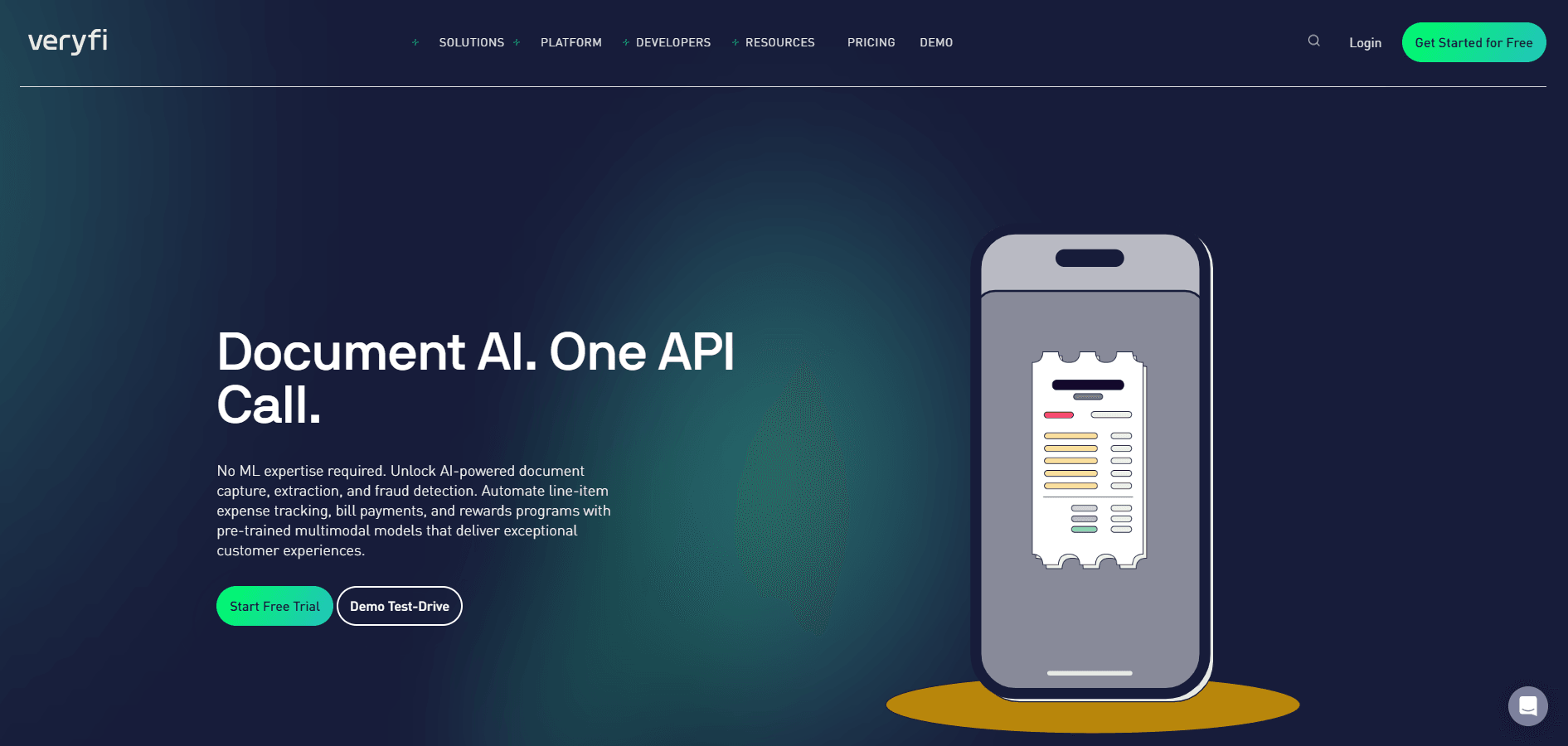
Veryfi is an AI-powered OCR platform focused on extracting structured data from receipts and documents in real time. It’s commonly used by teams that want fast, accurate receipt data feeding into custom workflows or proprietary applications.
Key features of Veryfi
Real-time OCR processing: Extracts receipt data in seconds, including merchant, date, totals, and taxes.
Line-item extraction: Captures detailed purchase-level data beyond summary totals.
API-first architecture: Enables developers to embed receipt scanning directly into internal tools or third-party platforms.
Fraud and anomaly signals: Flags unusual receipt patterns or inconsistencies in extracted data.
Structured data exports: Sends clean, normalized data to accounting systems, ERPs, or databases.
Pros and cons of Veryfi
Pros | Cons |
|
|
How to choose the right receipt scanner app
The right receipt scanner should seamlessly integrate into your existing financial stack, reduce manual work, and scale as your spend volume grows. Beyond basic OCR, the strongest tools help finance teams maintain control, enforce policy, and close the books faster. Use the criteria below to evaluate which solution best supports your operating model:
Confirm accounting and ERP integration: Ensure that receipts sync directly with your accounting software, keeping documentation tied to transactions and ledger entries.
Validate OCR accuracy and coverage: Look for consistent extraction across currencies, tax formats, and international receipts to avoid manual corrections.
Assess mobile capture and security: Ensure employees can submit receipts easily while data remains encrypted and audit-ready.
Review pricing at scale: Understand how costs change as headcount, transaction volume, or receipt submissions increase.
Consider workflow depth: Platforms that embed receipt capture directly into card, expense, and approval workflows typically reduce follow-ups and reconciliation work over time.
Automate every receipt and reimbursement with Rho
Disconnected receipt workflows slow down expense reviews, increase follow-ups, and create gaps during month-end close. The most effective teams reduce this friction by capturing receipts at the point of spend and linking them to transactions through reconciliation and reporting.
Rho supports this approach by unifying receipt capture with corporate cards, bill pay, and accounting integrations in a single financial platform. Receipts are attached automatically to transactions, policies are applied before review, and expense data flows cleanly into the general ledger without manual intervention.
Get started with Rho to simplify receipt tracking, reduce reconciliation work, and close the books with greater confidence.
FAQs
What is the best receipt scanner app for businesses in 2026?
The best receipt scanning app combines accurate OCR with direct integrations to accounting software like QuickBooks and Xero. Tools that connect receipts directly to transactions improve expense tracking, reduce manual data entry, and support reliable bookkeeping during tax season.
How do I attach receipts in Rho?
You can upload receipts through the Rho mobile app, via email, or by text. Receipts are automatically linked to the correct credit card transaction, improving receipt management and reducing follow-ups for missing documentation.
Does Rho automatically sync receipts to accounting tools?
Yes. Receipts and transaction data sync directly with supported accounting software, including QuickBooks, ensuring expense reports and bookkeeping stay aligned for audits and tax purposes.
Can employees send receipts to Rho via email or text?
Yes. Users can send digital receipts via email or text, and they are automatically matched to the corresponding transaction, improving receipt tracking and expense management without manual uploads.
Is scanning with Rho secure?
All uploads are encrypted and stored securely to support audits, tax deductions, and long-term document management needs, helping teams maintain clean records throughout tax season.