
For a CSV of your account statements, click into your Banking Tab from the Rho Toolbar.
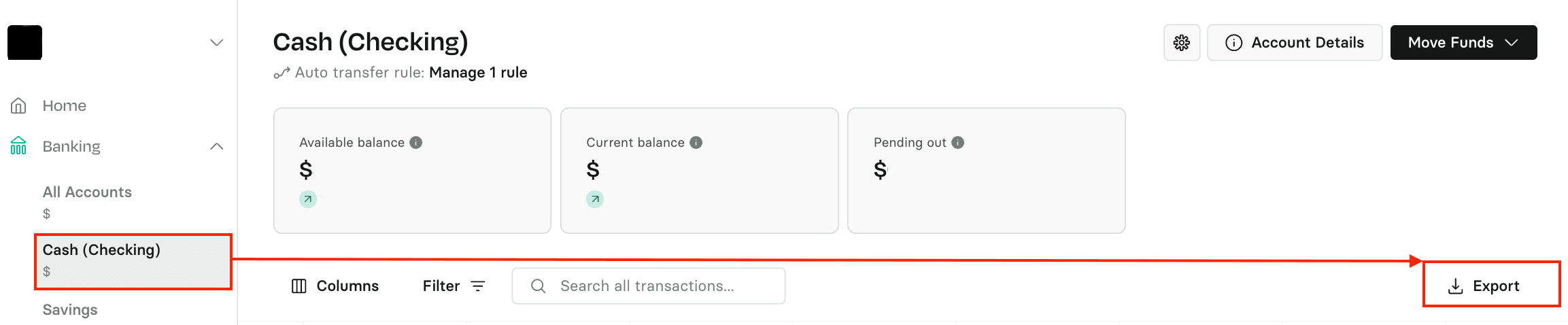
You can select the desired account by clicking on it in the left-hand menu, or you can simply click All Accounts to view all of your checking and treasury account transactions. Click the Export button on the right-hand side, then choose the date range and the Attributes you'd like included.
 You will receive a spreadsheet download once you click on Download CSV.

You can also download a CSV for Card Transactions: here's how.