
There are a few ways you can retrieve a Proof of Account from Rho:
Voided Check
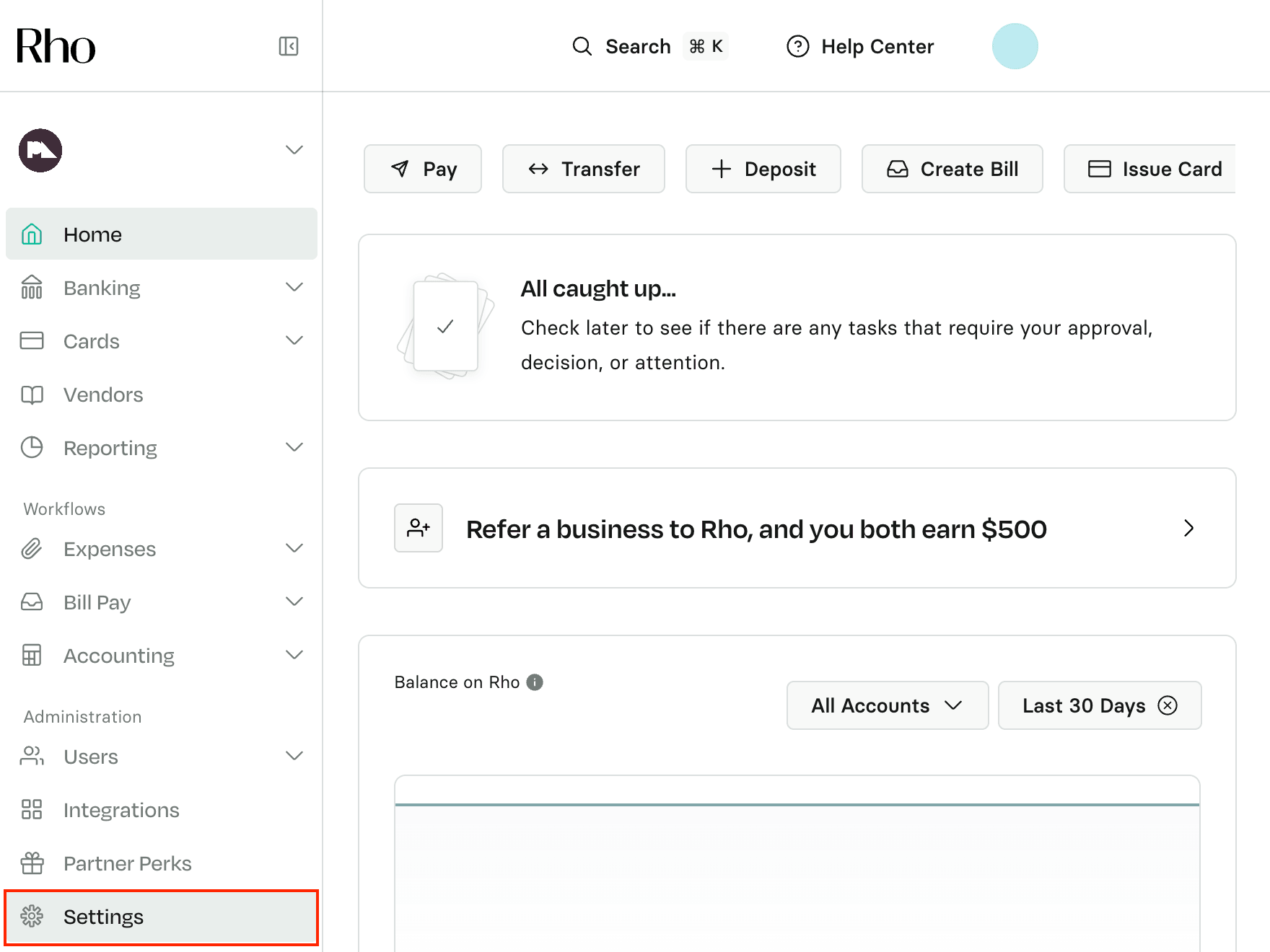
You can download this right from your dashboard. In your dashboard, click the Settings Tab at the bottom of the left-hand side navigation bar.
 Once on the Settings page, scroll to the Documents section, then click on Payment Instructions. Next to the Voided Check Template option, you can choose to either download it or email it to yourself or a third party.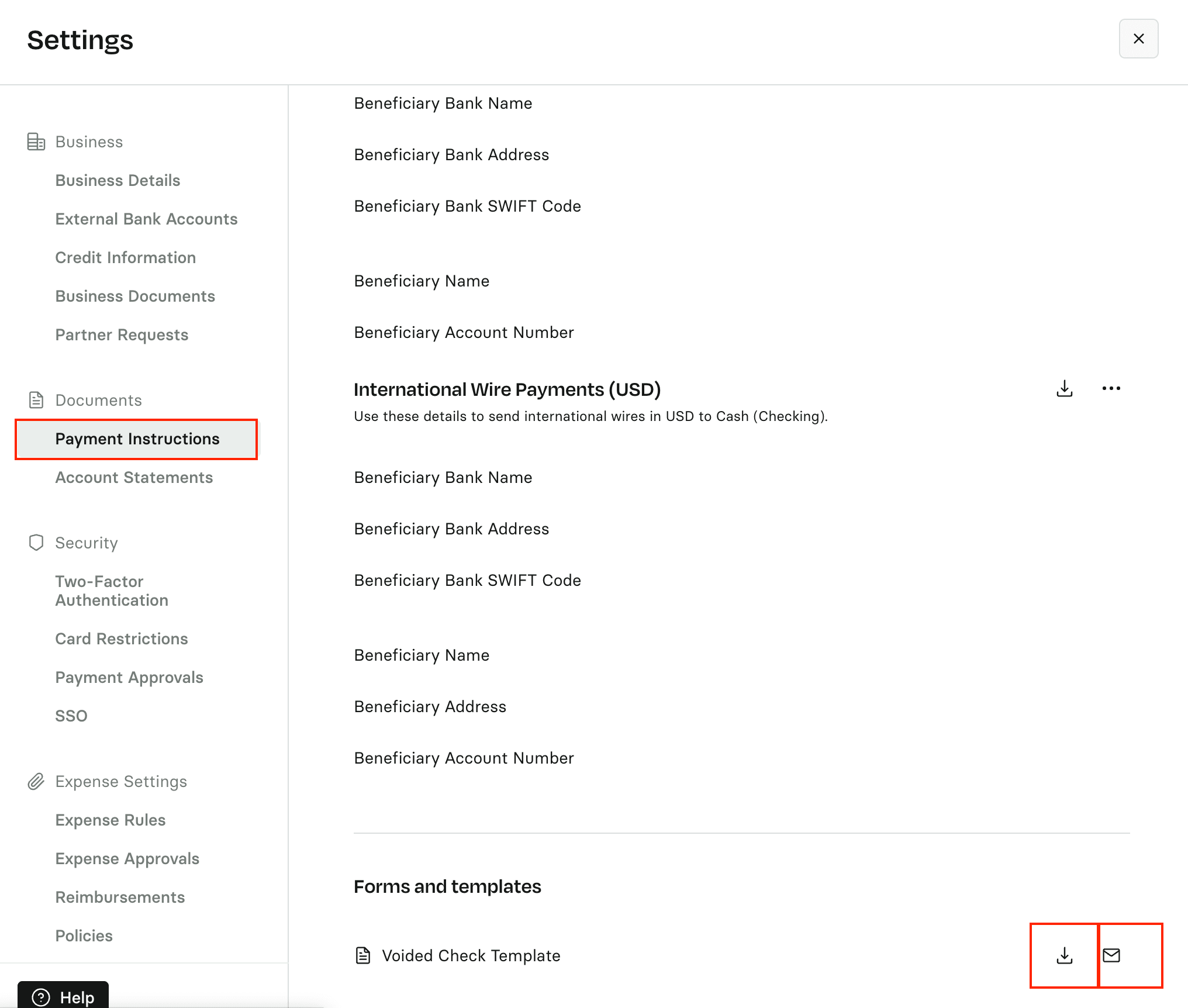
Current Bank Statement
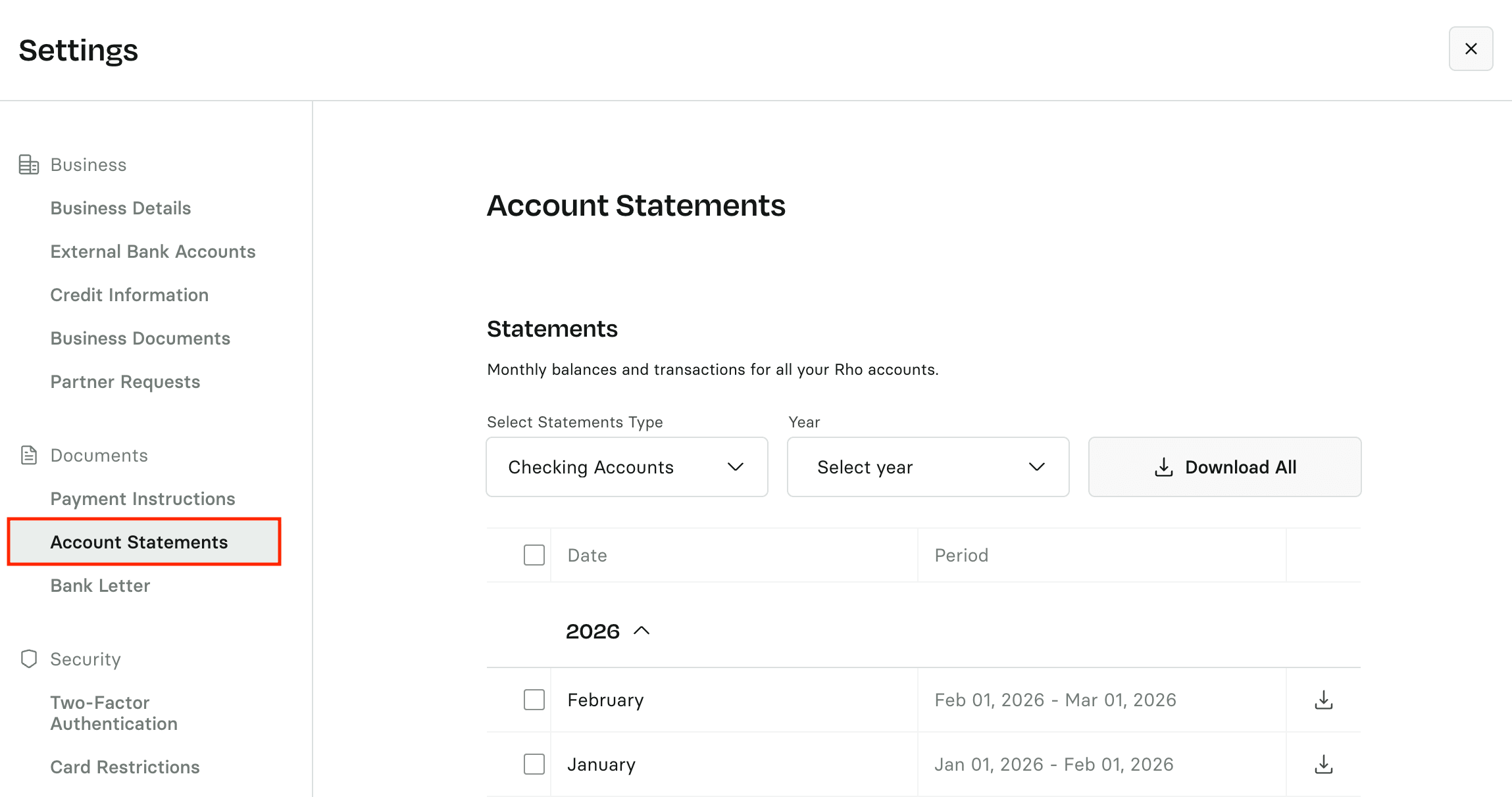
Vendors may also accept a current bank statement. Statements are generated on the 5th of every month and can also be found in your dashboard in the Settings → Documents → Account Statements section (if you have a new account and do not currently have a statement, please refer to the Request a Bank Statement section).
Statements become available on different schedules depending on the account type. Learn when to expect your statements.
How to Obtain a Proof of Account (Bank Letter)
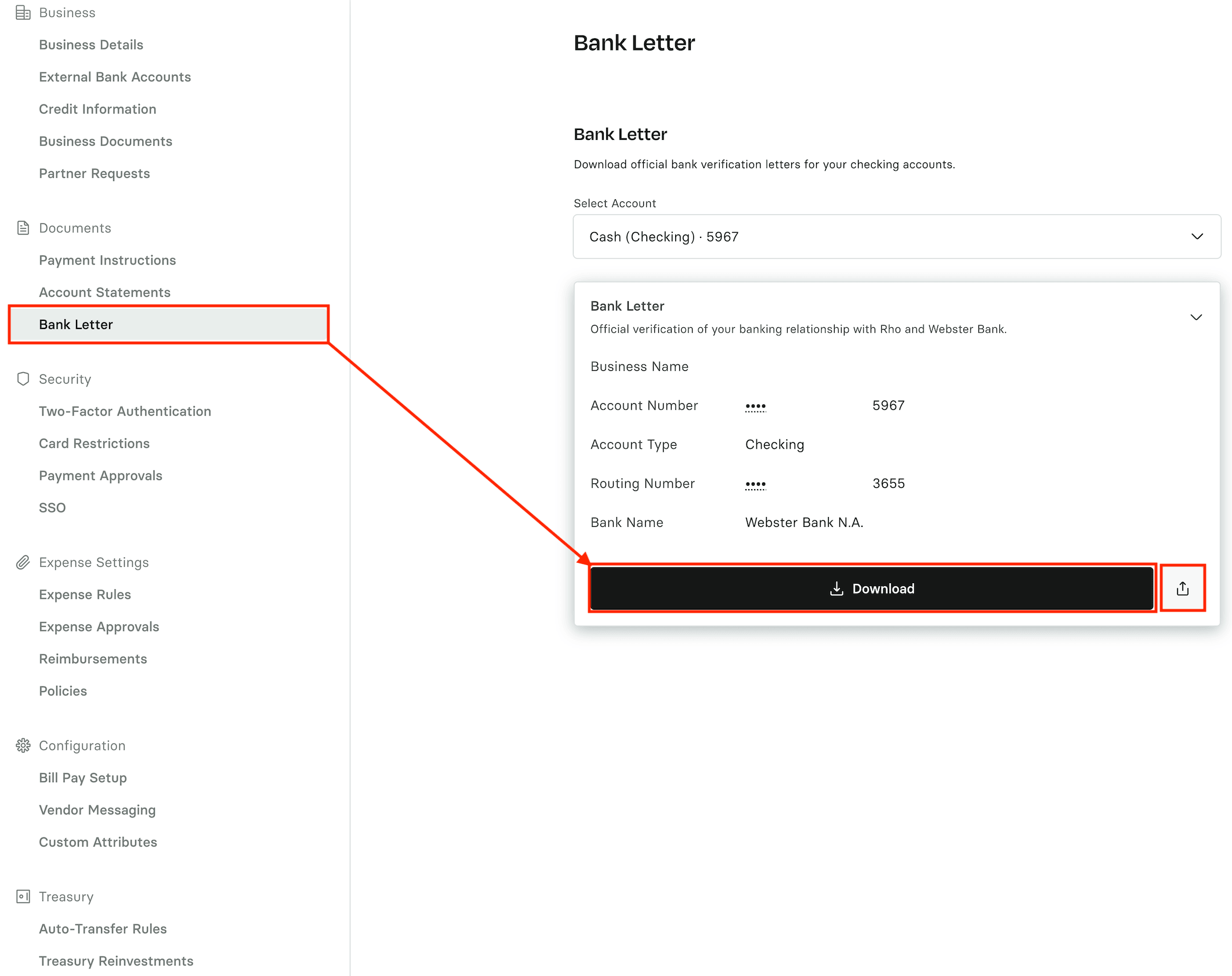
To download or send a proof of account bank letter:
Navigate to Settings → Documents → Bank Letter.
Select the account you need the letter for.
Open the Bank Letter tab.
Choose one of the following options:
Download to save a copy of the letter.
Send Bank Letter (on the right-hand side) to email it directly.
If you select Send Bank Letter, enter the recipient’s email address. The letter will be delivered to them immediately.
Request a Bank Statement
If the above options do not suffice, you may request a blank bank statement or a statement reflecting your account balance to date. You can easily request these documents by contacting a member of the Rho team (+1 (855) 743-8746 or email clientservice@rho.co).