
Account Owner and Admin users have the ability to assign a department or change an assigned department for an existing Rho Card. You can assign a card to the desired Department in two ways:
Through the Cards Tab
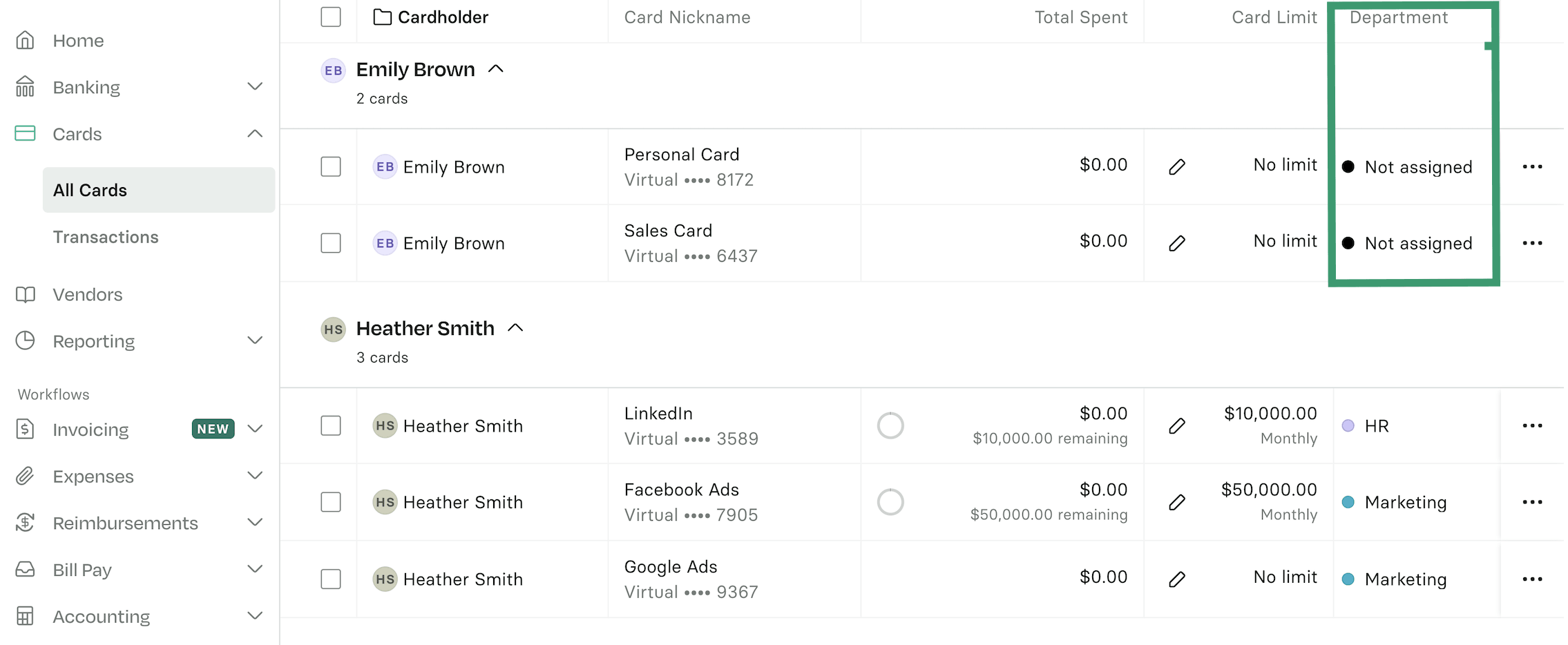
This can be modified by navigating to Cards > All Cards, selecting the desired card from the table and updating the Department field.
Through the Reporting Tab
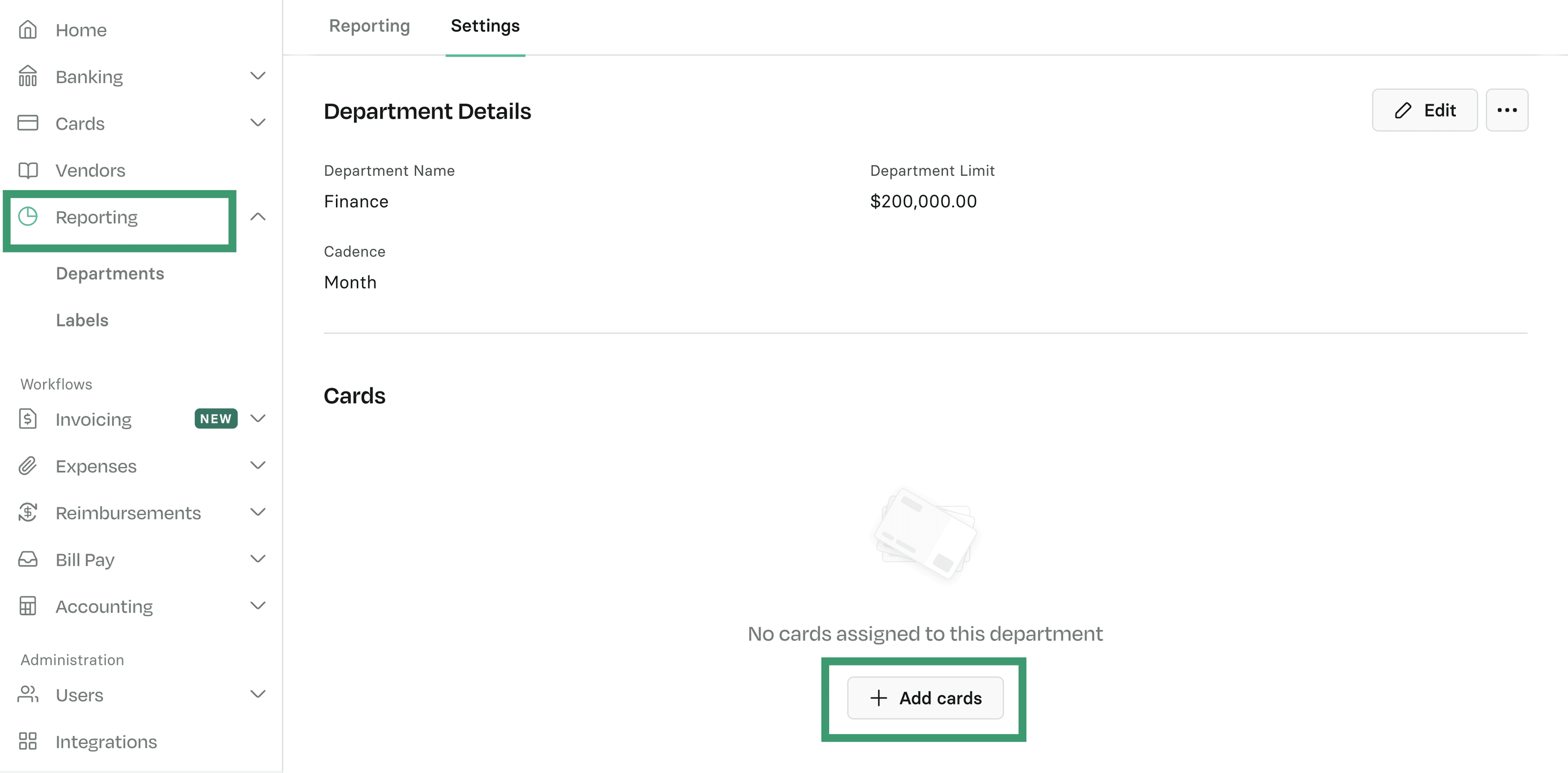
To assign a card to a department, go to Reporting > Departments, select the desired department, and click + Add cards. Then, choose the card you want to assign.
To learn how to create departments, see Create a New Department.