
Invoicing is Now in Rho [beta]
You already bank with Rho. Now you can invoice from the same place — and when the payment arrives, it matches automatically.
With Rho Invoicing, you can:
Create branded invoices in a few clicks. Add your logo, choose your brand colors, set line items with descriptions, quantities, and pricing.
Protect your account details with Virtual Account Numbers. Every invoice is secured with a virtual account number. Designed to minimize risk from unauthorized debits.
Track what's owed at a glance. See every invoice by status — sent, paid, overdue.
Let Rho handle the matching. When a customer pays into your Rho account, the payment is matched to the right invoice automatically. No spreadsheet tracking. No manual reconciliation.
Team and Vendor Cards, Now on Mobile
Here's what you can do from your phone:
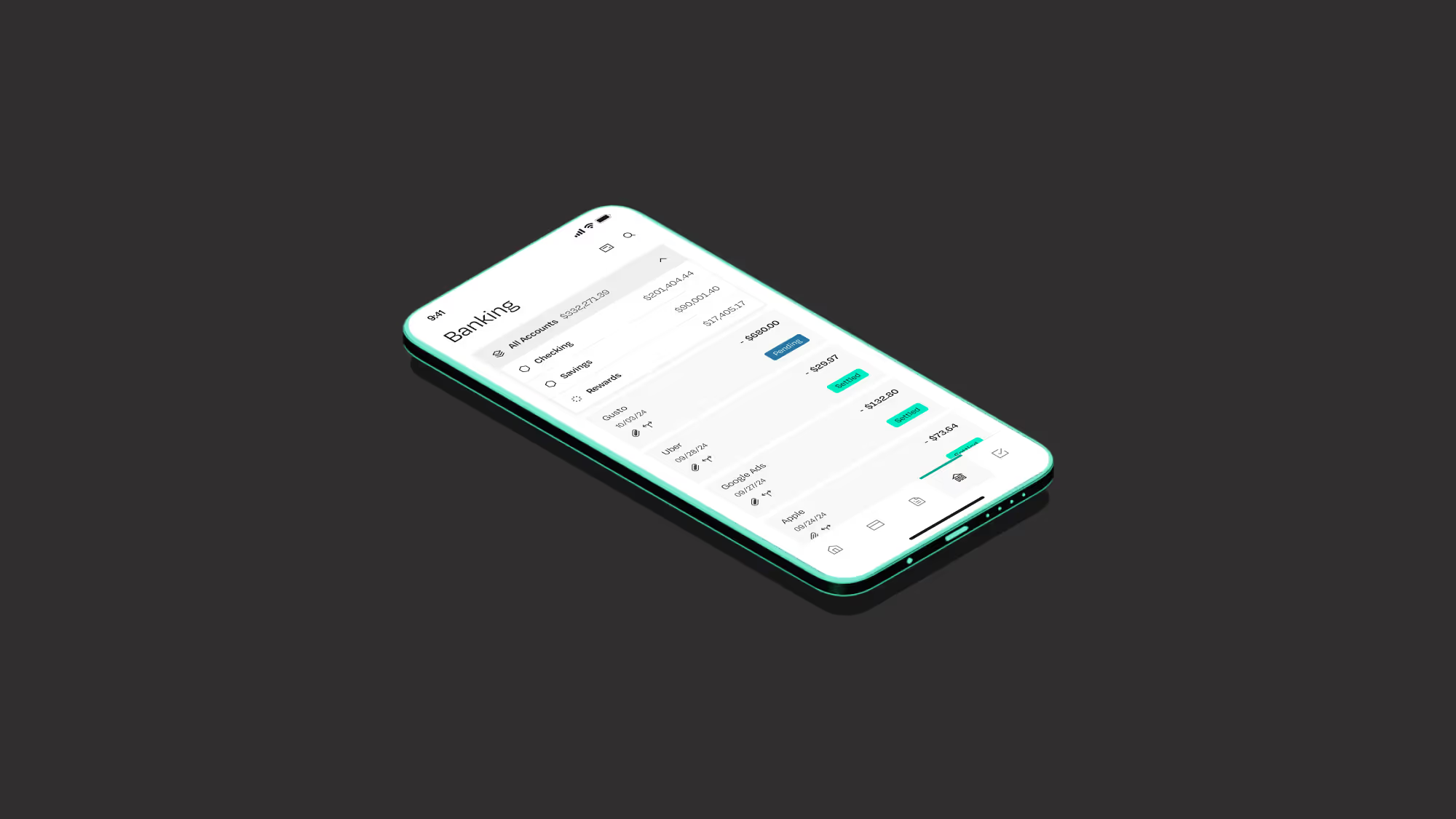
View all cards in one place. Team cards are grouped by team member, vendor cards by vendor. Search for any card instantly.
Check transactions and balances. Tap into any card to see its full transaction history, current balance, and spending against its limit.
Take action on the go. Adjust limits, lock a card, or cancel one — all without opening a laptop. When your SaaS vendor card for Anthropic or OpenAI needs a quick limit bump, it takes seconds.
Vendor cards on mobile for the first time.
Rolling out to all users this month.
Mobile Reimbursements Reimagined
The new flow is simple:
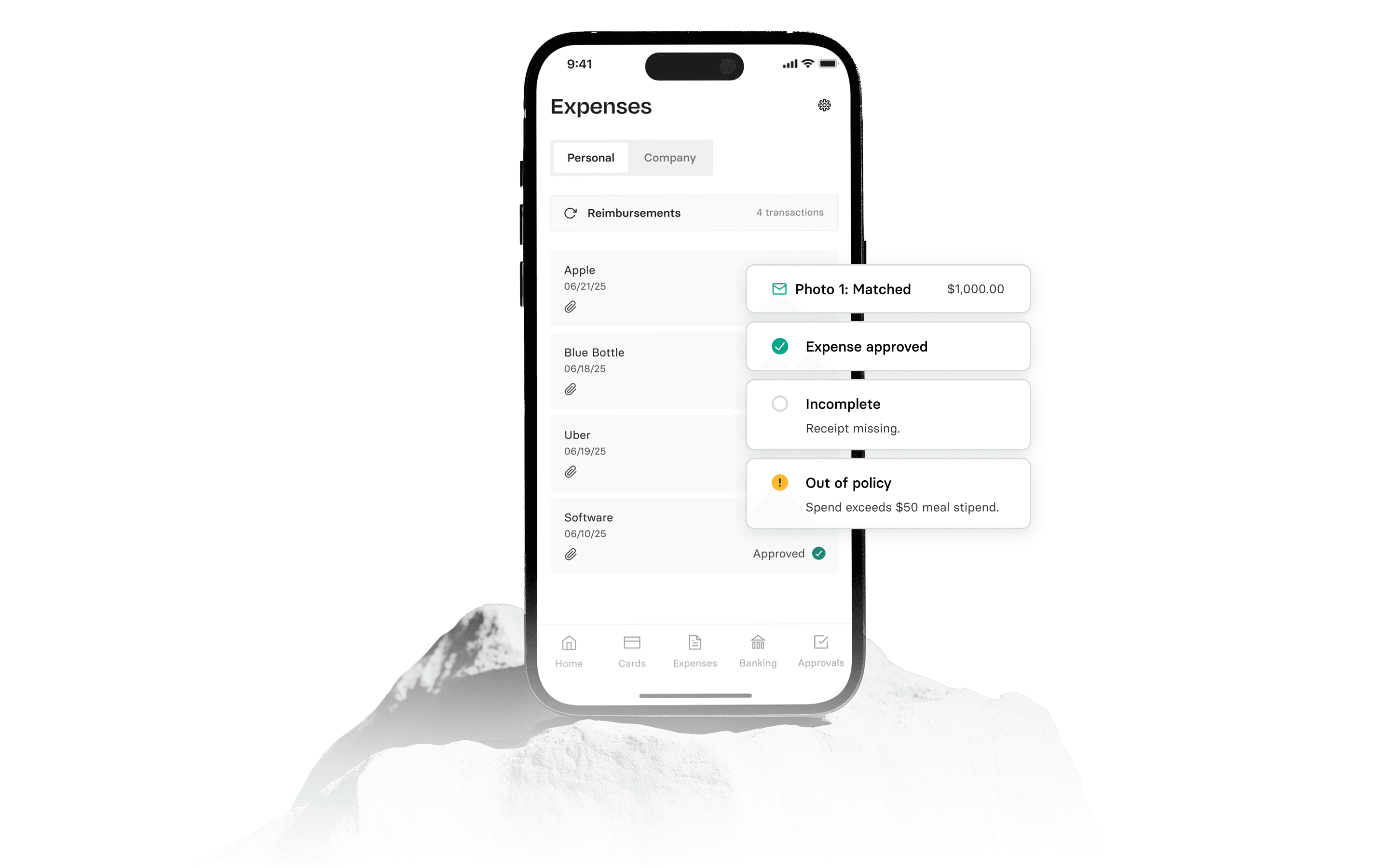
Snap a receipt. Open the Rho app, take a photo.
Let OCR handle the details. Rho extracts the merchant, amount, and date automatically
Track approval status. See exactly where your reimbursement is in the approval process
Rolling out to all users this month.
Also Shipping This Month
Bill Pay UX improvements. Approving and paying bills is now faster with a cleaner, streamlined workflow. You can now know whether you need to add vendor payment details or move straight to approval.
Simultaneous card & user provisioning. Admins can now provision a card during user setup with a single additional click.
Edit reimbursements. Submitted a reimbursement with the wrong amount? You can now edit it before it’s processed.
Attach documents to printed checks. Need to include an invoice or tax form with a mailed check? You can now attach PDFs to printed check mailings.
Interactive card spending graph. Click any bar on the card spending graph and the transaction table filters to show exactly what’s behind that number.
Redesigned accounting mapping rules. The mapping rules tab is now organized into collapsible sections, making it faster to find, edit, and create rules at a glance.
Card Limit Proactive Notifications. Rho sends you a notification before you approach your card limit so you can keep spending uninterrupted.
Bank Letter in Settings. Clients can now download Rho bank letters directly from Settings in the platform
Edit Portfolio (Asset-to-Asset Transfers). Swap between Treasury assets in one action
FAQs
The Spring 2026 release includes Rho Invoicing (beta), team and vendor card management on mobile, a redesigned mobile reimbursements flow, and a range of smaller improvements like bill pay UX updates, card limit notifications, and redesigned accounting mapping rules.
Rho Invoicing lets you create branded invoices, track payment status, and automatically match incoming payments to the correct invoice, all from within your Rho account. Every invoice is also secured with a virtual account number to help minimize the risk of unauthorized debits.
Rho Invoicing launched in beta as part of the Spring 2026 release. If you already have a Rho account, you can get started right away.
From the mobile app, you can view team and vendor cards, check transaction history and balances, adjust spending limits, and lock or cancel cards without opening a laptop.
Yes, the Spring 2026 release marks the first time vendor cards are accessible through the Rho mobile app.
You snap a photo of your receipt in the Rho app, and OCR technology automatically extracts the merchant, amount, and date. You can then track your reimbursement through the approval process directly in the app.
Yes, you can now edit a reimbursement before it has been processed, which is helpful if you submitted it with an incorrect amount.
Rho now sends you a notification before you approach your card spending limit, so you can take action and avoid interruptions to your spending.