
Key takeaways
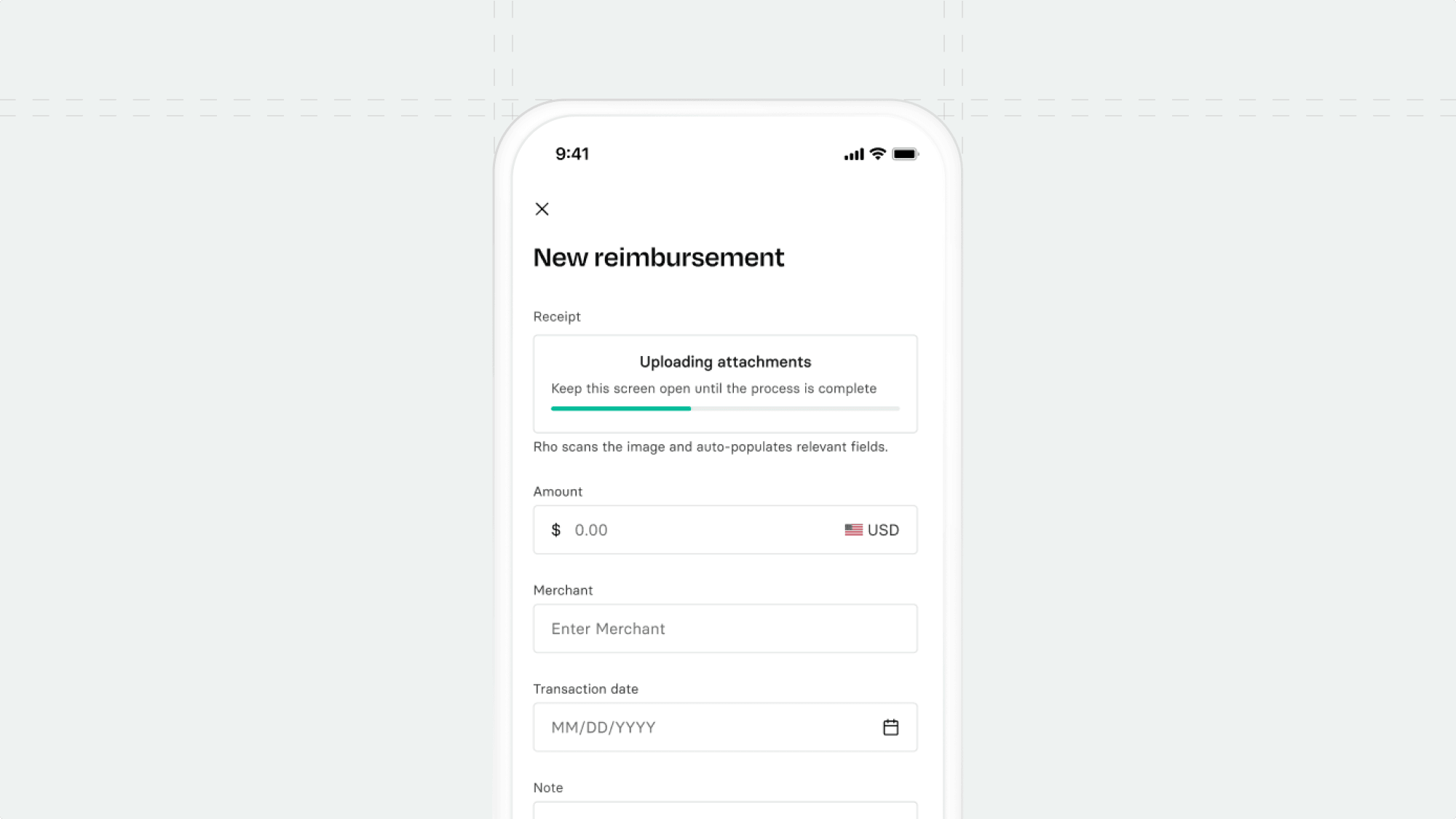
Snap a receipt, skip the data entry. OCR extracts merchant, amount, and date automatically.
Always know where you stand. New reimbursement statuses make the approval flow visible at every step.
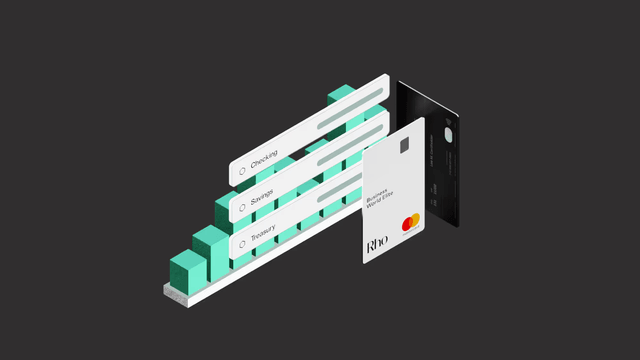
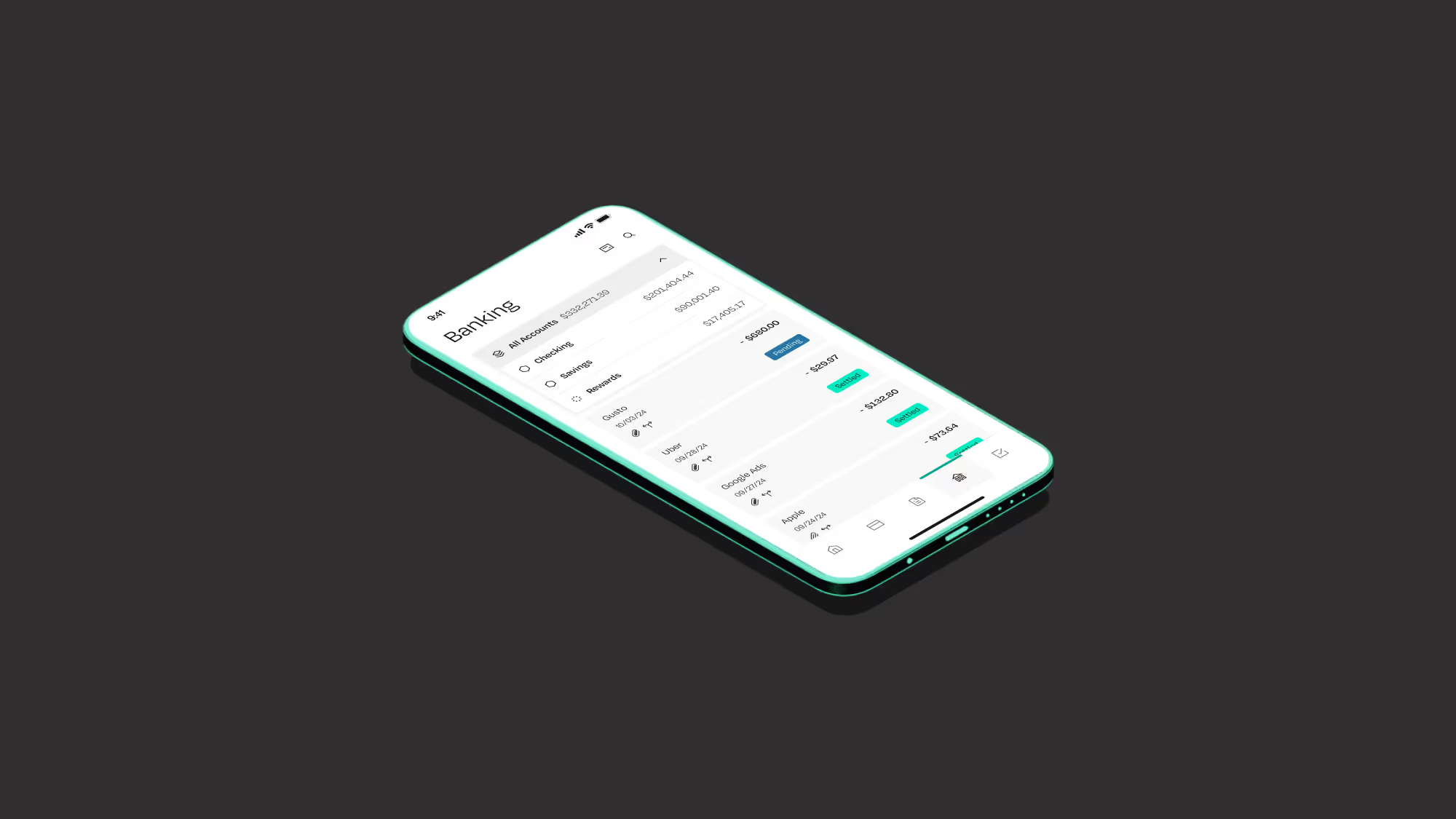
A more polished banking experience. Better balance visibility and clearer pending activity across checking, savings, and treasury.
Expense reporting on mobile has always been a compromise. Desktop-first workflows crammed into a small screen. Too many taps. Too much manual entry. The kind of experience that makes people say "I'll do it later" and then forget.
With today's Rho Mobile release, we rebuilt reimbursements from the ground up.
What changed
We redesigned the mobile reimbursement experience to match the speed of how people actually work.
Snap a receipt, skip the data entry
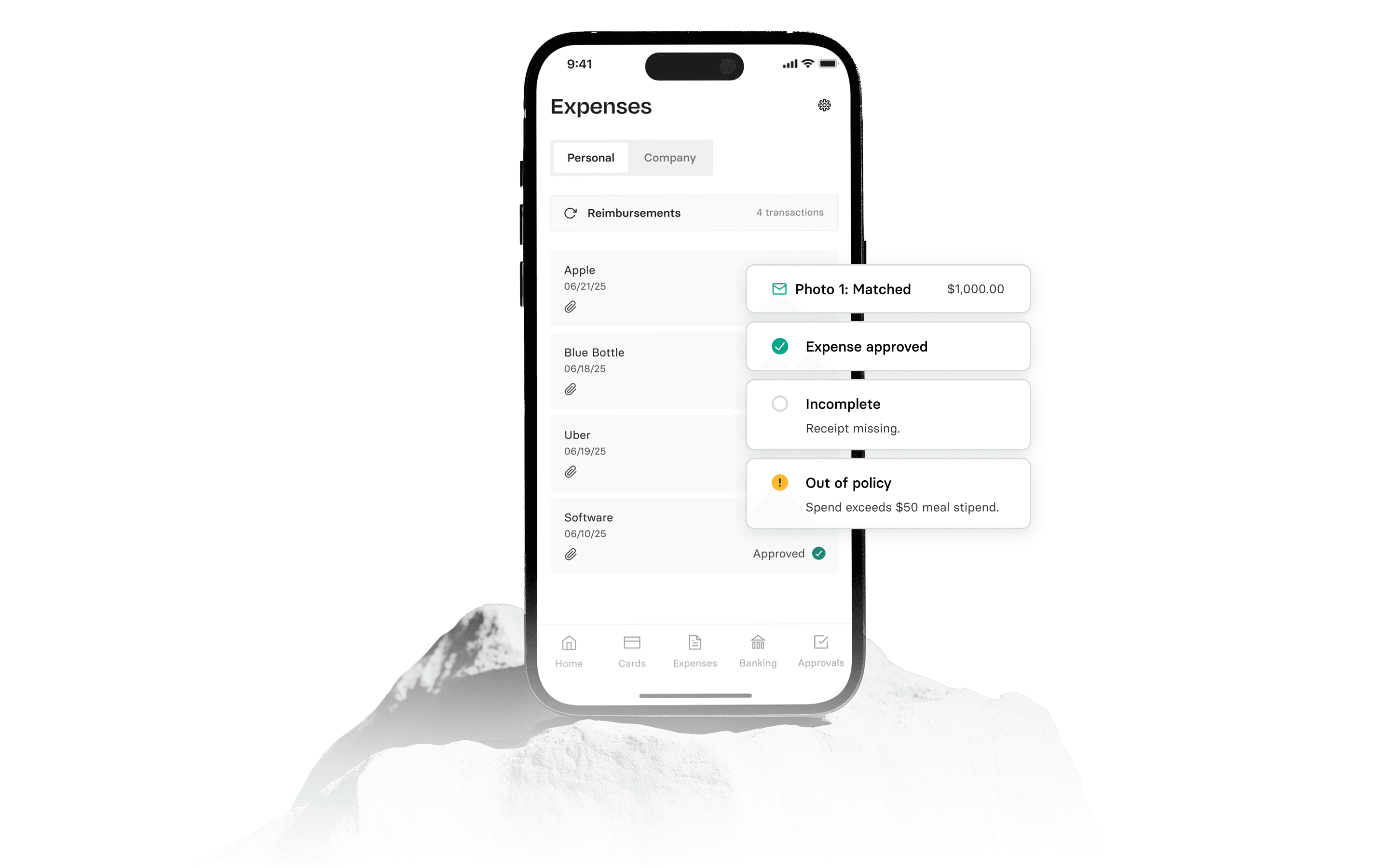
The new submission flow starts with your camera. Upload a receipt, and OCR extracts the details automatically: merchant, amount, date. What used to take a minute of thumb-typing now takes a tap.
This works for both expense and mileage reimbursements. The goal was simple: make it faster to submit on the go than to put it off until you're back at a desk.
Better visibility into approval status
We introduced new reimbursement statuses so you always know where things stand. No more wondering if your submission went through, if it's waiting on someone, or if it got lost in the shuffle. The approval flow is now visible at every step.
A more consistent banking experience
We also polished the banking UI across checking, savings, treasury, and rewards. Better balance visibility. Clearer pending activity. The deposit review flow is smoother. Permission states are easier to understand.
Small details, but they add up to an app that feels more trustworthy and easier to navigate. Live now in Rho Mobile 1.35.
Coming soon
We're bringing card management to mobile.
Team card visibility on mobile
Admins will be able to view team cards directly in the mobile app, making it easier to quickly check card status and recent activity while away from a desktop. This closes a key parity gap with web by giving on-the-go visibility into the same card details clients rely on for day-to-day oversight.
Vendor card visibility on mobile
Admins and vendor card holders will be able to view vendor cards in the mobile app, bringing recurring spend management closer to parity with web. This adds mobile visibility into vendor-tied cards so admins can monitor and manage vendor spend more easily when they're not at a computer.
FAQs
Rho rebuilt the mobile reimbursement flow from the ground up, introducing OCR-powered receipt scanning and new approval status tracking. These updates are live in Rho Mobile 1.35.
When you upload a receipt, OCR automatically extracts the merchant, amount, and date so you do not have to enter those details manually. This works for both expense and mileage reimbursements.
Rho introduced new reimbursement statuses that show where your request stands at every step of the approval flow. You can see whether a submission is awaiting approval, paid, or at another stage directly in the app.
Yes, the updated submission flow supports both expense and mileage reimbursements. You can toggle between the two when creating a new request.
The release also polished the banking UI across checking, savings, treasury, and rewards accounts, with better balance visibility, clearer pending activity, and a smoother deposit review flow.
Rho is working on bringing team card and vendor card visibility to the mobile app, so admins can check card status and recent activity without needing to be at a desktop.